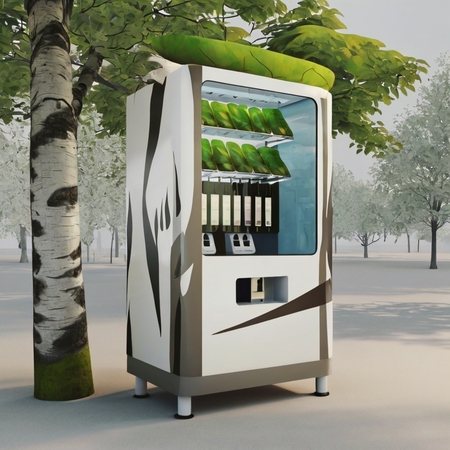
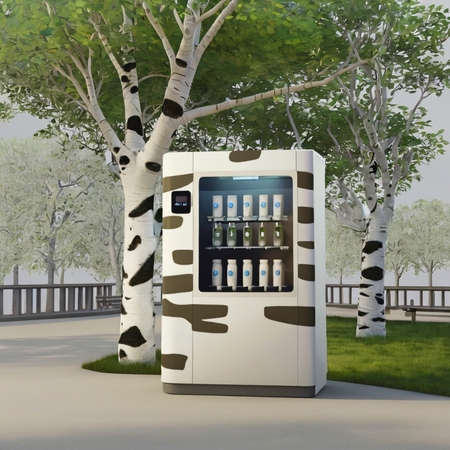
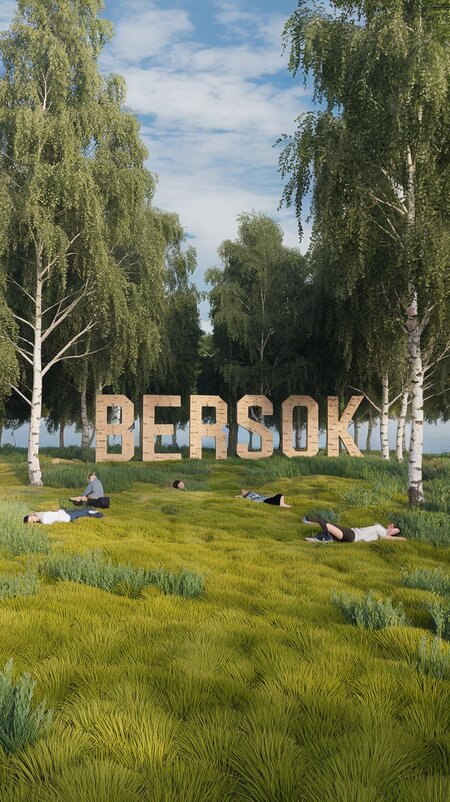
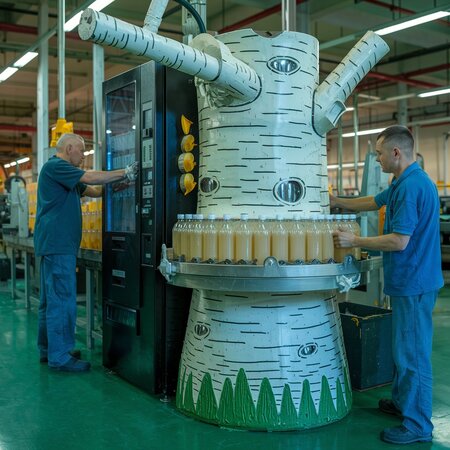
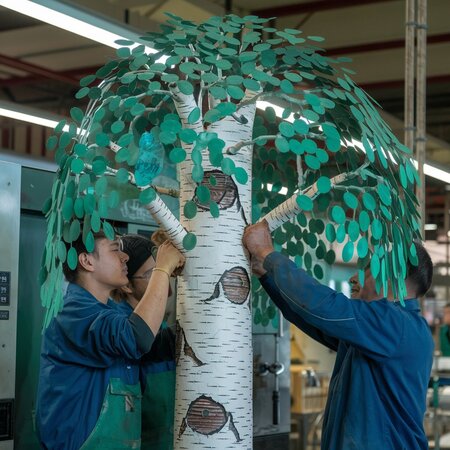
Берсок — это венгдинговые автоматы по разливу берёзового сока, расположенные на улицах вашего города!
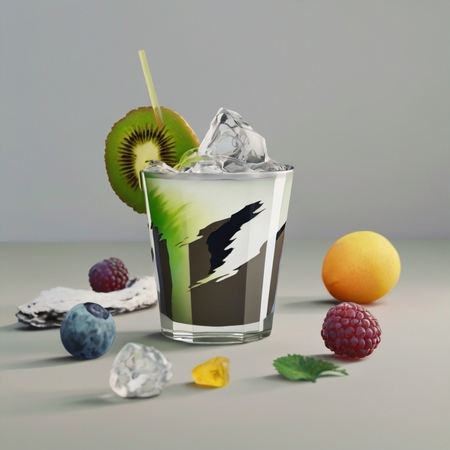
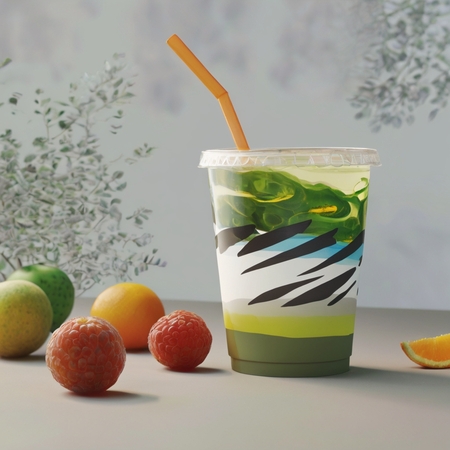
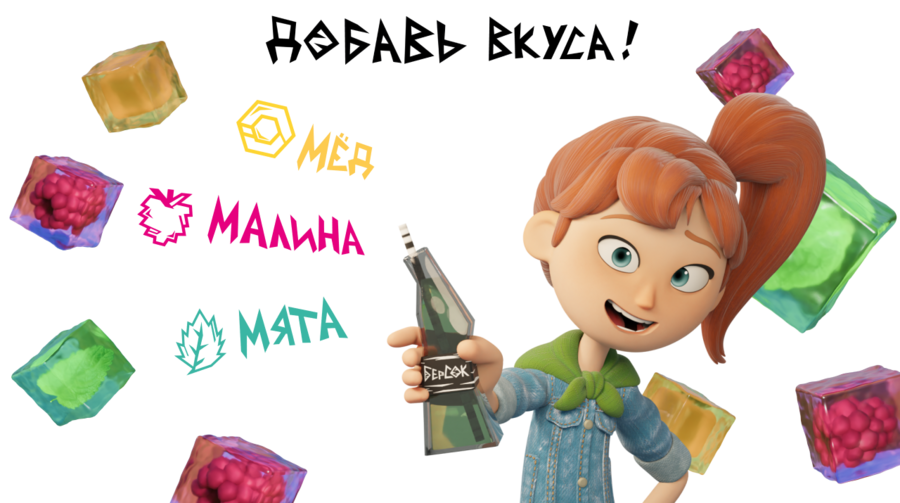
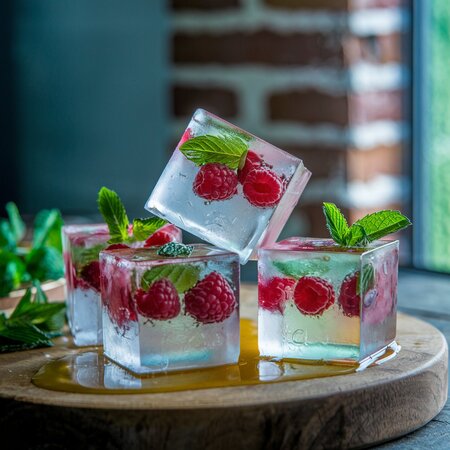
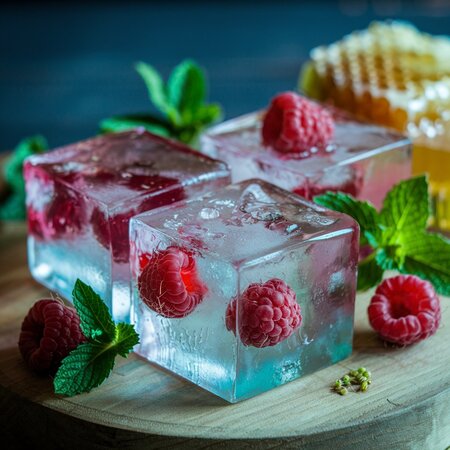
В жаркую погоду освежитесь стаканчиком натурального прохладительного напитка, при желании добавьте лёд с различными вкусами.
Original size 2820x325
Проект на старом портфолио — https://portfolio.hse.ru/Project/214972
Продукция
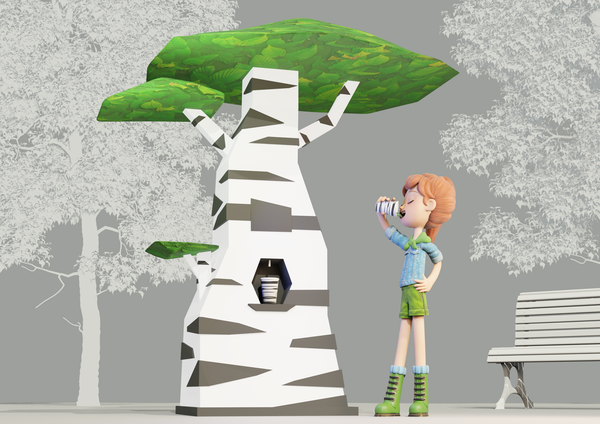
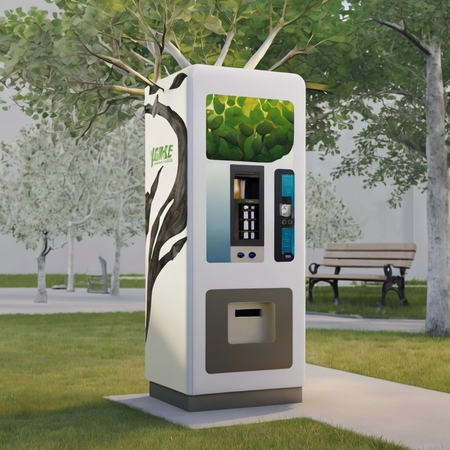
Вендинговый автомат в парке
1. Оригинальный дизайн
2. Дизайн, созданный при помощи нейросетей
Другие варианты дизайна автомата
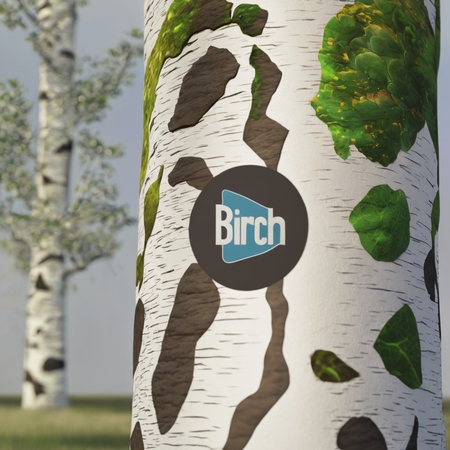
Дизайн стаканчиков с соком, созданный при помощи нейросетей
Original size 1280x715
Свой дизайн льда для напитка
Дизайн льда, созданный при помощи нейросетей
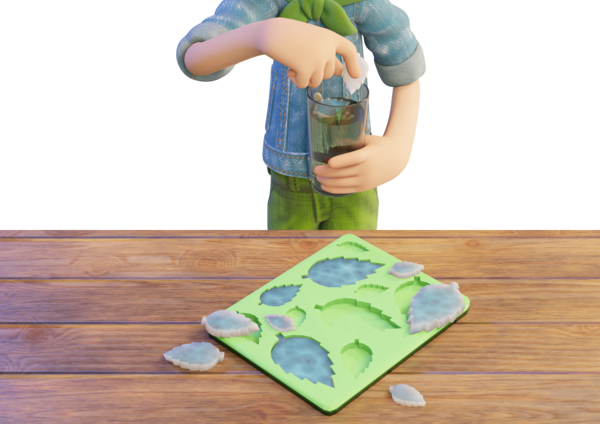
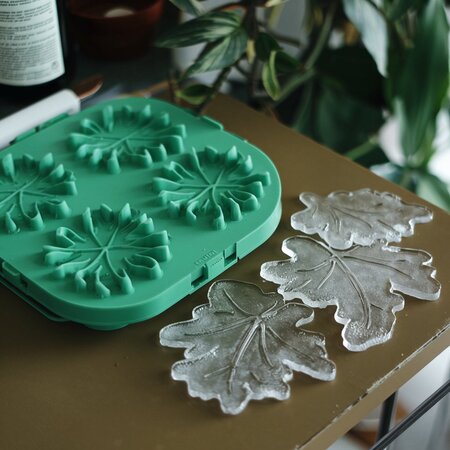
Формы для производства льда
1. Свой дизайн
2. Дизайн, созданный при помощи нейросетей
Original size 1024x1024
Дизайн формы для льда, созданный при помощи нейросетей
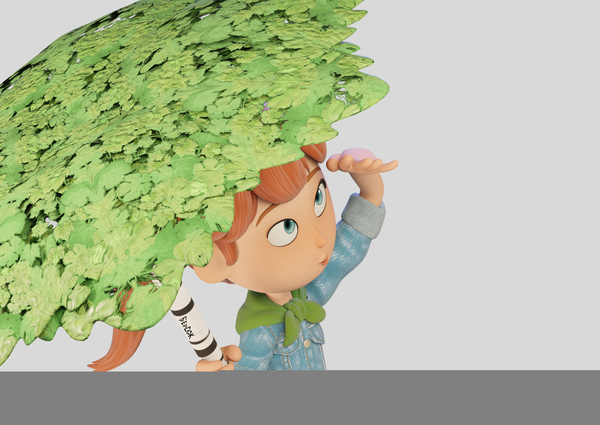
Мерч — зонт
1. Свой дизайн
2. Дизайн, созданный при помощи нейросетей
Original size 1024x1024
Дизайн зонта, созданный при помощи нейросетей
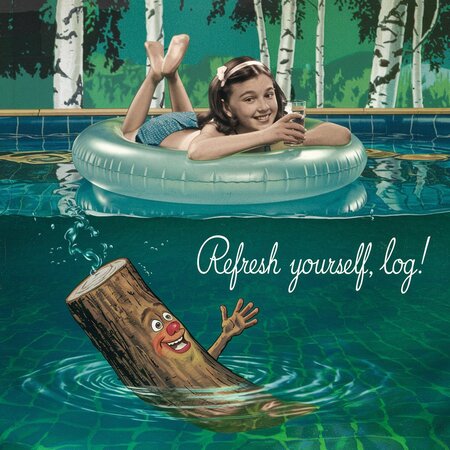
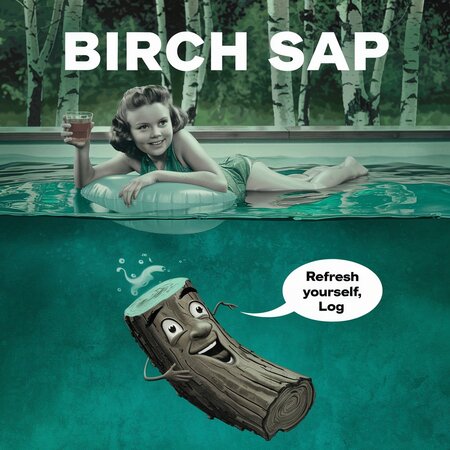
Промо-материалы
Loading...
Original size 735x331
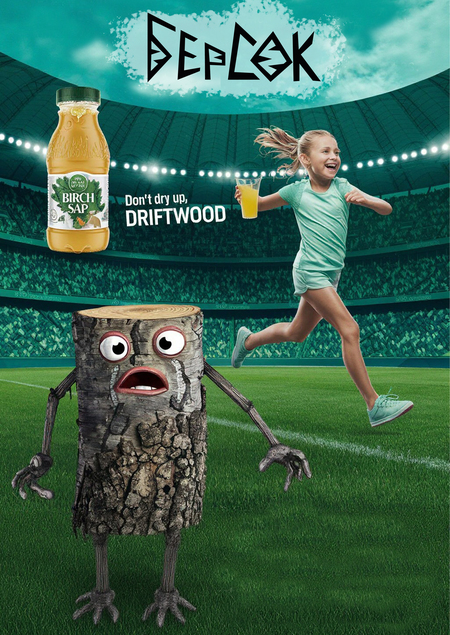
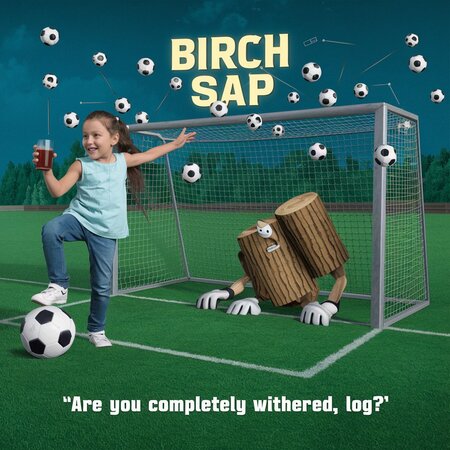
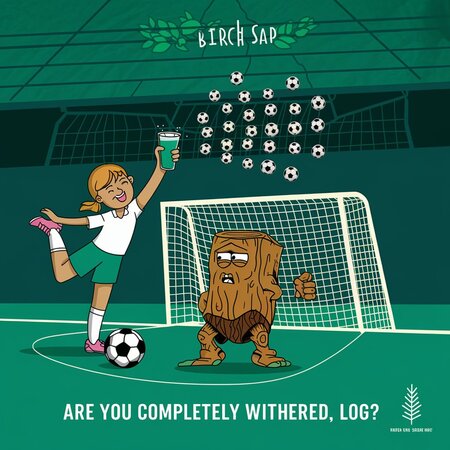
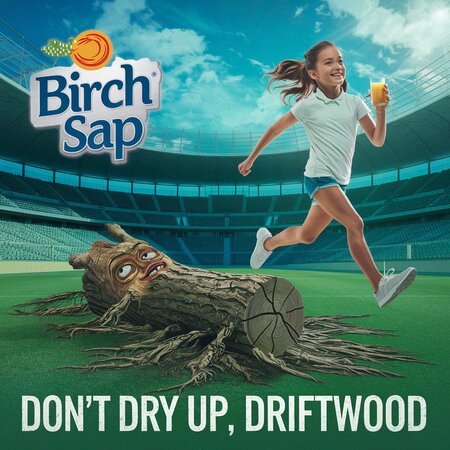
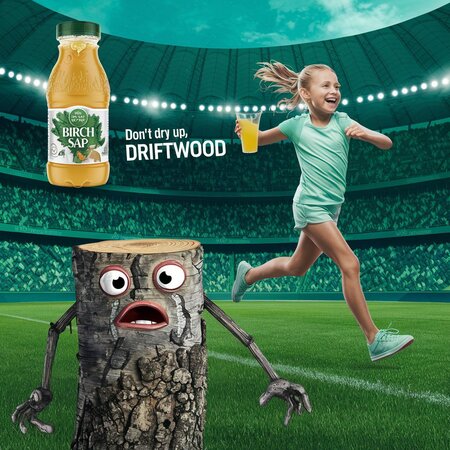
Плакаты, созданные самостоятельно
Айдентика
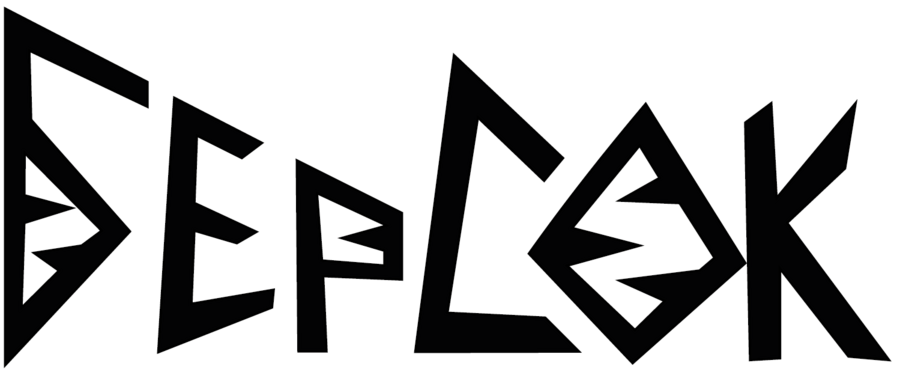
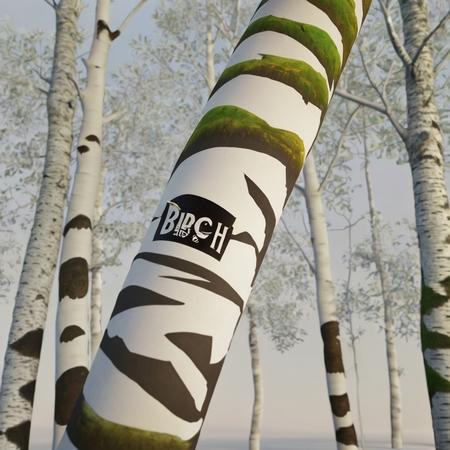
Возможные варианты логотипа, созданные при помощи нейросетей
Анна Кирина создала проект BERSOK, представляющий вендинговые автоматы для разлива берёзового сока на улицах города. Проект включает в себя создание изображений с использованием нейросетей Leonardo и Ideogram по заданным промптам на английском языке.
Мария Десяткова создала визуальный ребрендинг бренда косметики «Ведьмин котелок» с использованием нейросетей. Проект включает генерацию логотипа, типографики, цветовой палитры и носителей в стиле Pre-Raphaelites.
Алина Полынникова создала бренд стильных косметичек "Cove", которые дарят радость и положительные эмоции девушкам. Проект включает в себя уникальные косметички "сюрприз", созданные с использованием инструментов Leonardo.Ai, Ideogram и Adobe Color.
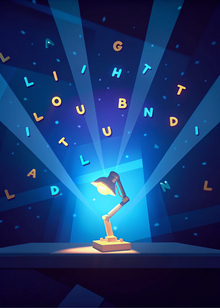
Данила Копотилов создал видеоигру Lightbound, в которой игрок управляет лампой, ищущей знания в мире, разделённом светом и тьмой. Проект включает в себя 2D-графику, вдохновлённую играми вроде Endling, с тёмными локациями и врагами, поглощающими свет.
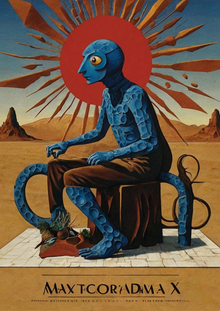
Арина Мокшина создала проект AI DADAMAX, посвящённый выставке Макса Эрнста с использованием нейросетей для генерации изображений. В проекте применялись методы описания изображений через нейросеть Leonardo.ai и адаптации промптов на основе предыдущих работ.
We use cookies to improve the operation of the website and to enhance its usability. More detailed information on the use of cookies can be fo...
Show more
Press space bar to start a drag.
When dragging you can use the arrow keys to move the item around and escape to cancel.
Some screen readers may require you to be in focus mode or to use your pass through key
Press space bar to start a drag.
When dragging you can use the arrow keys to move the item around and escape to cancel.
Some screen readers may require you to be in focus mode or to use your pass through key
Press space bar to start a drag.
When dragging you can use the arrow keys to move the item around and escape to cancel.
Some screen readers may require you to be in focus mode or to use your pass through key
Press space bar to start a drag.
When dragging you can use the arrow keys to move the item around and escape to cancel.
Some screen readers may require you to be in focus mode or to use your pass through key
Press space bar to start a drag.
When dragging you can use the arrow keys to move the item around and escape to cancel.
Some screen readers may require you to be in focus mode or to use your pass through key
Press space bar to start a drag.
When dragging you can use the arrow keys to move the item around and escape to cancel.
Some screen readers may require you to be in focus mode or to use your pass through key
Press space bar to start a drag.
When dragging you can use the arrow keys to move the item around and escape to cancel.
Some screen readers may require you to be in focus mode or to use your pass through key
Press space bar to start a drag.
When dragging you can use the arrow keys to move the item around and escape to cancel.
Some screen readers may require you to be in focus mode or to use your pass through key
Press space bar to start a drag.
When dragging you can use the arrow keys to move the item around and escape to cancel.
Some screen readers may require you to be in focus mode or to use your pass through key
Press space bar to start a drag.
When dragging you can use the arrow keys to move the item around and escape to cancel.
Some screen readers may require you to be in focus mode or to use your pass through key
Press space bar to start a drag.
When dragging you can use the arrow keys to move the item around and escape to cancel.
Some screen readers may require you to be in focus mode or to use your pass through key
Press space bar to start a drag.
When dragging you can use the arrow keys to move the item around and escape to cancel.
Some screen readers may require you to be in focus mode or to use your pass through key
Press space bar to start a drag.
When dragging you can use the arrow keys to move the item around and escape to cancel.
Some screen readers may require you to be in focus mode or to use your pass through key
Press space bar to start a drag.
When dragging you can use the arrow keys to move the item around and escape to cancel.
Some screen readers may require you to be in focus mode or to use your pass through key