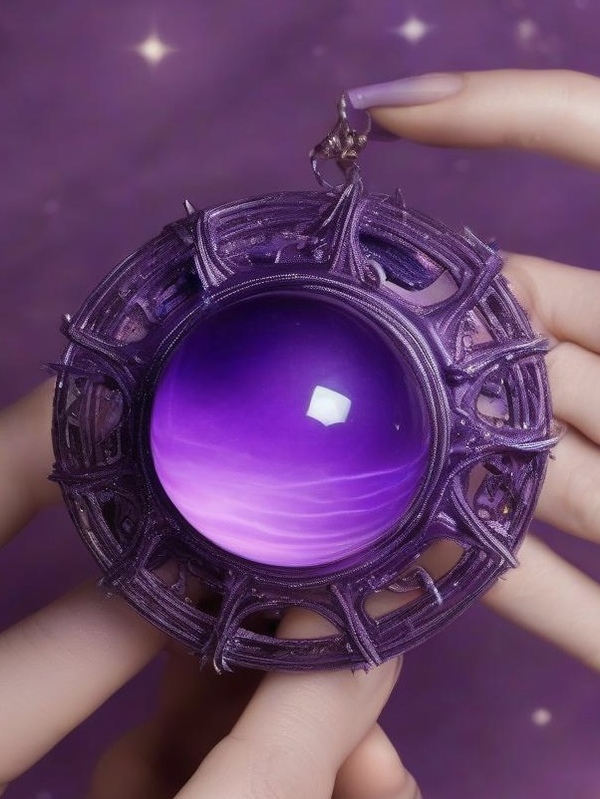
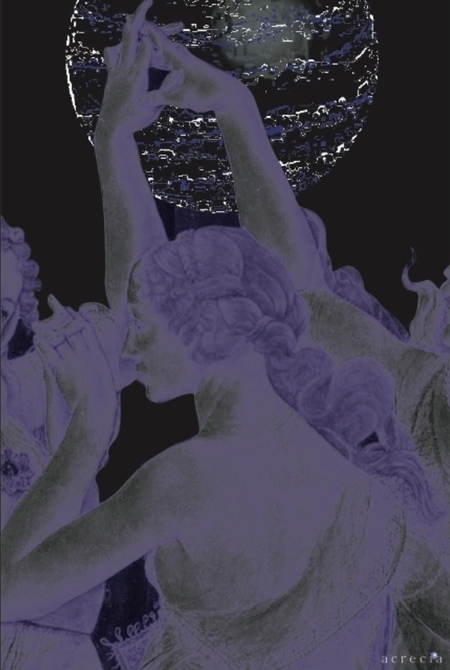
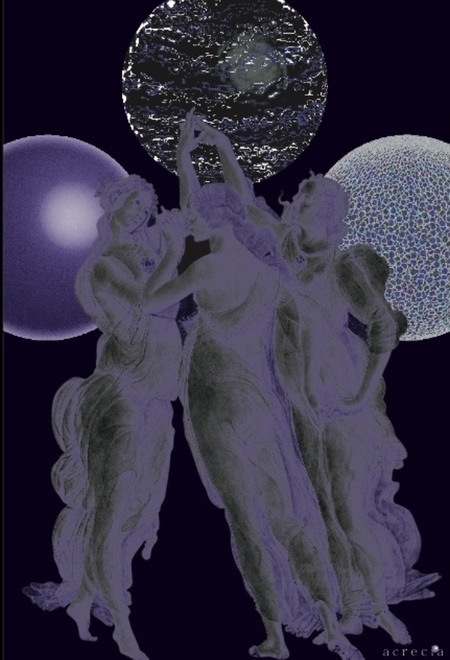
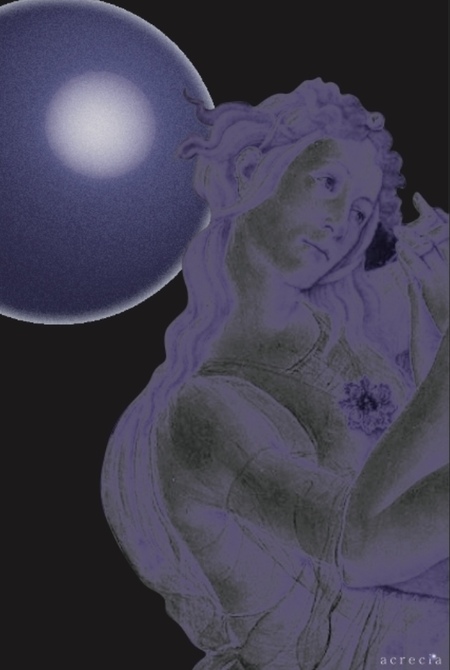
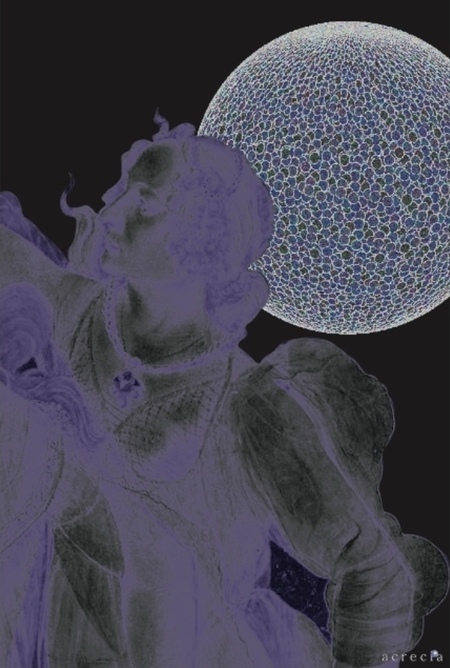
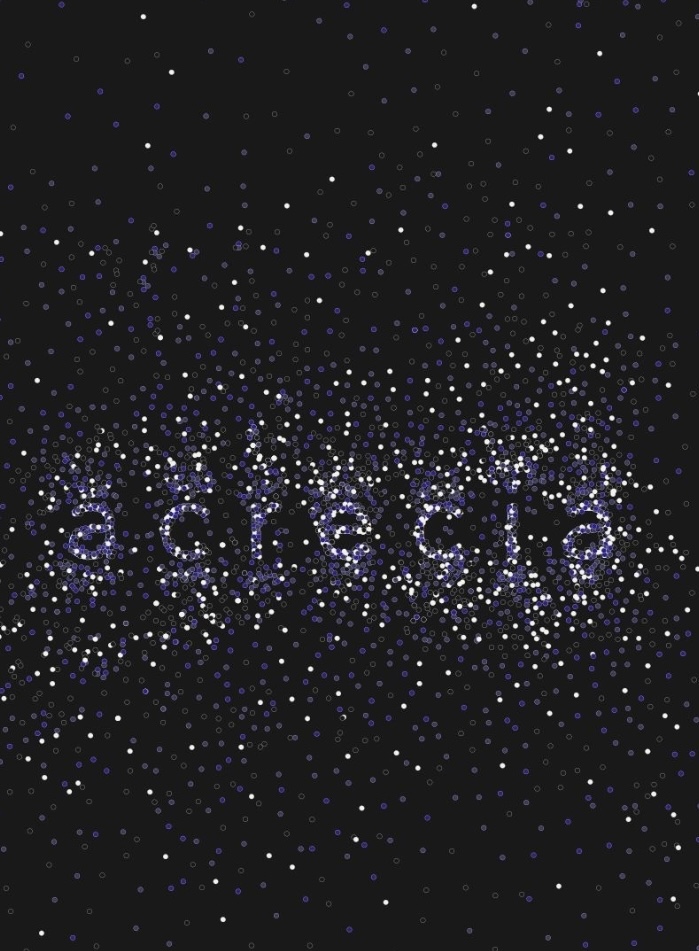
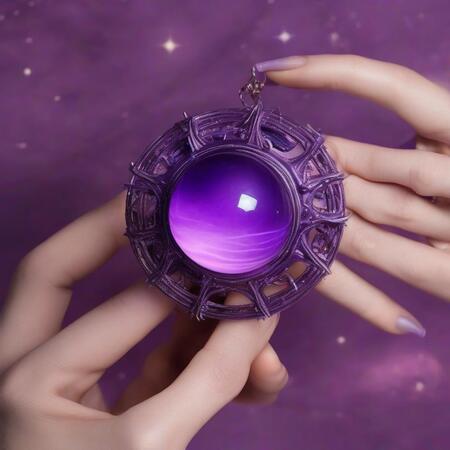
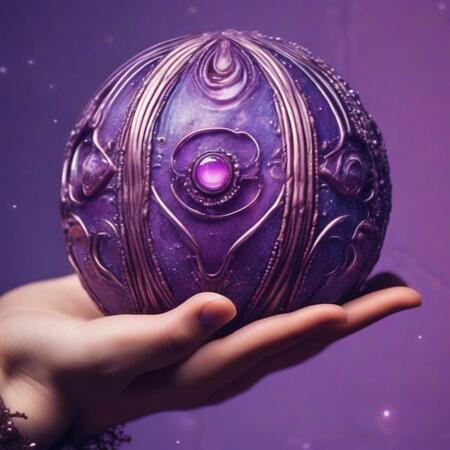
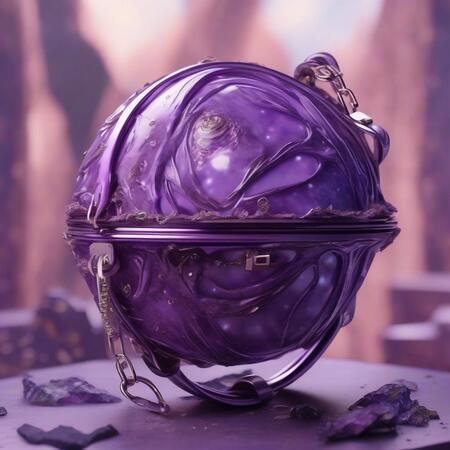
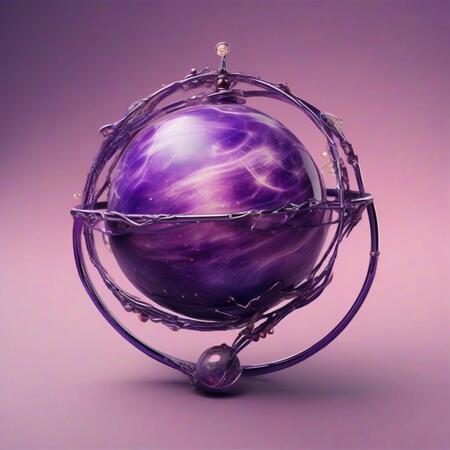
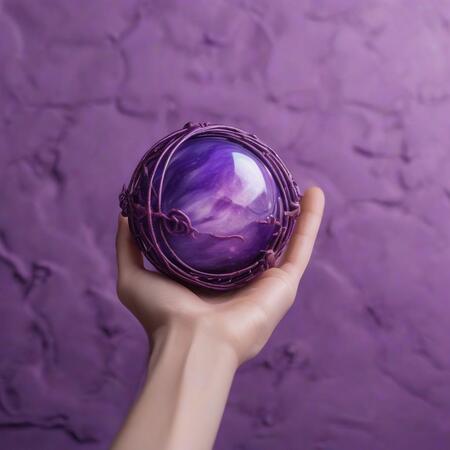
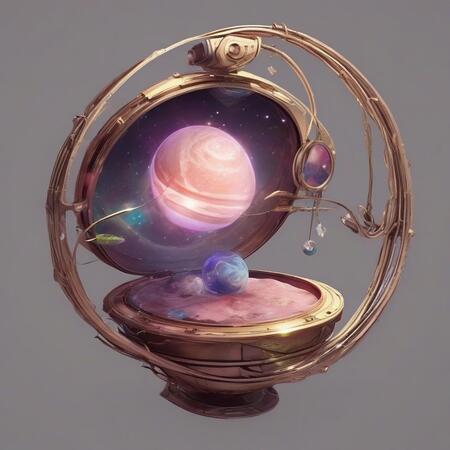
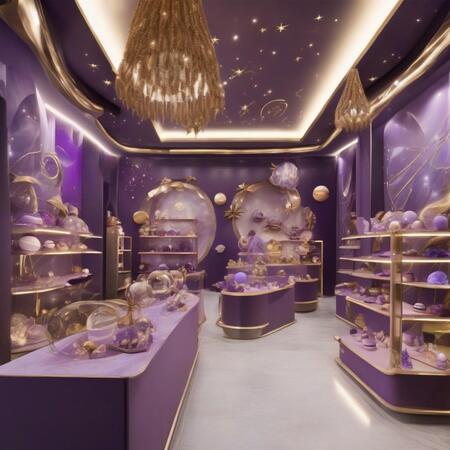
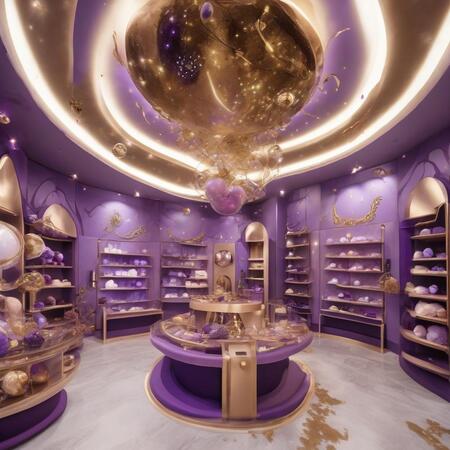
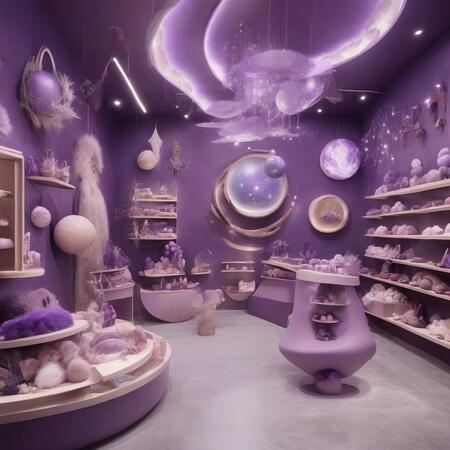
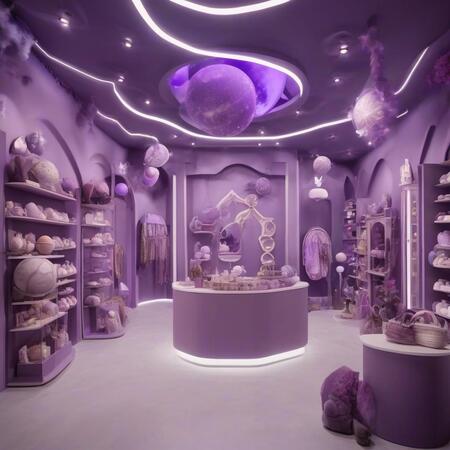
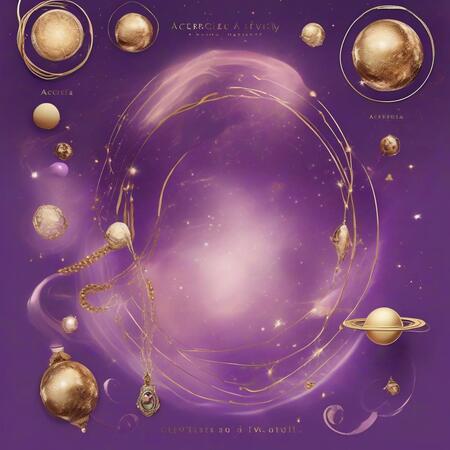
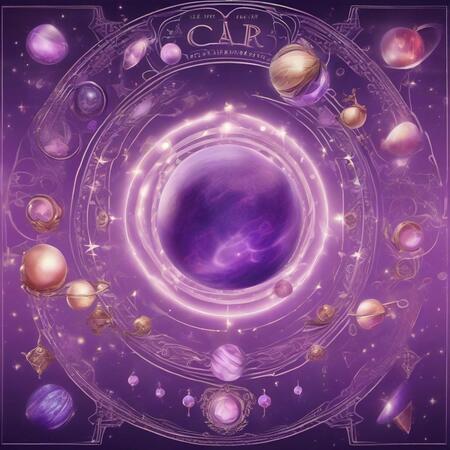
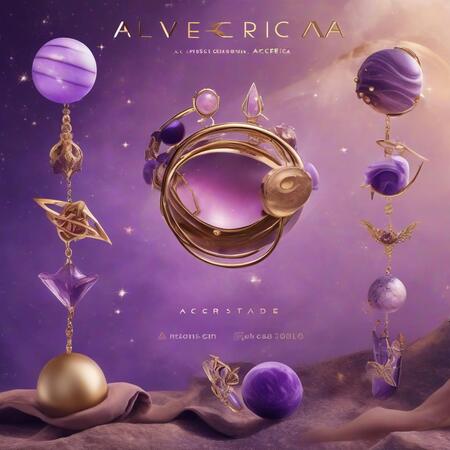
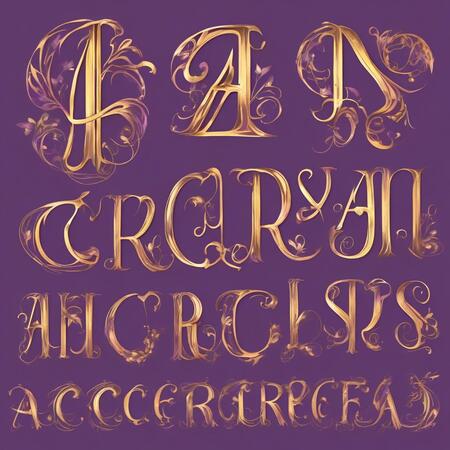
Вероника Рябуха создала концепцию бренда ручных планет-аксессуаров Acrecia, которые служат украшением и талисманом. Проект включает в себя визуальные материалы, такие как айдентика, промо и интерьеры магазина, созданные с использованием Stable Diffusion XL.
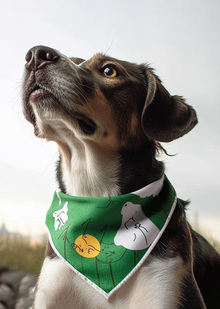
Александра Воронцова создала редизайн проекта «Dome» с использованием нейросетей для защиты домашних питомцев от насекомых. Проект включает генерацию логотипа, фирменных цветов, упаковки и рекламных материалов с помощью инструментов вроде Midjourney и Adobe Color.
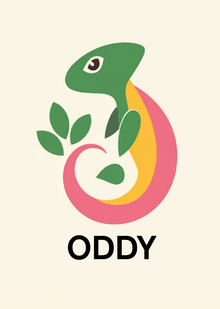
Мария Королева переработала свой старый проект в ветеринарную клинику для экзотичных животных «ODDY» с использованием нейросетей. Проект включает рекомендации по стилю, цветам, шрифтам и элементам логотипа для брендинга клиники.
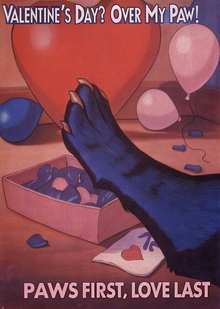
Мария Коновалова создала игру Angry Dogs, в которой игроки наезжают на влюблённые пары с помощью агрессивных собак в стиле point-and-click. Проект включает в себя иллюстрации, созданные с использованием стиля русского художника Николая Рериха через инструмент Recraft.Ai.
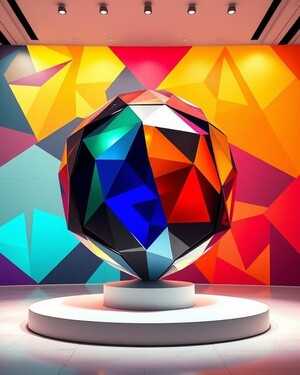
Денис Вознесенский создал виртуальную выставку арт-видеоигр «Screen Worlds», используя нейросети для генерации визуальных элементов. Проект включает в себя генерацию реалистичных изображений экспонатов, пространства выставки и минималистичного логотипа с помощью конкретных промптов.
We use cookies to improve the operation of the website and to enhance its usability. More detailed information on the use of cookies can be fo...
Show more
Press space bar to start a drag.
When dragging you can use the arrow keys to move the item around and escape to cancel.
Some screen readers may require you to be in focus mode or to use your pass through key
Press space bar to start a drag.
When dragging you can use the arrow keys to move the item around and escape to cancel.
Some screen readers may require you to be in focus mode or to use your pass through key
Press space bar to start a drag.
When dragging you can use the arrow keys to move the item around and escape to cancel.
Some screen readers may require you to be in focus mode or to use your pass through key
Press space bar to start a drag.
When dragging you can use the arrow keys to move the item around and escape to cancel.
Some screen readers may require you to be in focus mode or to use your pass through key
Press space bar to start a drag.
When dragging you can use the arrow keys to move the item around and escape to cancel.
Some screen readers may require you to be in focus mode or to use your pass through key
Press space bar to start a drag.
When dragging you can use the arrow keys to move the item around and escape to cancel.
Some screen readers may require you to be in focus mode or to use your pass through key
Press space bar to start a drag.
When dragging you can use the arrow keys to move the item around and escape to cancel.
Some screen readers may require you to be in focus mode or to use your pass through key
Press space bar to start a drag.
When dragging you can use the arrow keys to move the item around and escape to cancel.
Some screen readers may require you to be in focus mode or to use your pass through key
Press space bar to start a drag.
When dragging you can use the arrow keys to move the item around and escape to cancel.
Some screen readers may require you to be in focus mode or to use your pass through key
Press space bar to start a drag.
When dragging you can use the arrow keys to move the item around and escape to cancel.
Some screen readers may require you to be in focus mode or to use your pass through key
Press space bar to start a drag.
When dragging you can use the arrow keys to move the item around and escape to cancel.
Some screen readers may require you to be in focus mode or to use your pass through key
Press space bar to start a drag.
When dragging you can use the arrow keys to move the item around and escape to cancel.
Some screen readers may require you to be in focus mode or to use your pass through key