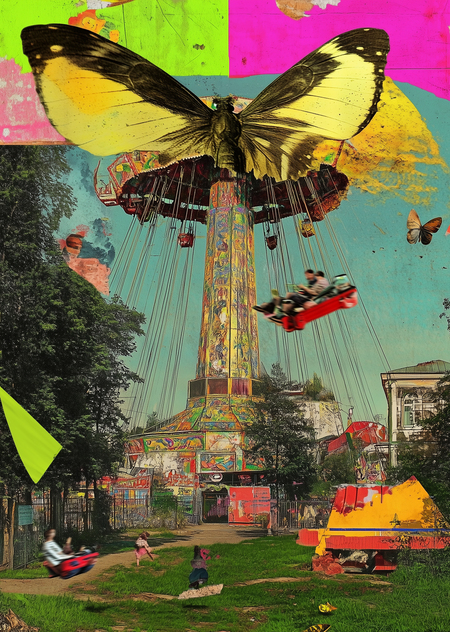
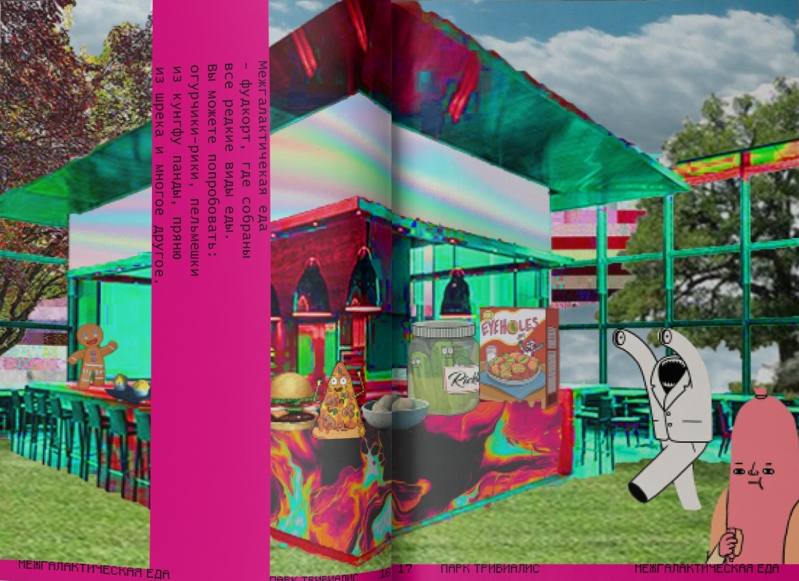
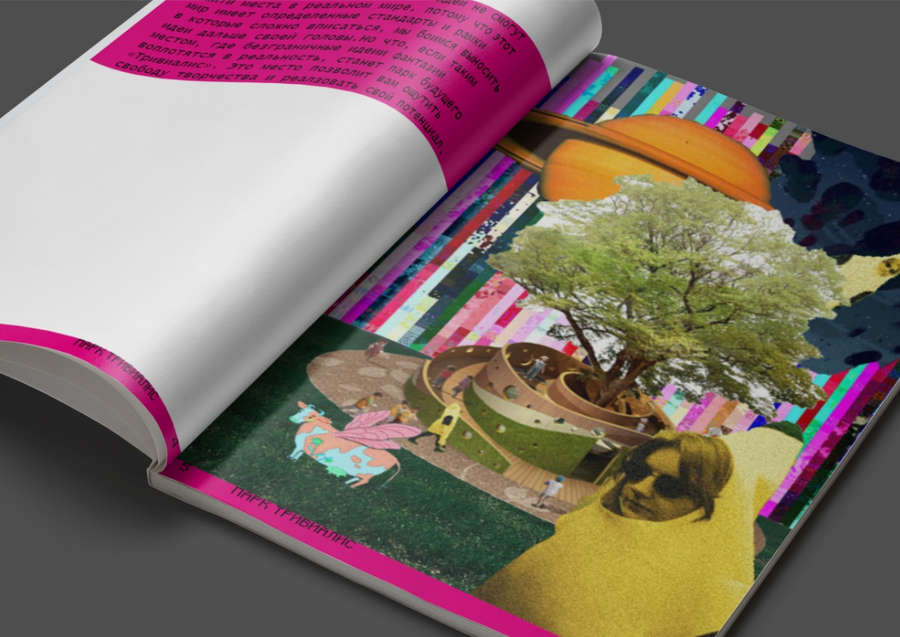
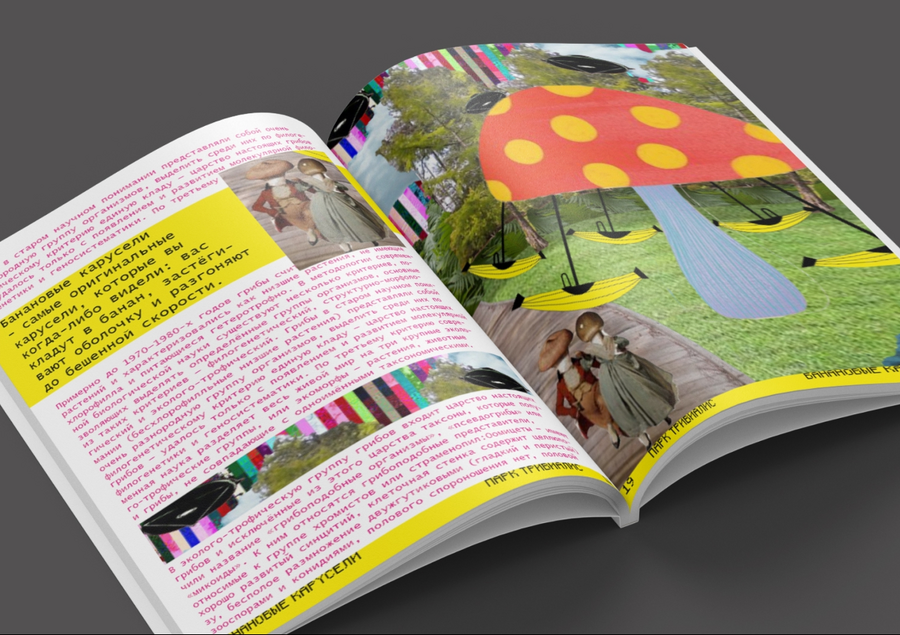
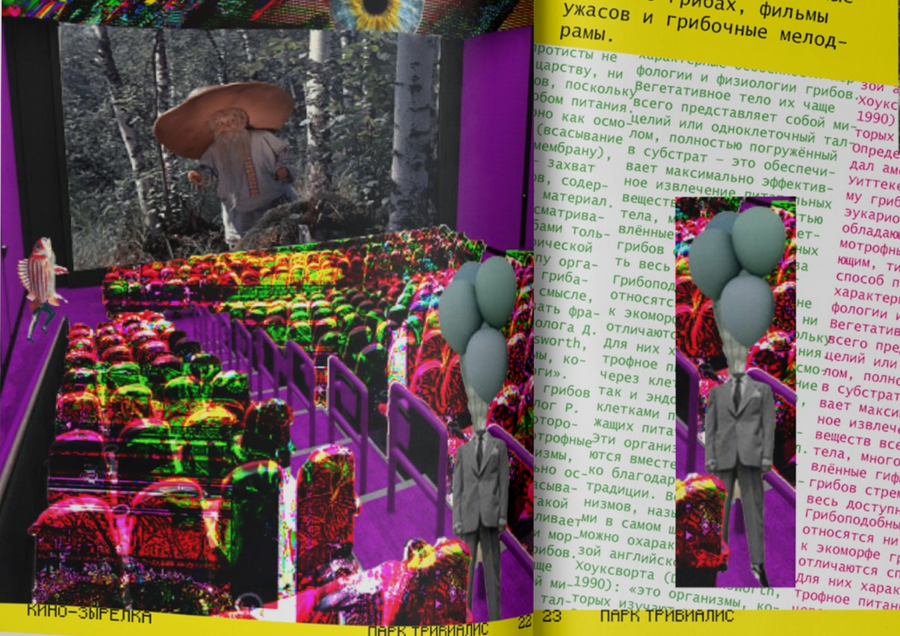
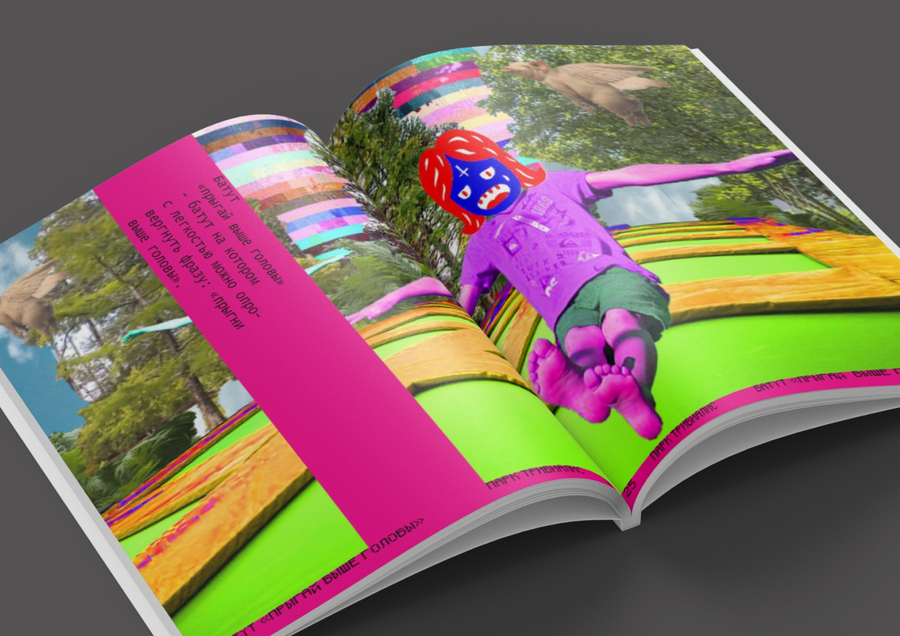
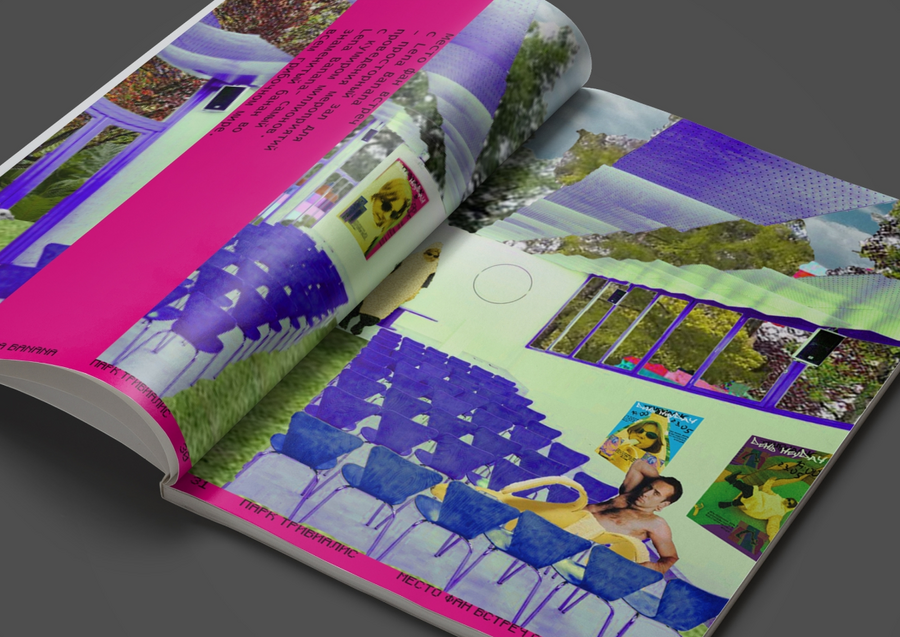
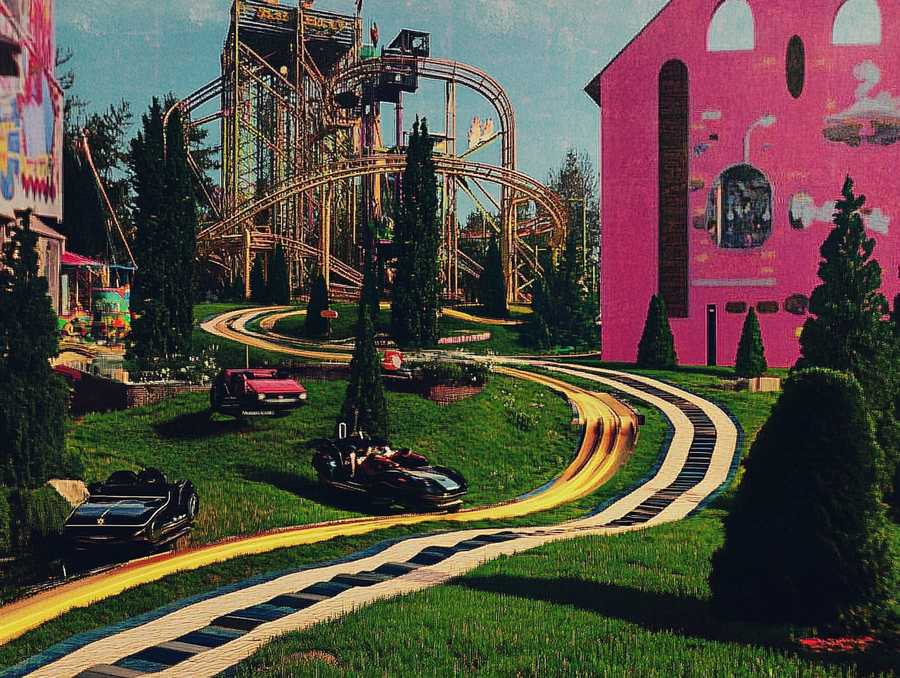
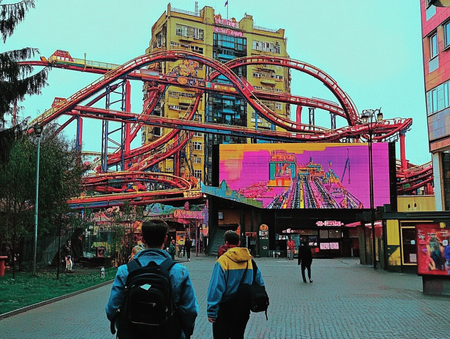
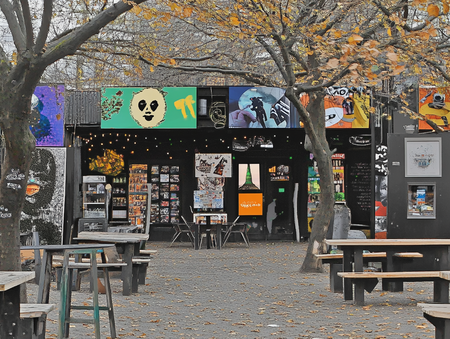
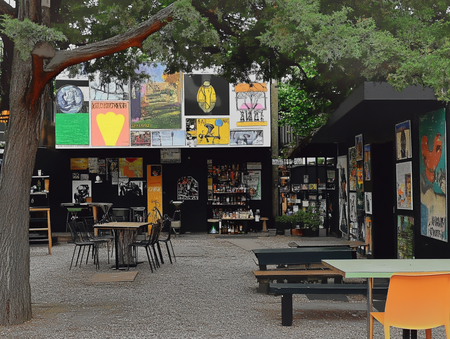
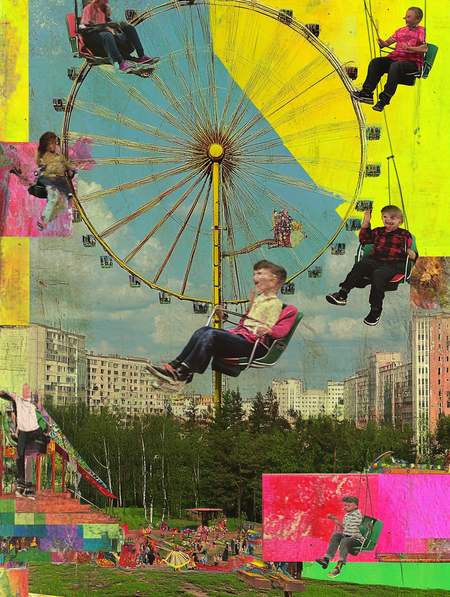
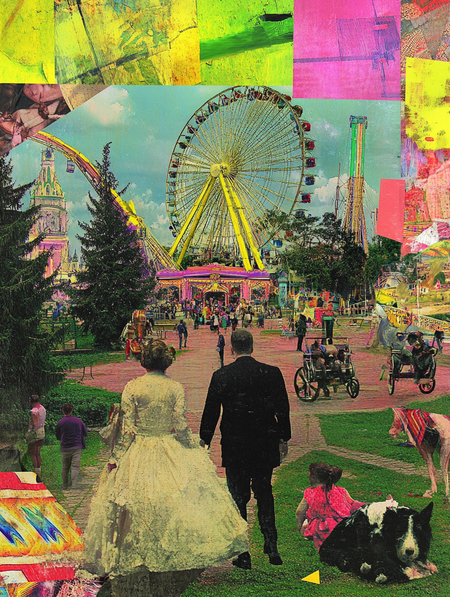
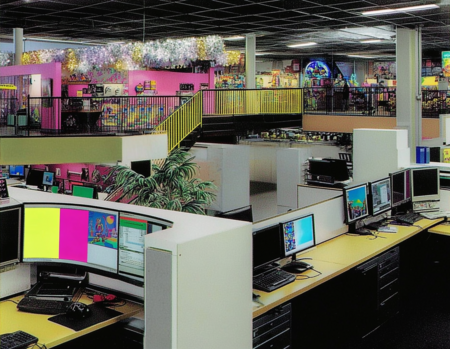
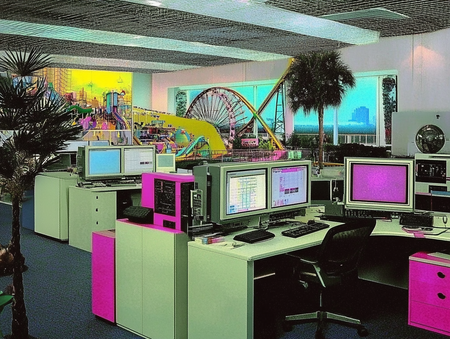
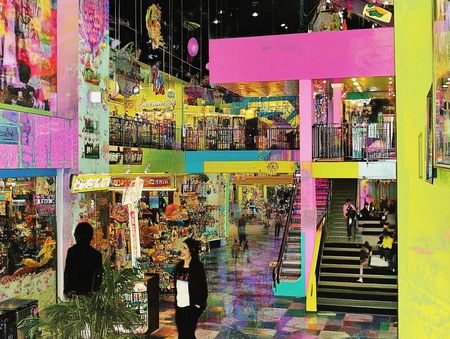
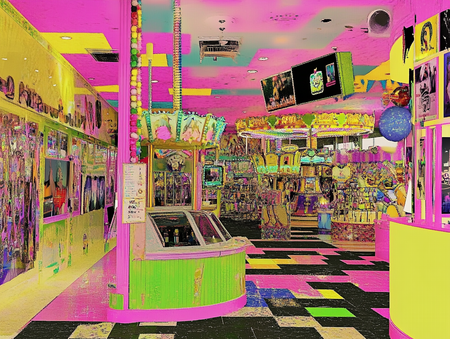
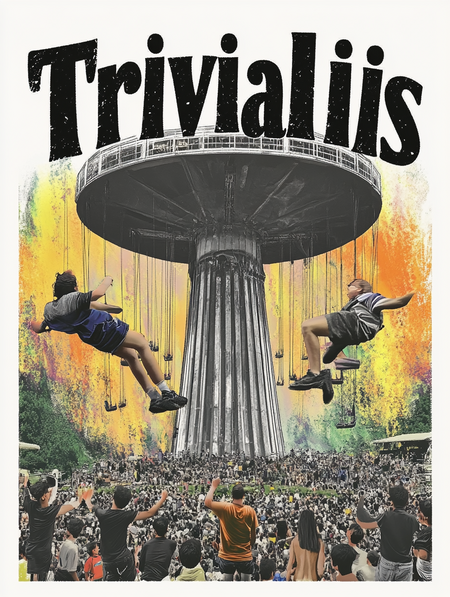
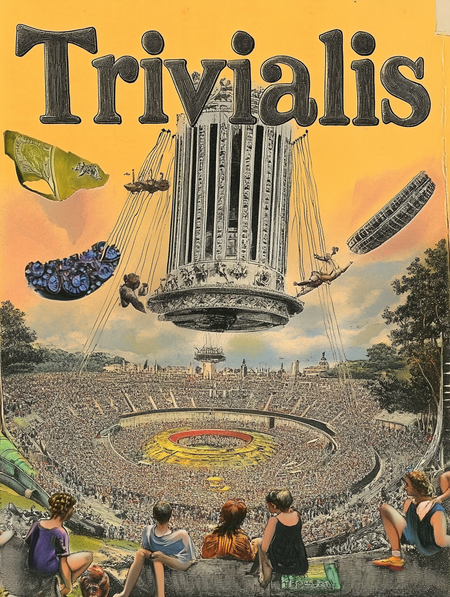
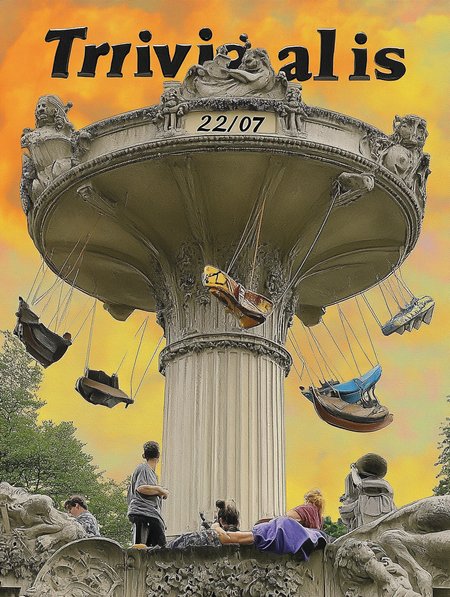
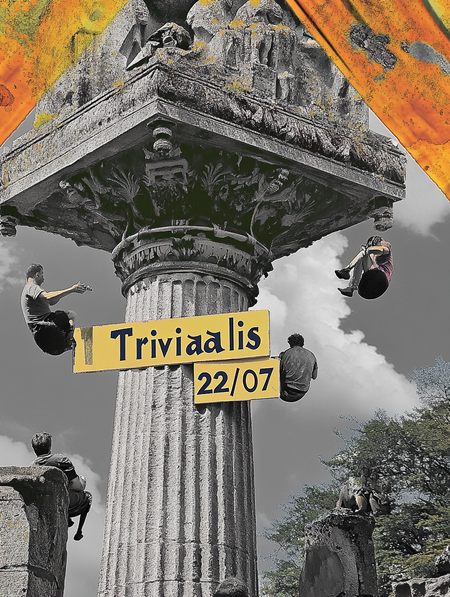
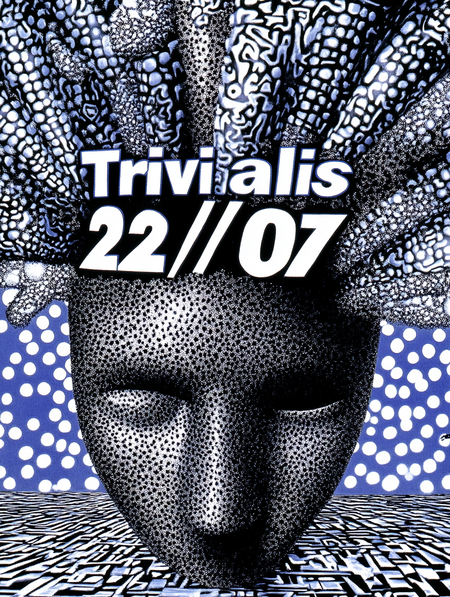
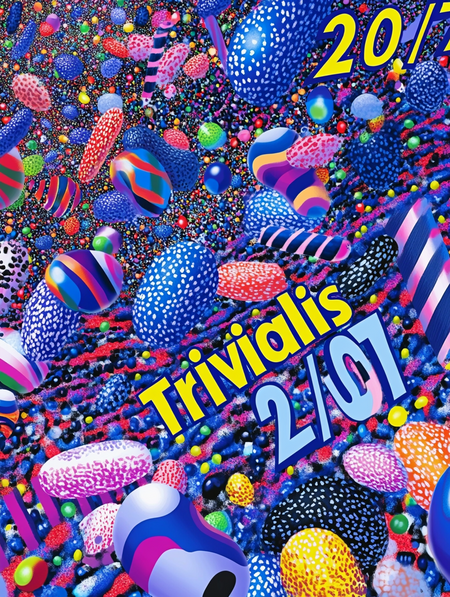
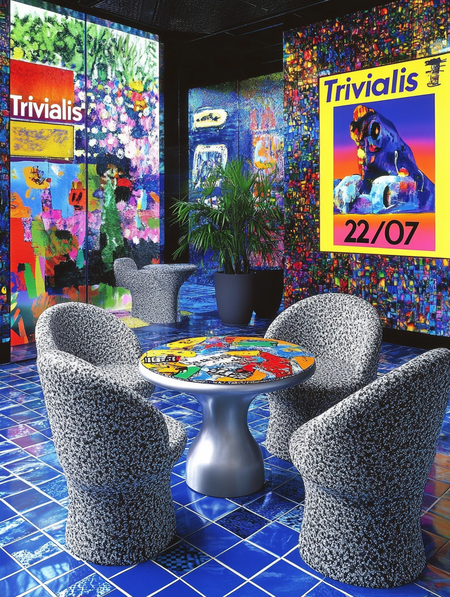
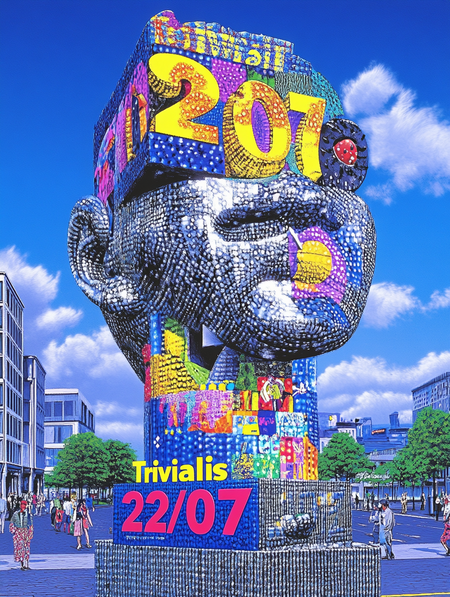
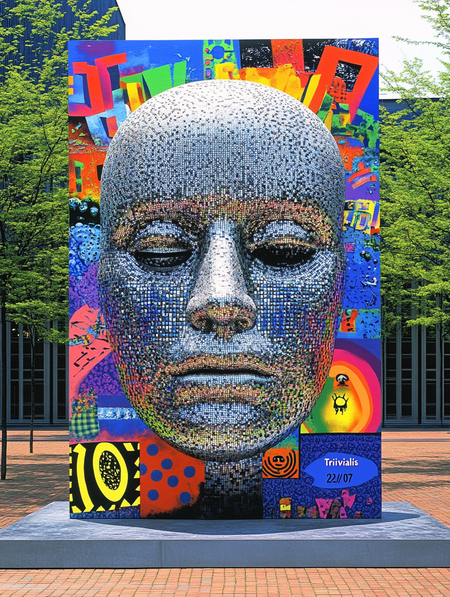
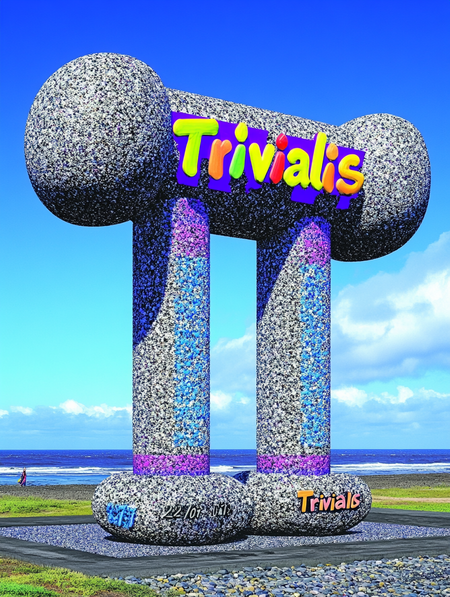
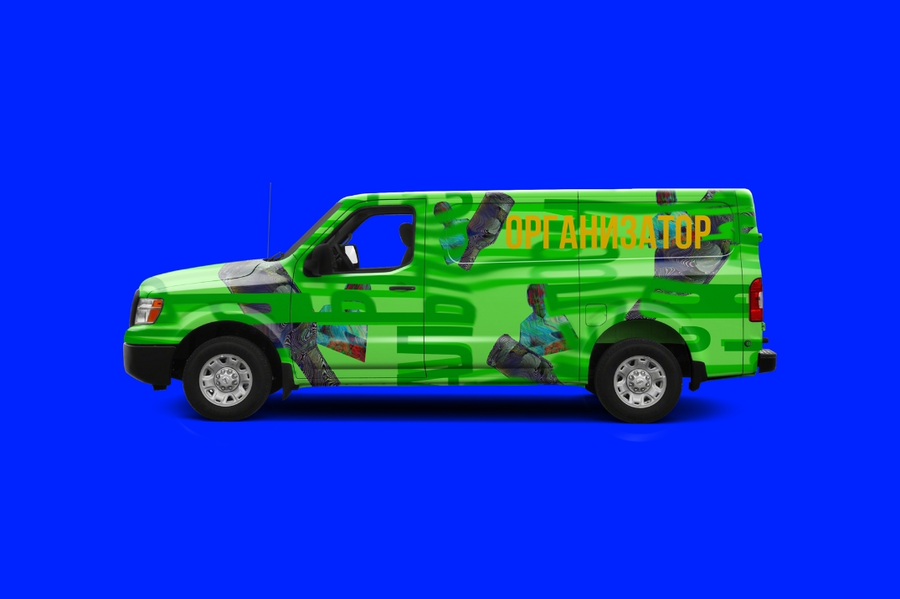
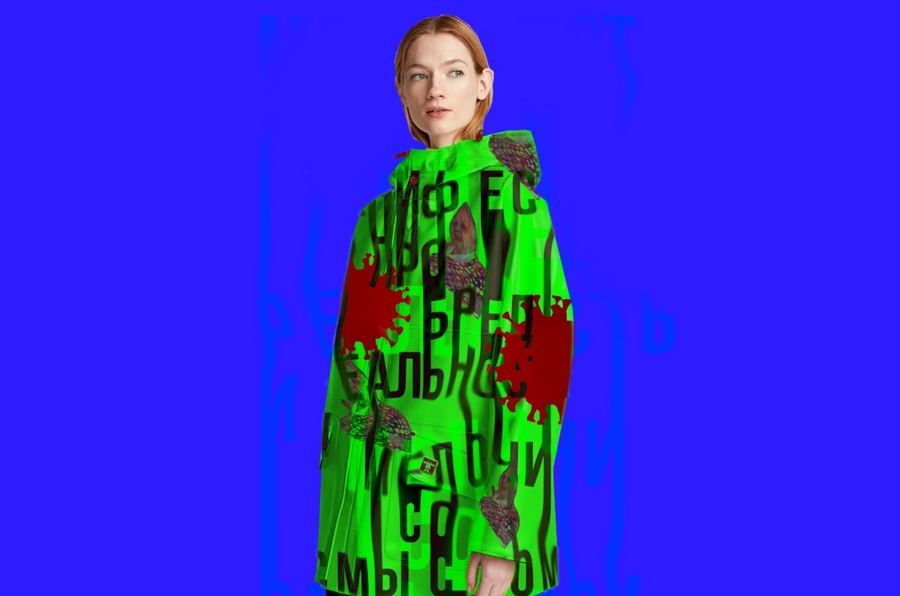
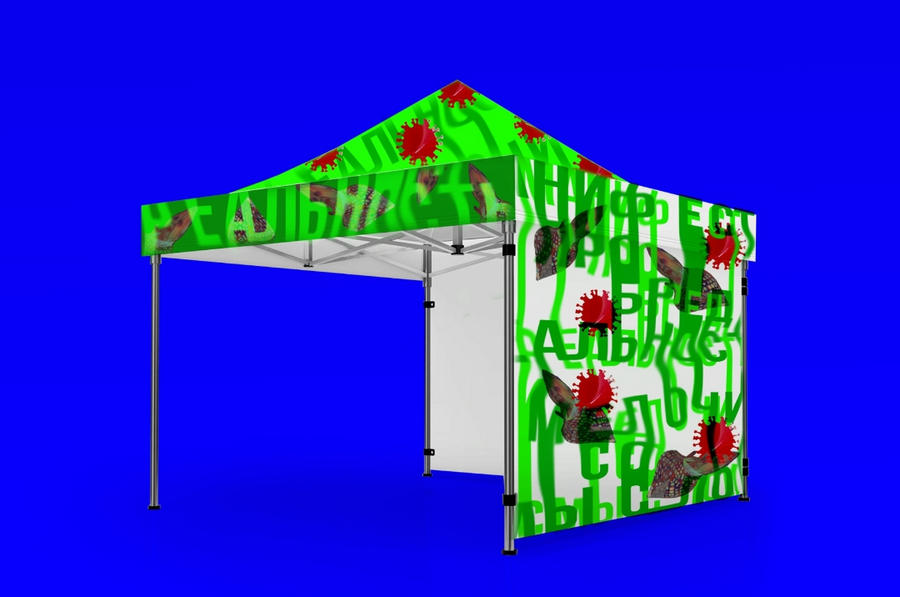
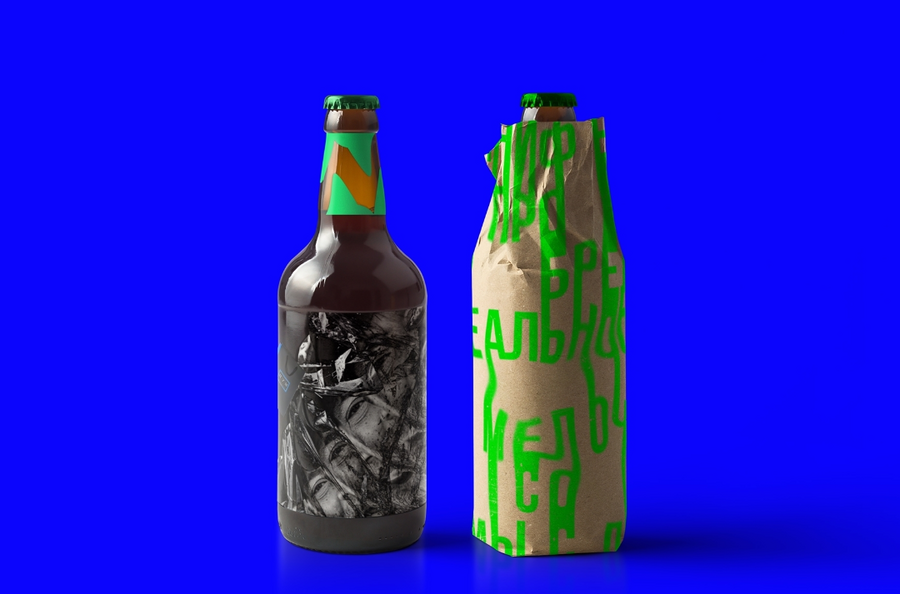
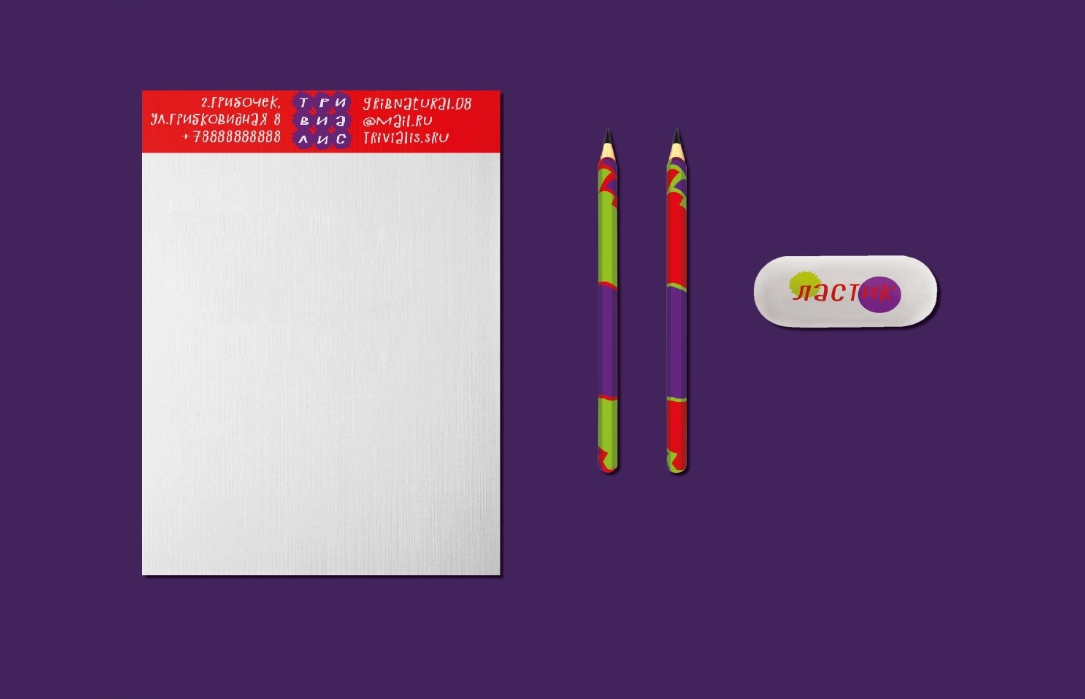
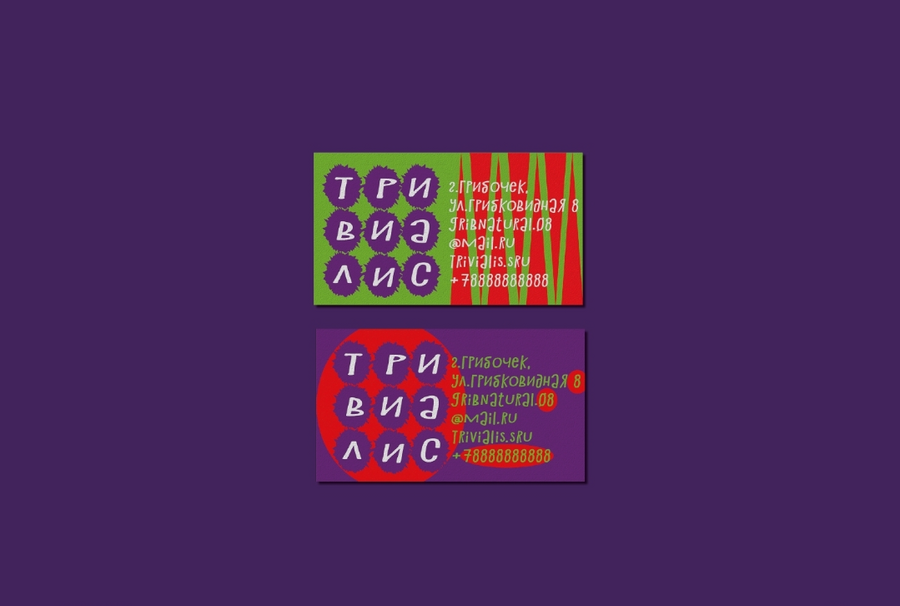
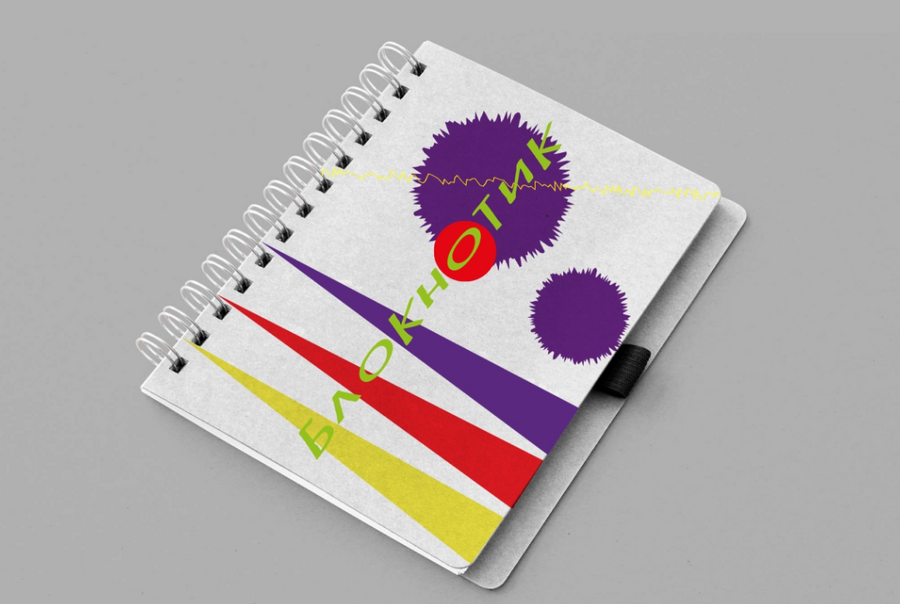
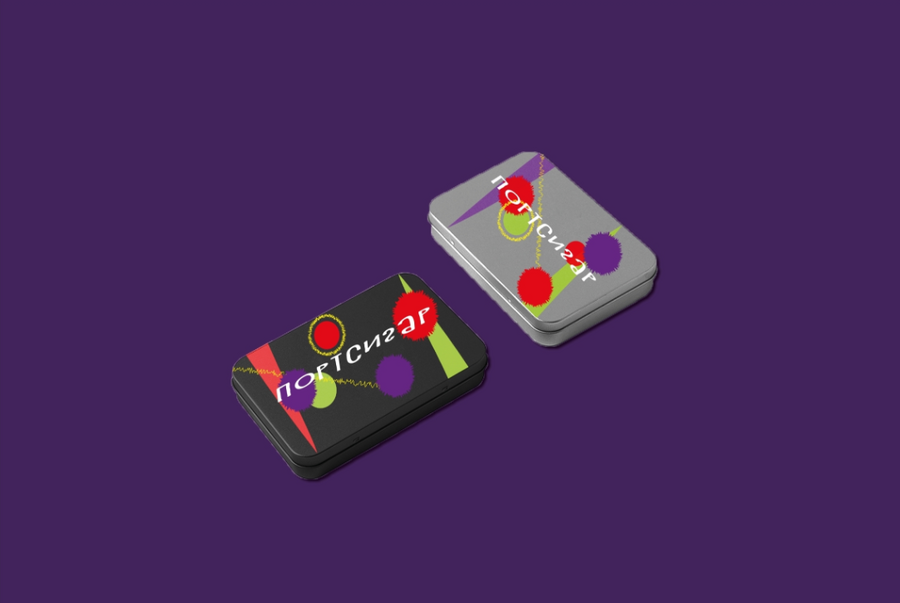
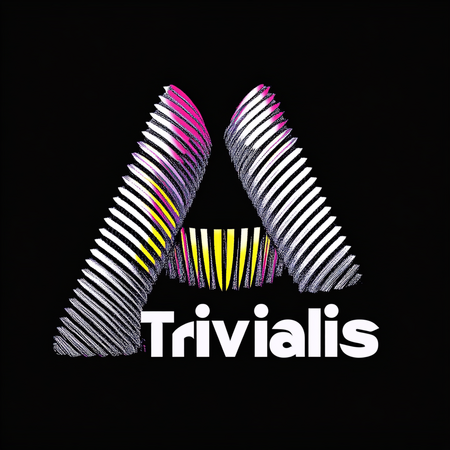
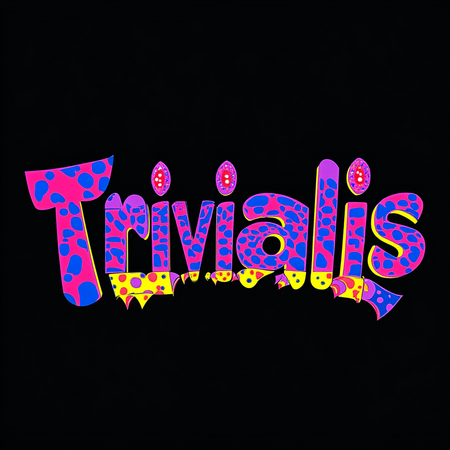
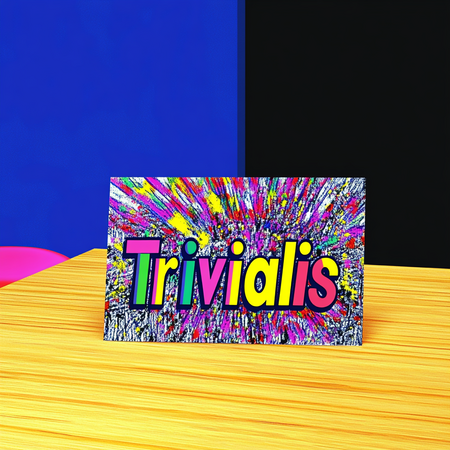
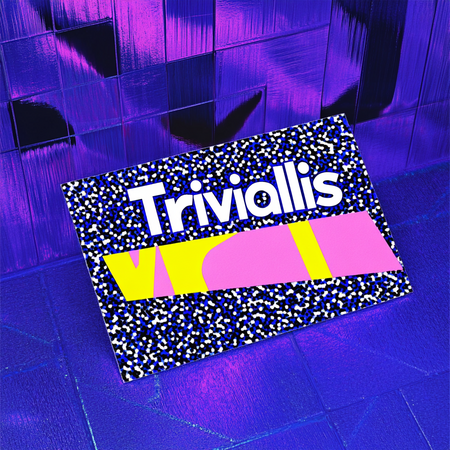
Абсурдный парк будущего в условиях правящей династии грибов. Место где все безграничные идеи
и фантазии воплотятся в реальность. Место позволяющее ощутить свободу творчества
и реализовать свой потенциал. Место где все становиться реальным.
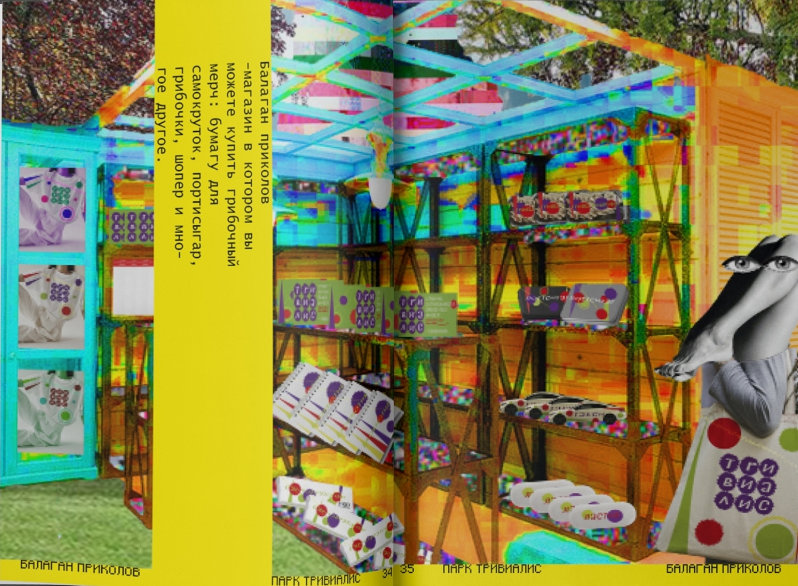
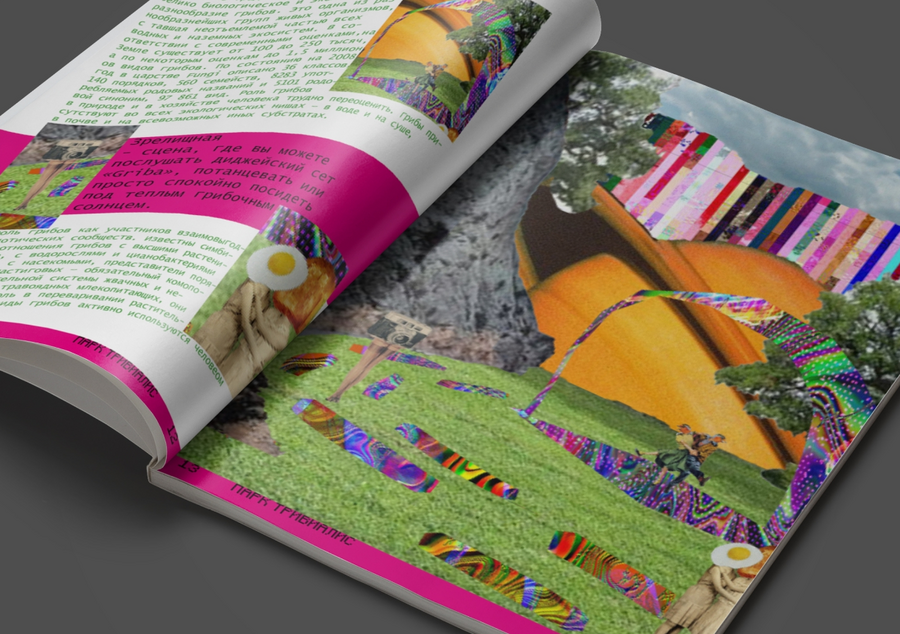
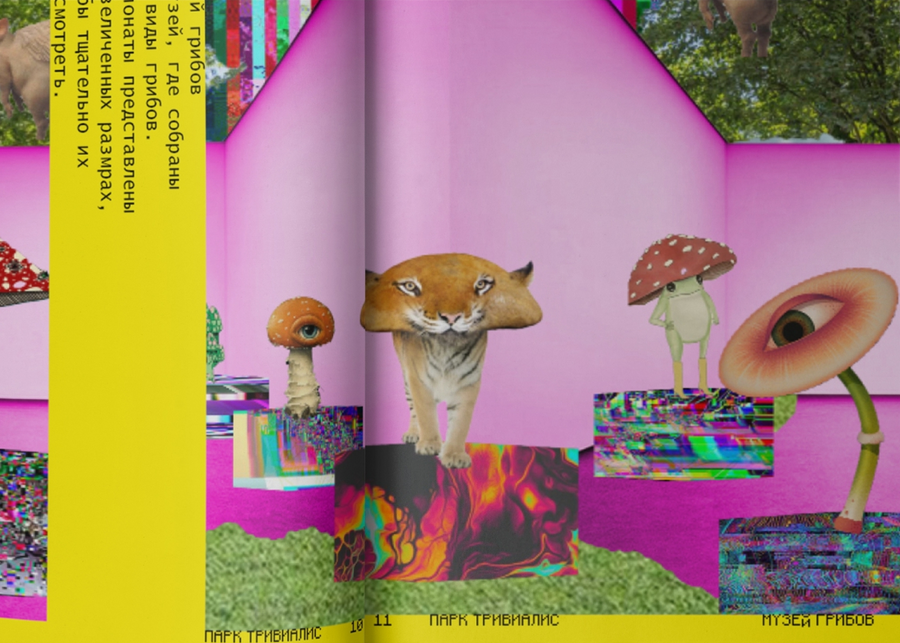
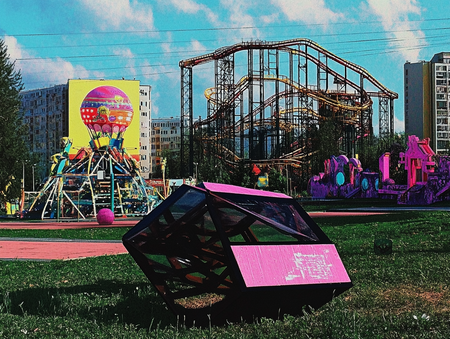
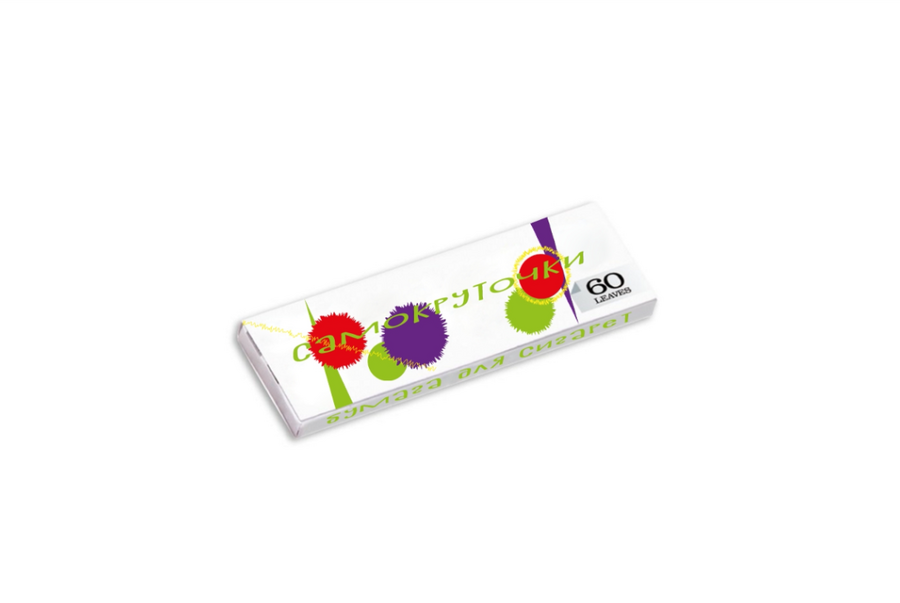
Изображения из предыдущего проекта
Так как продуктом прошлого проекта являлось пространство, новым продуктом тоже послужит пространство парка
Карина Тренчева переосмыслила концепцию абсурдного парка "Тривиалис" как пространство для творческой свободы и реализации идей. Проект включает в себя генерацию визуальных элементов и айдентики с использованием модели Midjourney на основе заданных промтов.
Анастасия Гришина создала брендинг фестиваля «Холи Мела» с использованием искусственного интеллекта для передачи культурного образа Индии через визуальные элементы. Проект включает 3D-рендеры, постеры и логотип, вдохновлённые индийскими марками и традиционной графикой, с цветовой палитрой, включающей синий, жёлтый, красный и зелёный.
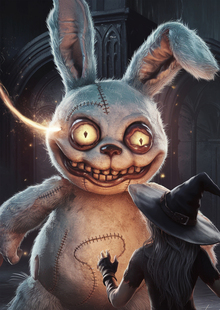
Данила Антоненко создал видеоигру «Ведьмочка в закулисье театра Обскура» в жанре шутер от третьего лица с ведьмочкой-протагонисткой, используя нейросеть для генерации визуальных элементов. Для создания дизайнов врагов, локаций и айдентики проекта применялись подробные промпты, описывающие темные фэнтезийные сцены с элементами театра и магии.
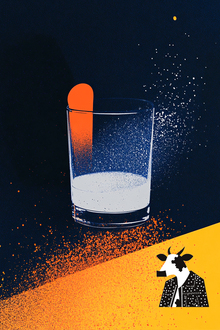
Автор создала линию молочной продукции "MilkyLand" для взрослых с уникальным логотипом и стильным дизайном. Проект включает в себя разработку айдентики, выбор шрифта Boulevard Sans Bold и цветовой палитры на основе графического референса.
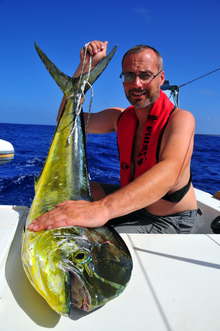
Леонид Векшин создал визуализацию для выбора океана для морской рыбалки на основе датасета с видами рыб из Kaggle. Проект включает столбчатые и круговые диаграммы, выполненные в морской цветовой палитре с использованием библиотеки matplotlib.
We use cookies to improve the operation of the website and to enhance its usability. More detailed information on the use of cookies can be fo...
Show more
Press space bar to start a drag.
When dragging you can use the arrow keys to move the item around and escape to cancel.
Some screen readers may require you to be in focus mode or to use your pass through key
Press space bar to start a drag.
When dragging you can use the arrow keys to move the item around and escape to cancel.
Some screen readers may require you to be in focus mode or to use your pass through key
Press space bar to start a drag.
When dragging you can use the arrow keys to move the item around and escape to cancel.
Some screen readers may require you to be in focus mode or to use your pass through key
Press space bar to start a drag.
When dragging you can use the arrow keys to move the item around and escape to cancel.
Some screen readers may require you to be in focus mode or to use your pass through key
Press space bar to start a drag.
When dragging you can use the arrow keys to move the item around and escape to cancel.
Some screen readers may require you to be in focus mode or to use your pass through key
Press space bar to start a drag.
When dragging you can use the arrow keys to move the item around and escape to cancel.
Some screen readers may require you to be in focus mode or to use your pass through key
Press space bar to start a drag.
When dragging you can use the arrow keys to move the item around and escape to cancel.
Some screen readers may require you to be in focus mode or to use your pass through key
Press space bar to start a drag.
When dragging you can use the arrow keys to move the item around and escape to cancel.
Some screen readers may require you to be in focus mode or to use your pass through key
Press space bar to start a drag.
When dragging you can use the arrow keys to move the item around and escape to cancel.
Some screen readers may require you to be in focus mode or to use your pass through key
Press space bar to start a drag.
When dragging you can use the arrow keys to move the item around and escape to cancel.
Some screen readers may require you to be in focus mode or to use your pass through key
Press space bar to start a drag.
When dragging you can use the arrow keys to move the item around and escape to cancel.
Some screen readers may require you to be in focus mode or to use your pass through key
Press space bar to start a drag.
When dragging you can use the arrow keys to move the item around and escape to cancel.
Some screen readers may require you to be in focus mode or to use your pass through key