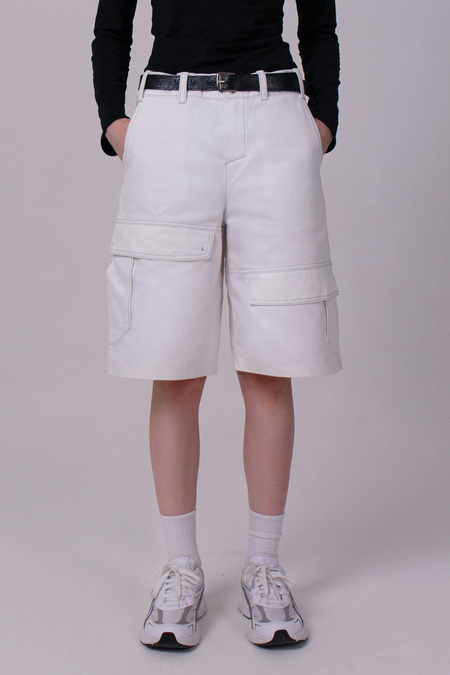
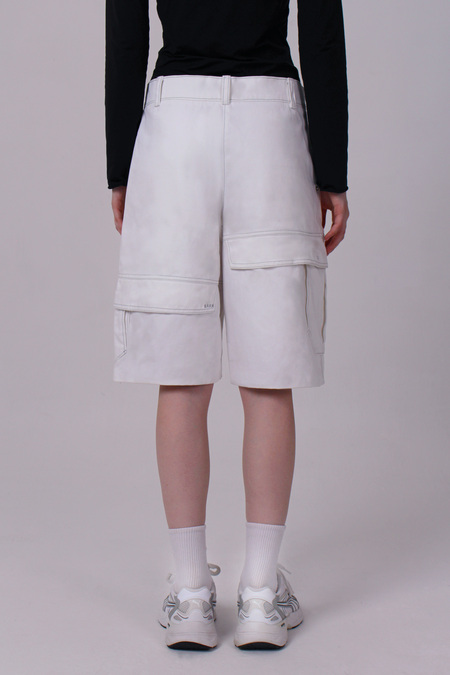
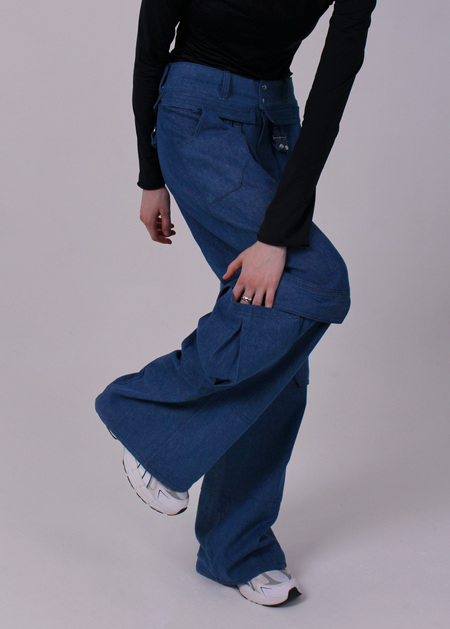
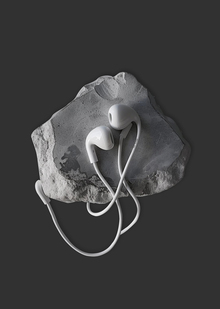
Александра Воробьева создала проект, в котором пять кринж-историй зашифрованы в предметах, отражающих личные промахи и смех над ними. Проект представляет собой серию текстовых историй, сопровождаемых визуальным оформлением и фотографиями, опубликованных в соцсетях.
Ангелина Кувшинова создала визуальный проект для временного POP-UP пространства с музыкальным сопровождением в универмаге «Цветной». Проект включает в себя мини-инсталляцию с QR-кодами, связывающими дизайн оправ с аудио-плейлистами, созданными с использованием Midjorney и Photoshop.
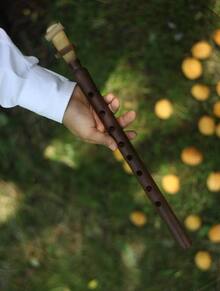
Ванесса Гезалова создала текст о дудуке — армянском духовых инструменте с мягким и певучим звучанием. Проект включает в себя описание концепции съёмки, которая раскрывает душевность и красоту этого деревянного абрикосового инструмента.
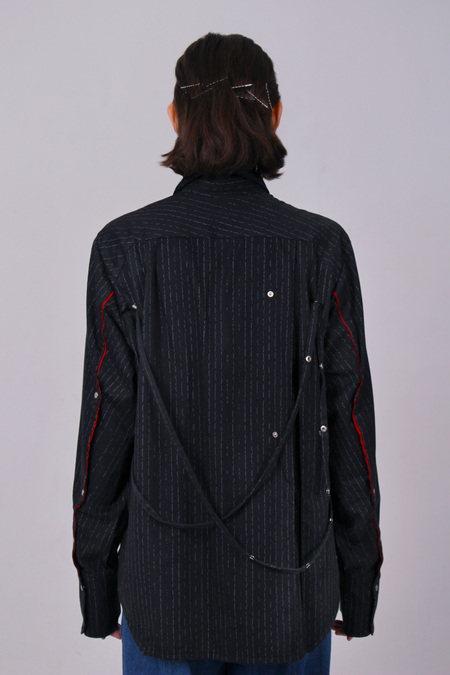
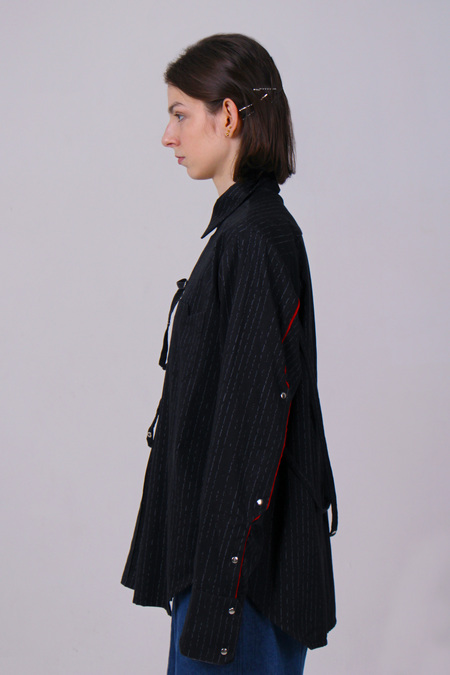
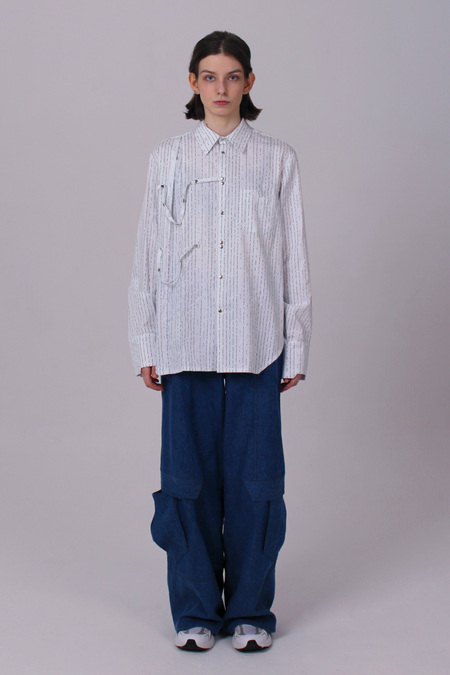
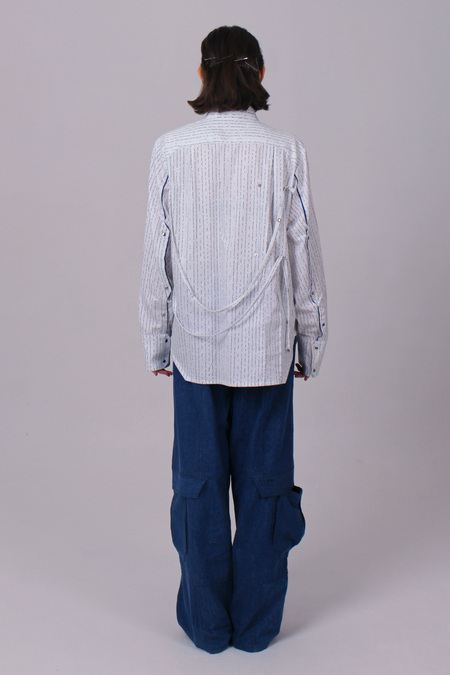
Илона Гимадиева создала текст для проекта «последнее лето детства». Проект включает съемку лукбука из 6 образов, передающих ностальгию по детству и летним каникулам.
We use cookies to improve the operation of the website and to enhance its usability. More detailed information on the use of cookies can be fo...
Show more
Press space bar to start a drag.
When dragging you can use the arrow keys to move the item around and escape to cancel.
Some screen readers may require you to be in focus mode or to use your pass through key
Press space bar to start a drag.
When dragging you can use the arrow keys to move the item around and escape to cancel.
Some screen readers may require you to be in focus mode or to use your pass through key
Press space bar to start a drag.
When dragging you can use the arrow keys to move the item around and escape to cancel.
Some screen readers may require you to be in focus mode or to use your pass through key
Press space bar to start a drag.
When dragging you can use the arrow keys to move the item around and escape to cancel.
Some screen readers may require you to be in focus mode or to use your pass through key
Press space bar to start a drag.
When dragging you can use the arrow keys to move the item around and escape to cancel.
Some screen readers may require you to be in focus mode or to use your pass through key
Press space bar to start a drag.
When dragging you can use the arrow keys to move the item around and escape to cancel.
Some screen readers may require you to be in focus mode or to use your pass through key
Press space bar to start a drag.
When dragging you can use the arrow keys to move the item around and escape to cancel.
Some screen readers may require you to be in focus mode or to use your pass through key
Press space bar to start a drag.
When dragging you can use the arrow keys to move the item around and escape to cancel.
Some screen readers may require you to be in focus mode or to use your pass through key
Press space bar to start a drag.
When dragging you can use the arrow keys to move the item around and escape to cancel.
Some screen readers may require you to be in focus mode or to use your pass through key
Press space bar to start a drag.
When dragging you can use the arrow keys to move the item around and escape to cancel.
Some screen readers may require you to be in focus mode or to use your pass through key
Press space bar to start a drag.
When dragging you can use the arrow keys to move the item around and escape to cancel.
Some screen readers may require you to be in focus mode or to use your pass through key