Project Description
Claude Monet was a French painter and one of the pioneers of Impressionism. His goal was to capture the fleeting impressions of light and color.
Monet often painted the same subject under different lighting and weather conditions, exploring the variability of nature. His paintings are distinguished by their light and airy brushwork.
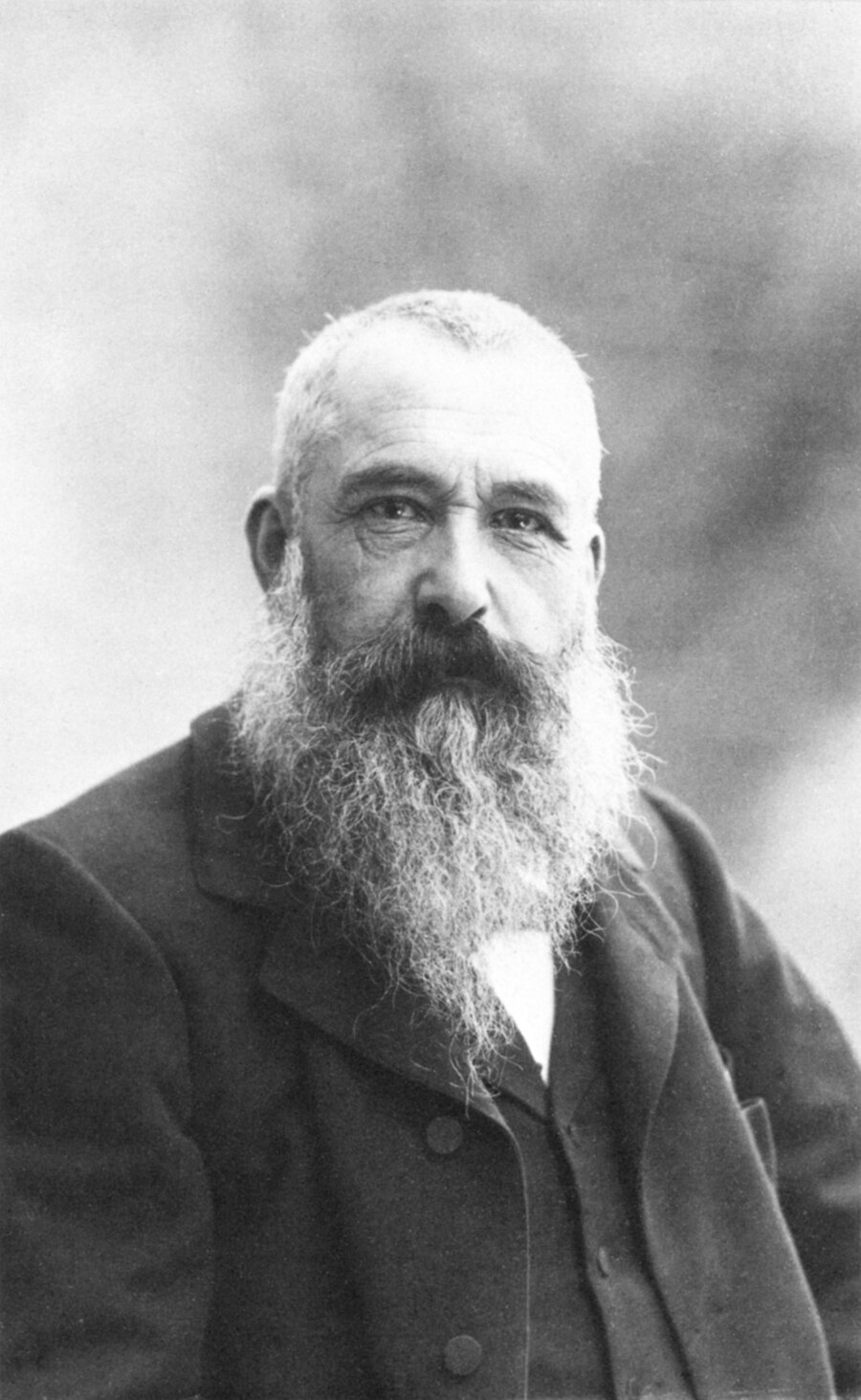
The project’s goal is to teach a neural network to generate images in the style of Claude Monet. This will allow for an investigation into how artificial intelligence interacts with images in a style rooted in emotion and feeling—capturing the individual creator’s unique sense of the surrounding world.
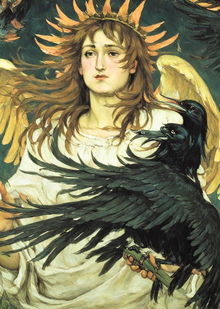
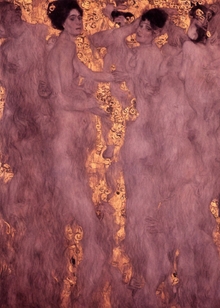
Source Images
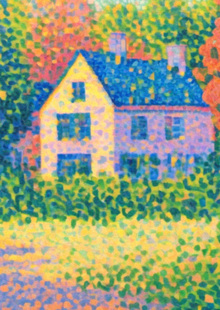
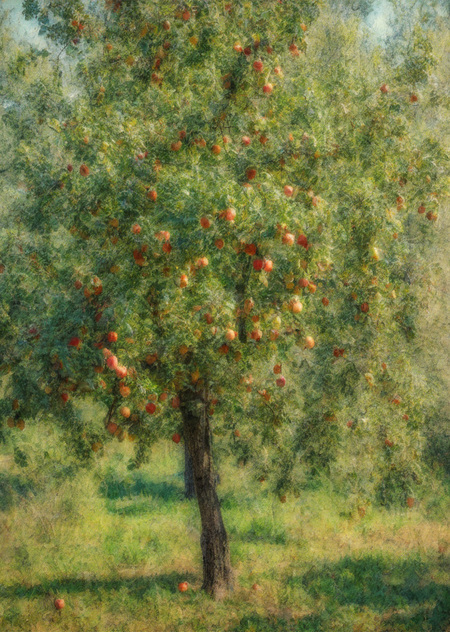
Resulting Images
Finished Image Analysis
The generated images displayed feature natural elements. One image shows a girl sitting on the grass. Monet frequently worked outdoors, creating sketches of what he saw around him—natural landscapes. From a compositional perspective, the generated images correspond to the originals; the angles are similar, and the emphasis is placed in a comparable manner.
The finished images successfully captured the desired Impressionist style of Claude Monet, but some inaccuracies were present:
— Objects are too sharp and lean slightly toward realism, with too distinct outlines — Insufficient chaos in the oil brushstrokes on certain objects — The colors lack purity, appearing muted and pastel; the contrast and vibrancy are missing — There is an issue with limb generation, which is typical for AI
Regarding the positive aspects of the generated images, the following points can be highlighted:
— The absence of strong narrative; instead, the atmosphere of a moment is conveyed, genuinely feeling like a snapshot. — Effective use of light—it is soft, unobtrusive, and enhances the feeling of presence within the image’s space. — The texture and chaotic arrangement of the brushstrokes are better preserved in natural objects and landscapes.
Additional methods, such as post-processing or other models, were not utilized.
Process Overview
1. Setup
— Installing necessary libraries to create the neural network training environment — Loading the base Stable Diffusion XL model and preparing it for DreamBooth
2. Loading and Configuring the SDXL + DreamBooth Model
— Downloading the pre-trained Stable Diffusion XL (SDXL) model from Hugging Face — Specifying special tokens—a key component of DreamBooth that links a specific visual style to text — Configuring training parameters: paths to the image folder, LoRA name, scheduler and optimizer settings, etc.
3. Training with LoRA
— Data integration: images and their descriptions — Initializing LoRA training: specialized trainable layers are added to the UNet (part of the generator)
4. Saving and Generating Images
— Saving the resulting LoRA modification — Re-uploading and connecting to SDXL — Test: Images are generated using a prompt (which includes a unique token)
ChatGPT was additionally used for code explanation and debugging.