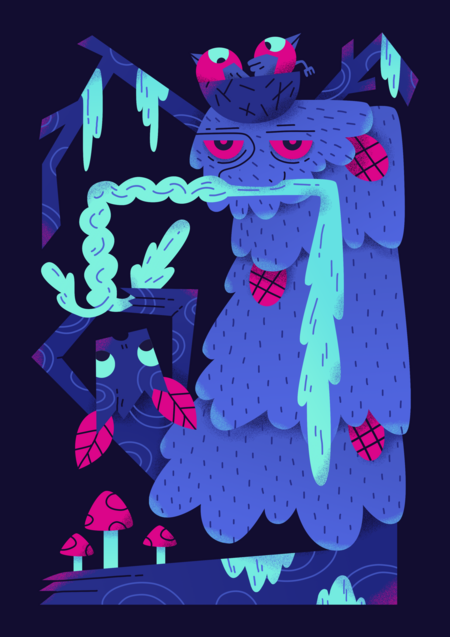
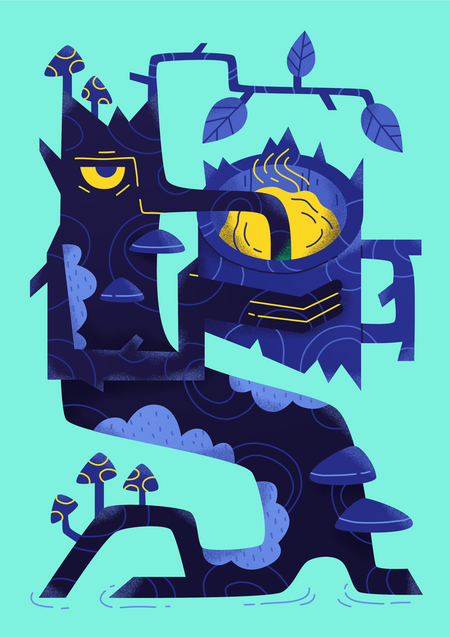
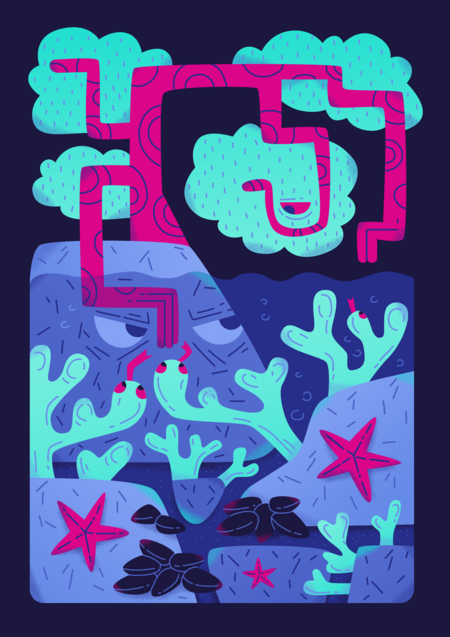
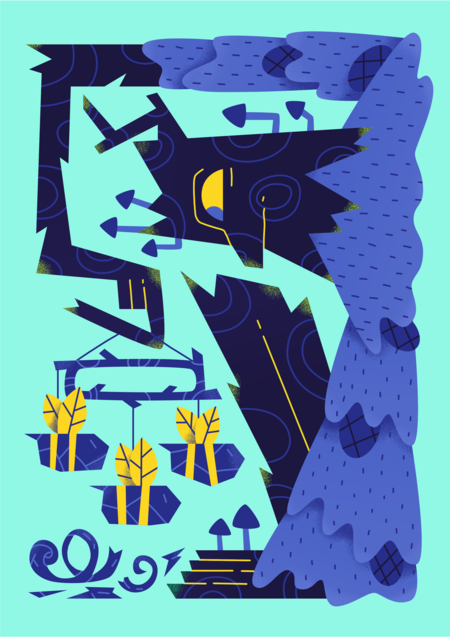
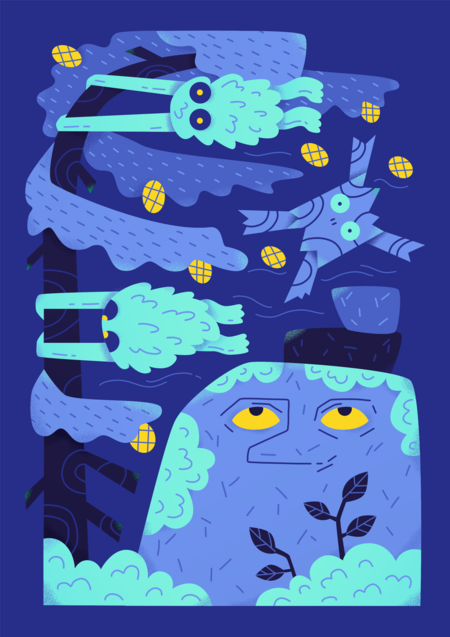
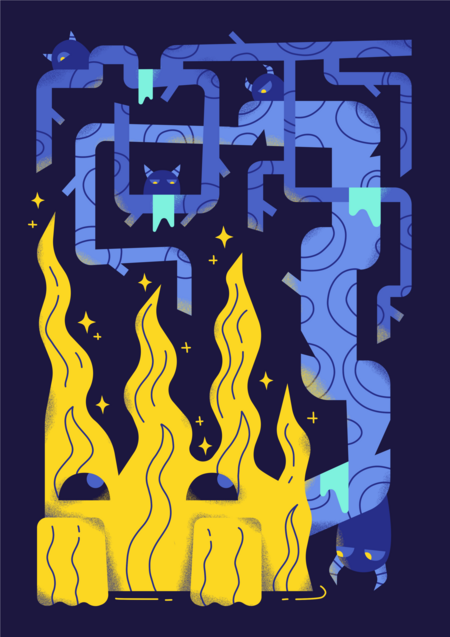
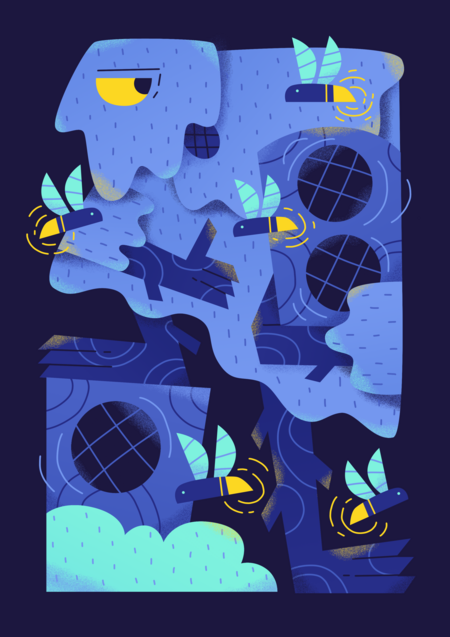
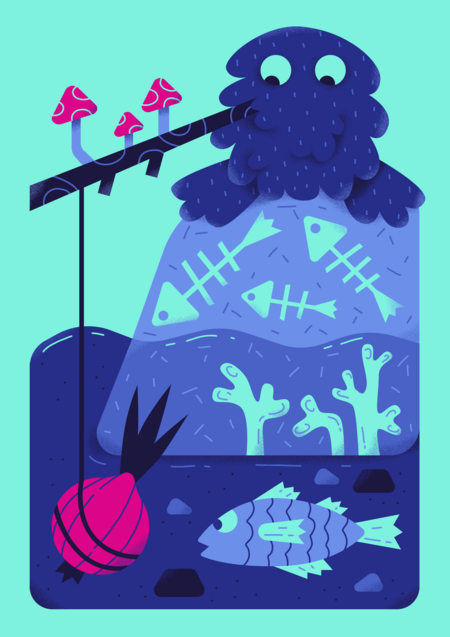
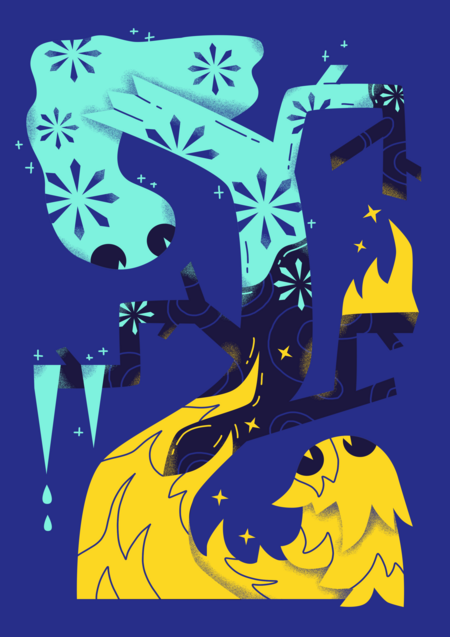
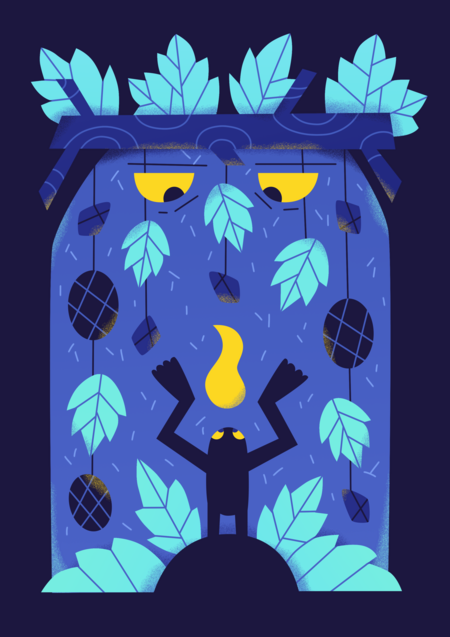
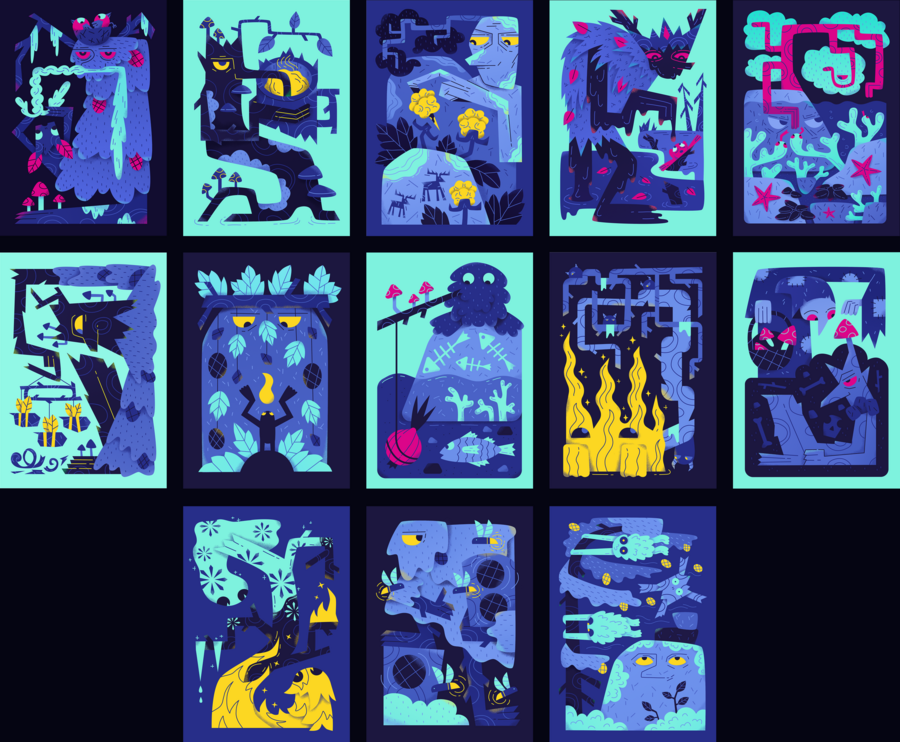
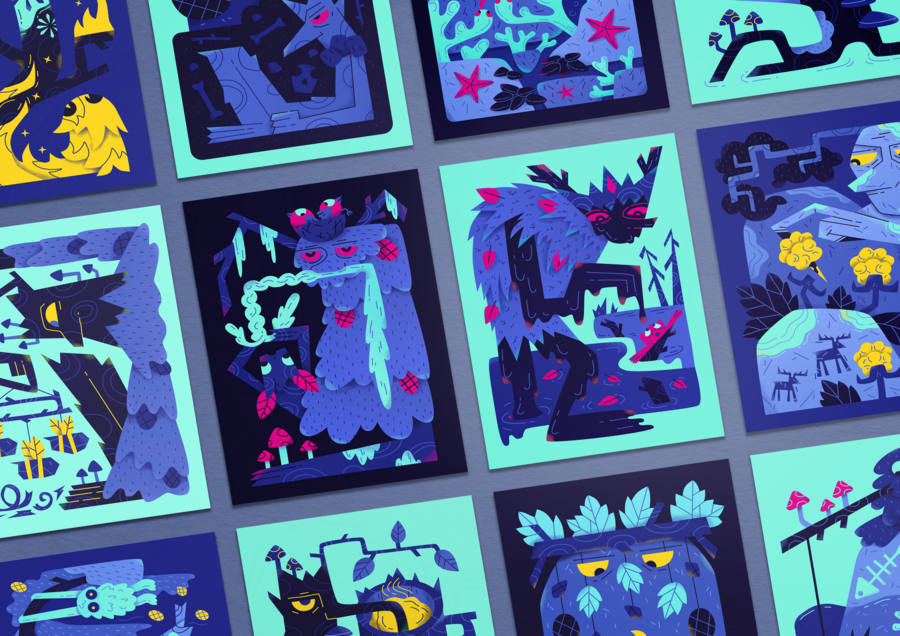
«Лихолесье» — серия открыток в тематике северного леса у Белого моря, посвященная праздникам, которые могут отмечать любители отдыха на природе, костра и палаток, а также все неравнодушные к красотам этих мест.
С днем мха-бородача! / С днем лесного чаепития!
С днем болота! / С днем морошки!
С днем кривой сосны! / С днем природной самодеятельности!
Глафира Русинова создала серию открыток под названием «Лихолесье», посвящённую северному лесу у Белого моря. Эта серия предназначена для любителей природы, костра и палаток, а также для всех, кто ценит красоту этих мест.
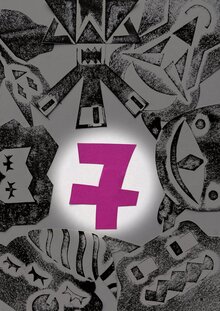
Ольга Десятникова создала проект «7 смертных грехов», который задаёт вопрос о моральных границах человека. Проект основан на тексте, в котором автор призывает зрителя задуматься о своей моральной чистоте.
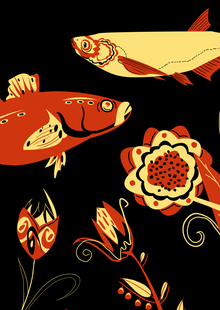
Наталия Бурканова создала визуальный проект для школы «Река знаний», включающий иллюстрации и модули визуального языка. Проект включает растровые работы, которые можно адаптировать для объёмных композиций из фанеры или мягких материалов.
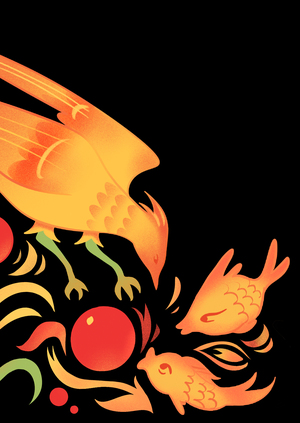
Анастасия Ищенко создала интерактивные игровые зоны под названием «Хохломские забавы». Проект включает 8 модульных иллюстраций, стилизованных под хохлому, и обрамляющих игровые зоны.
We use cookies to improve the operation of the website and to enhance its usability. More detailed information on the use of cookies can be fo...
Show more
Press space bar to start a drag.
When dragging you can use the arrow keys to move the item around and escape to cancel.
Some screen readers may require you to be in focus mode or to use your pass through key
Press space bar to start a drag.
When dragging you can use the arrow keys to move the item around and escape to cancel.
Some screen readers may require you to be in focus mode or to use your pass through key
Press space bar to start a drag.
When dragging you can use the arrow keys to move the item around and escape to cancel.
Some screen readers may require you to be in focus mode or to use your pass through key
Press space bar to start a drag.
When dragging you can use the arrow keys to move the item around and escape to cancel.
Some screen readers may require you to be in focus mode or to use your pass through key
Press space bar to start a drag.
When dragging you can use the arrow keys to move the item around and escape to cancel.
Some screen readers may require you to be in focus mode or to use your pass through key
Press space bar to start a drag.
When dragging you can use the arrow keys to move the item around and escape to cancel.
Some screen readers may require you to be in focus mode or to use your pass through key
Press space bar to start a drag.
When dragging you can use the arrow keys to move the item around and escape to cancel.
Some screen readers may require you to be in focus mode or to use your pass through key