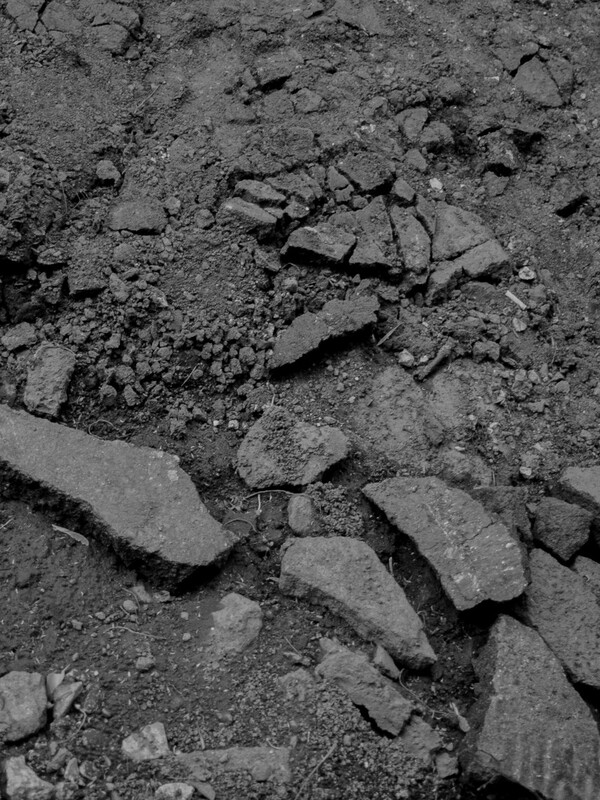
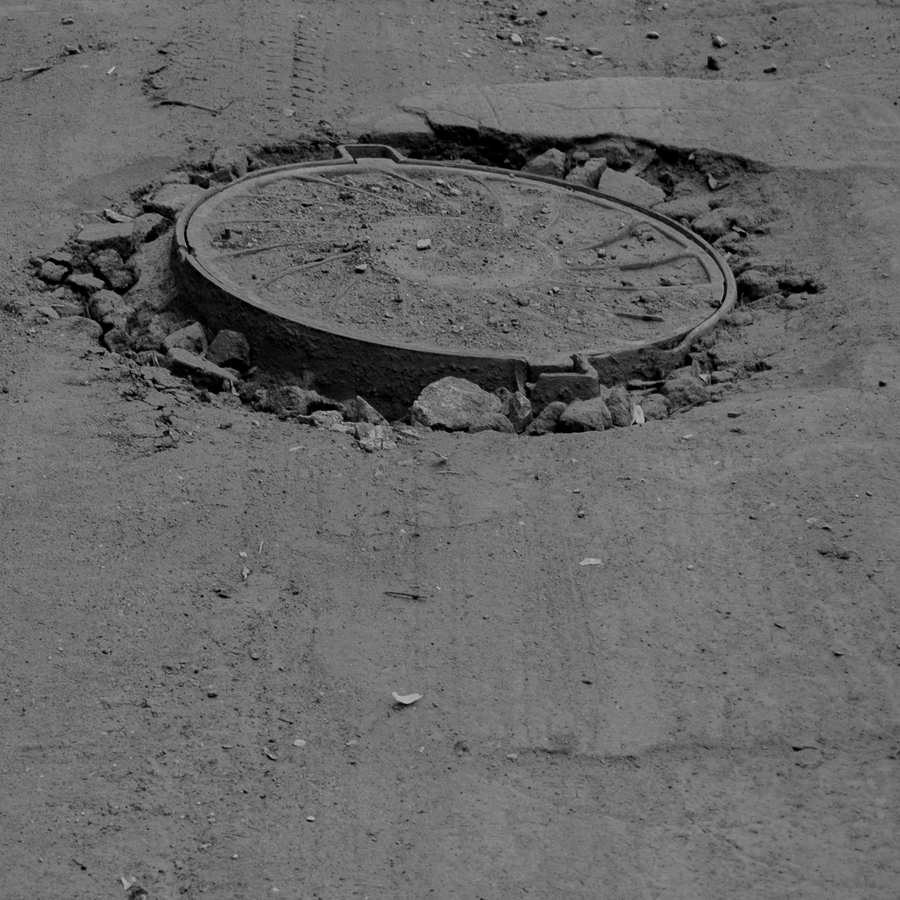
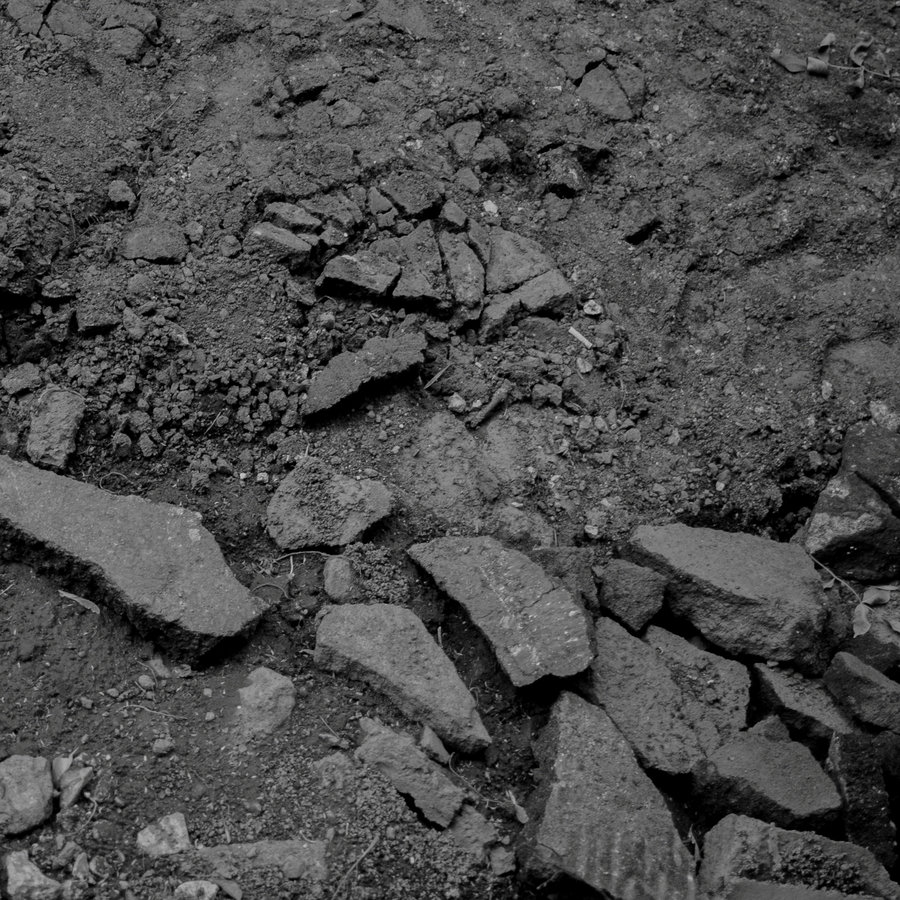
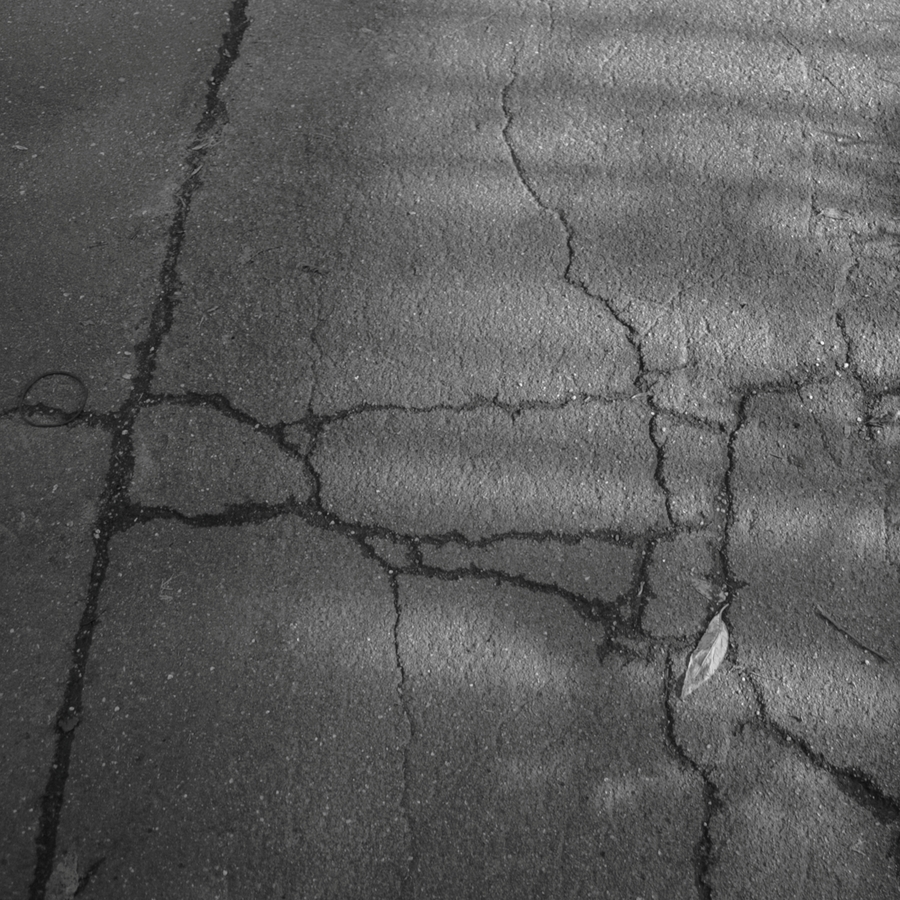
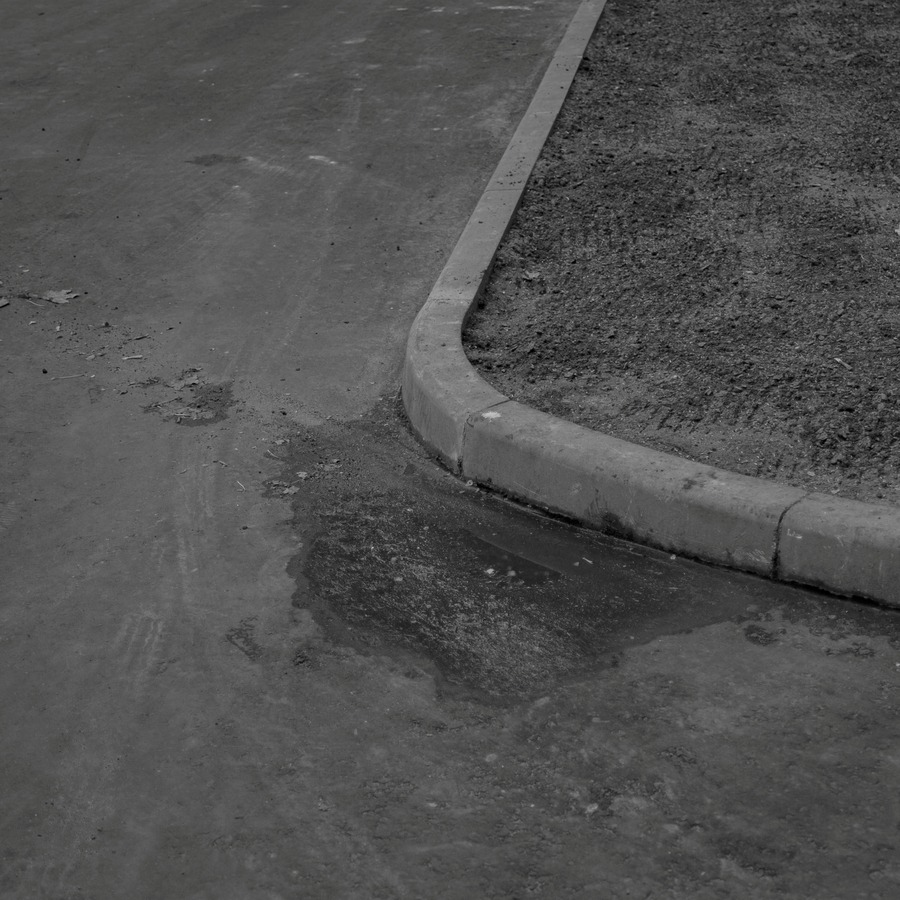
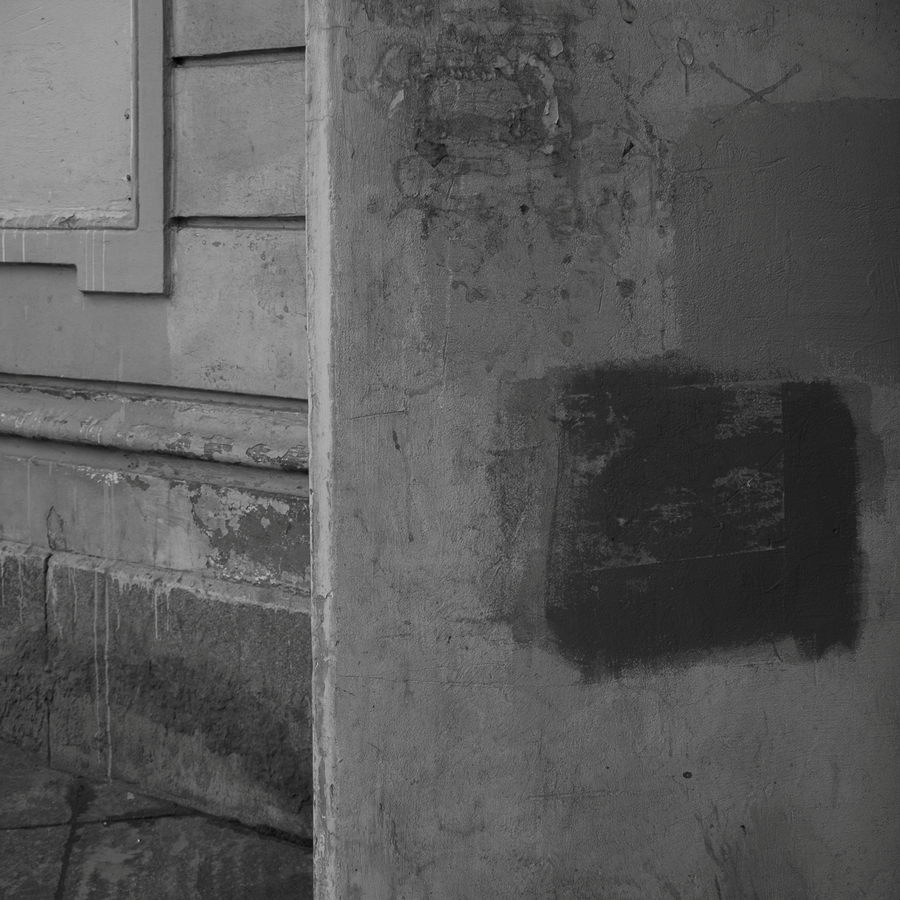
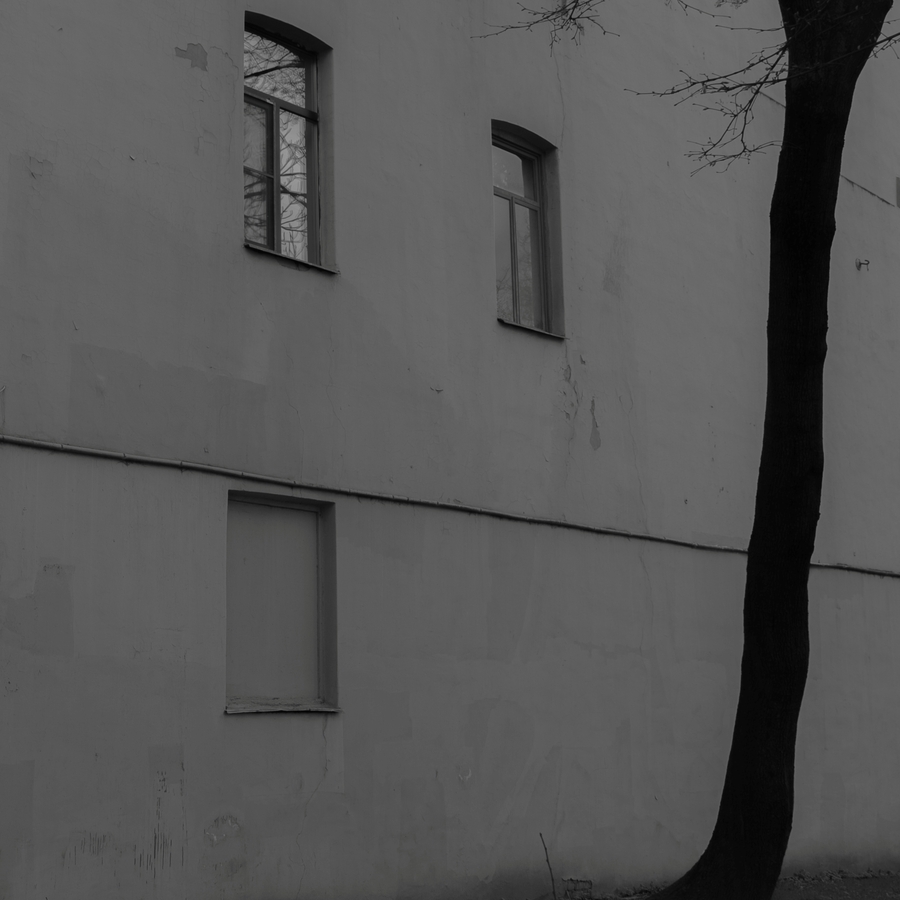
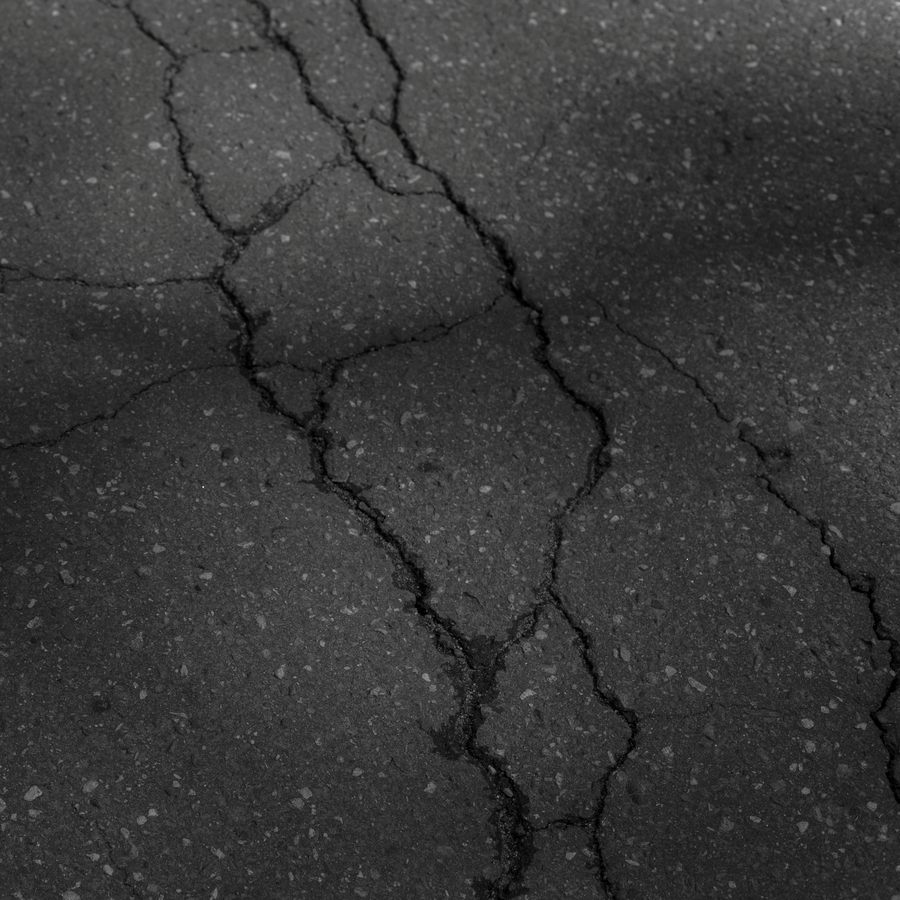
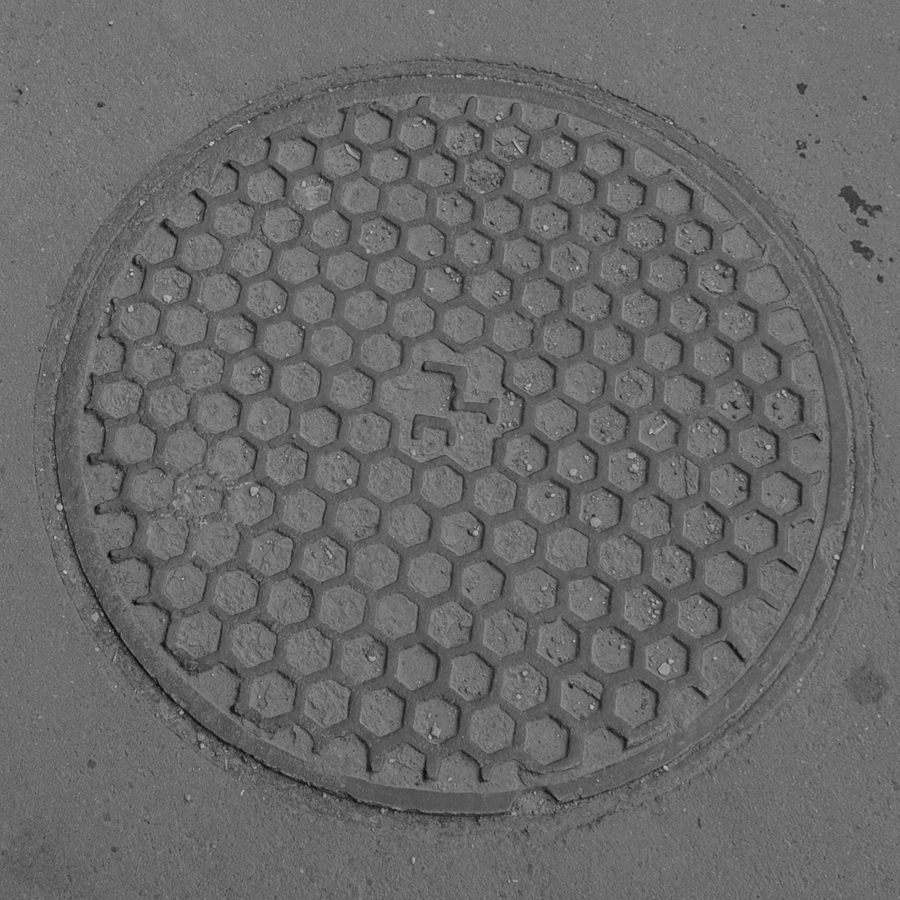
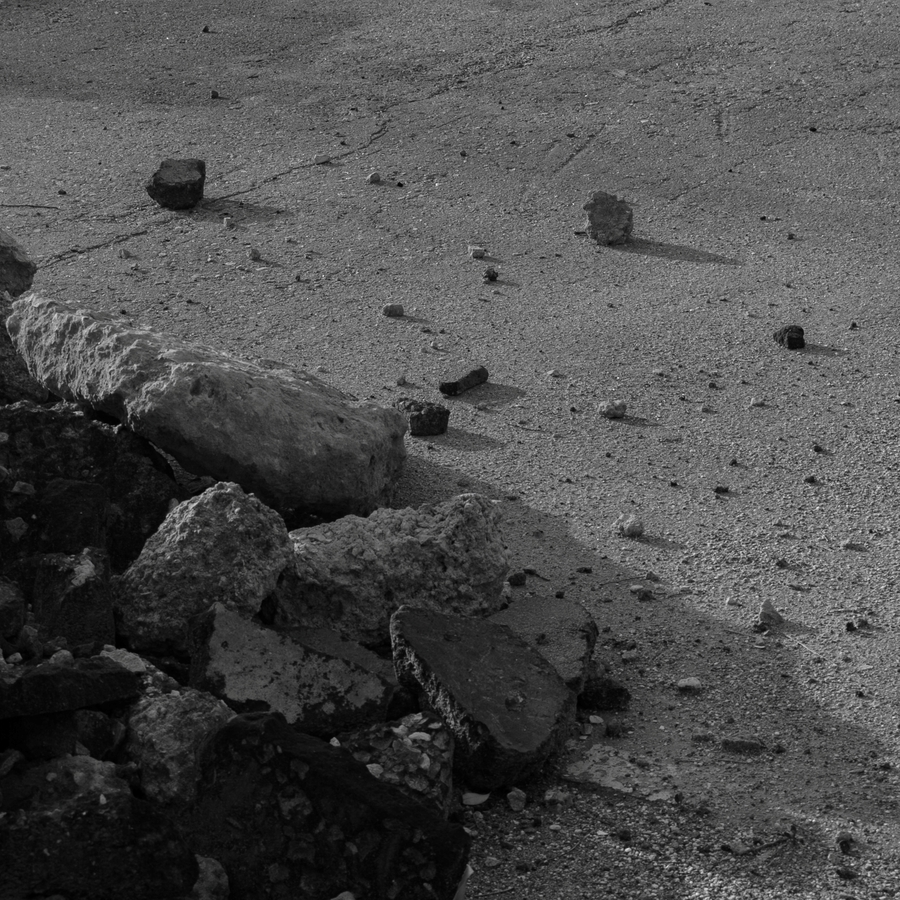
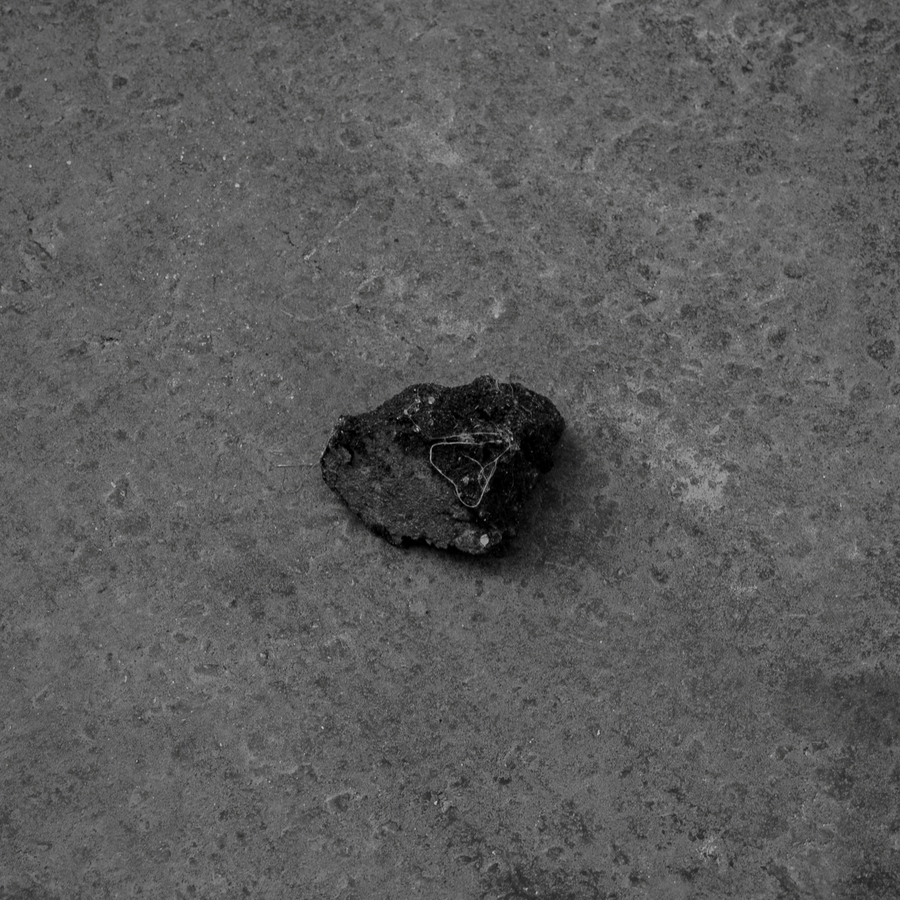
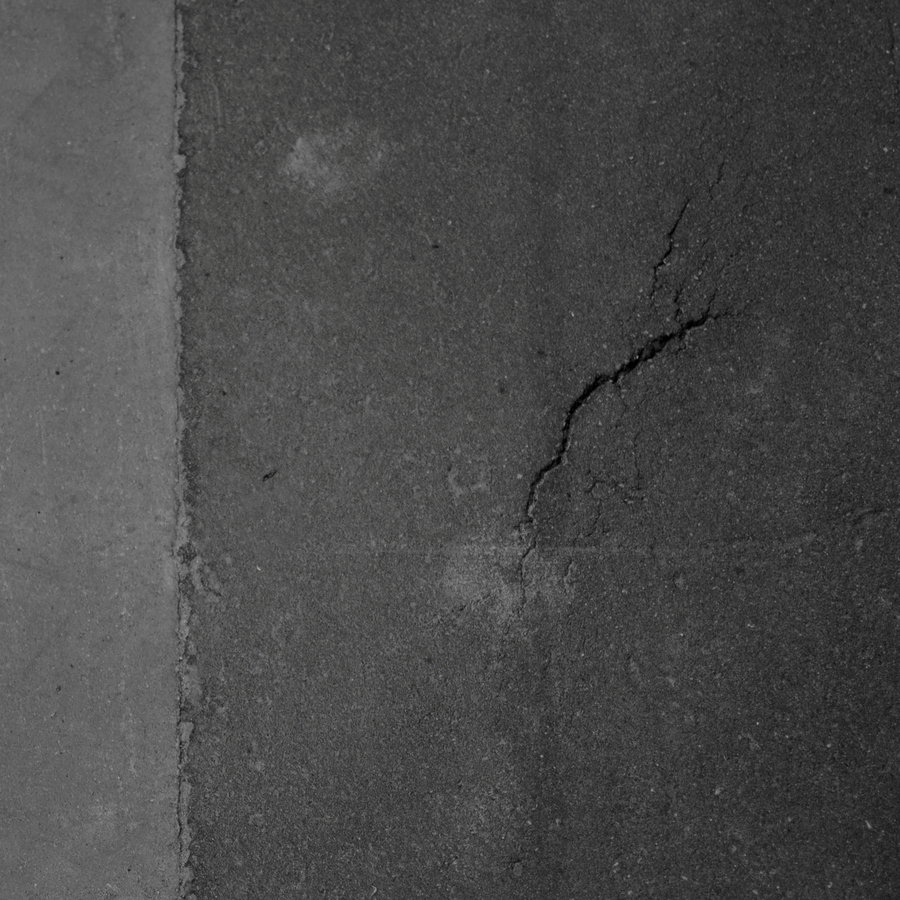
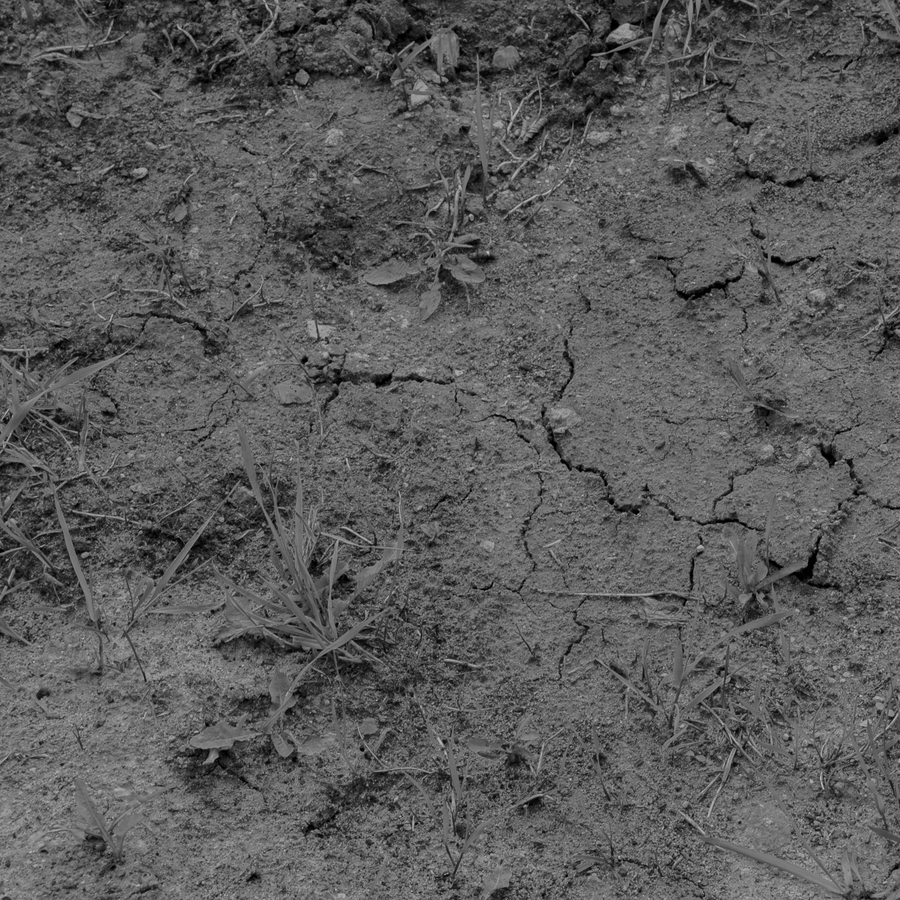
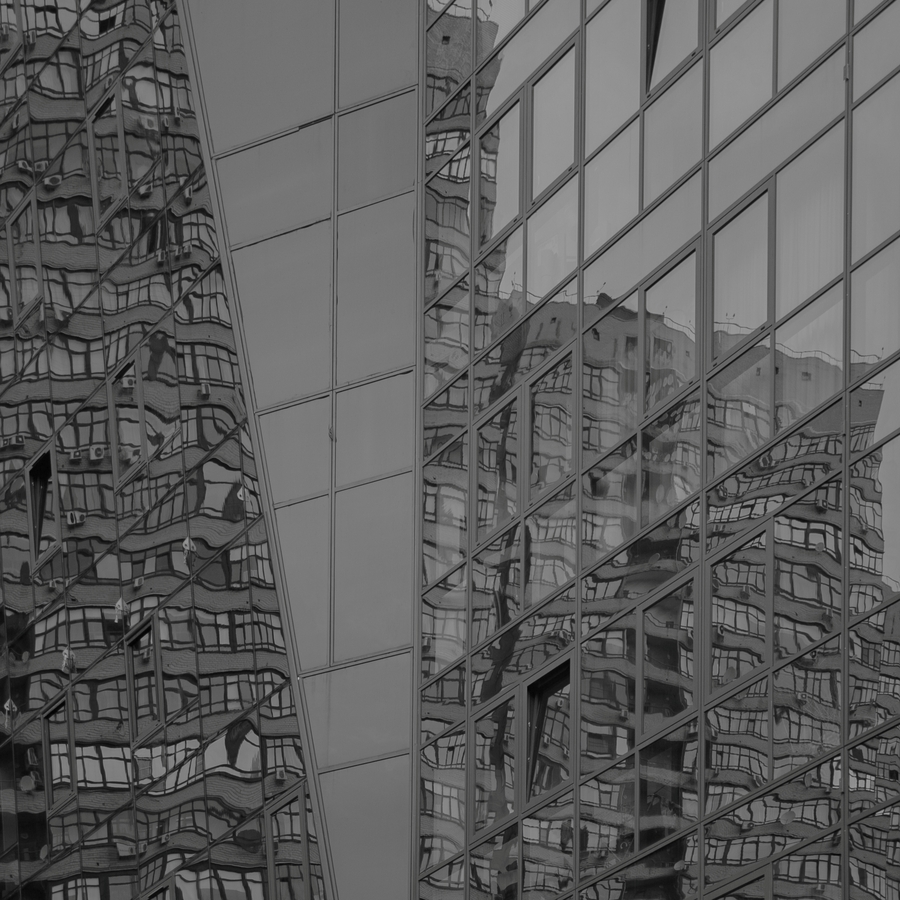
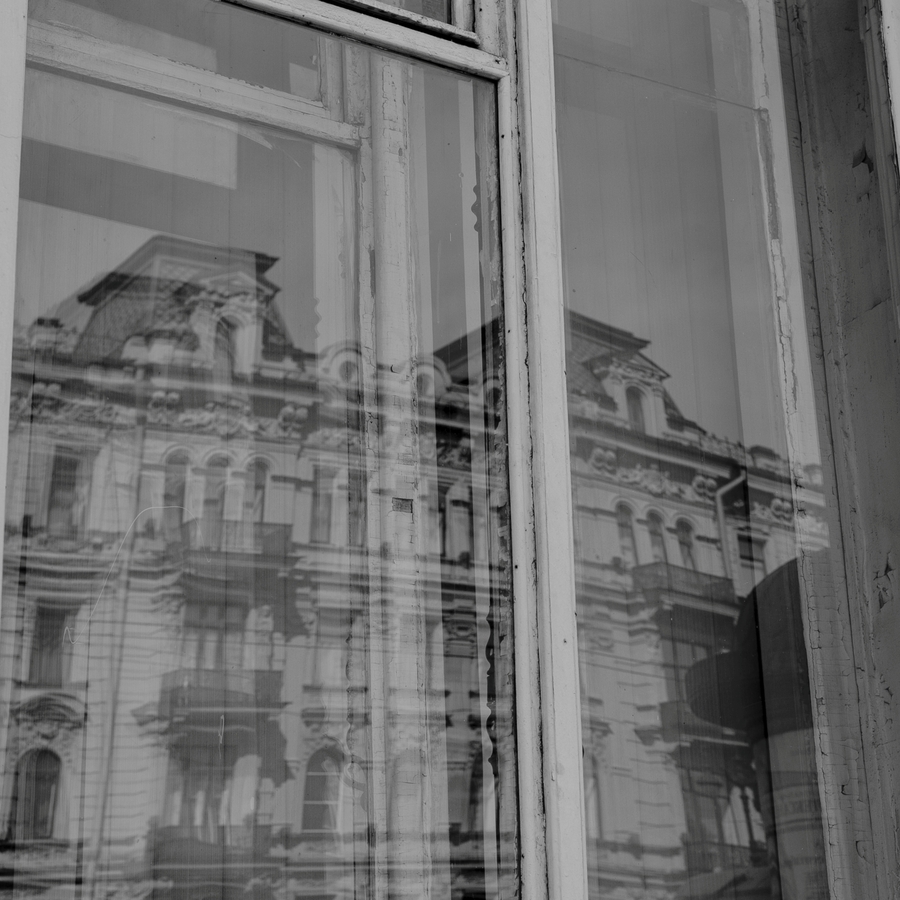
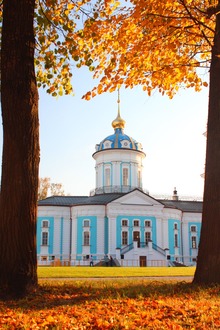
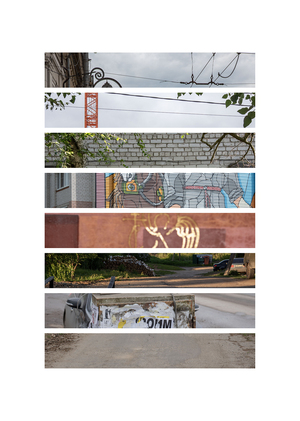
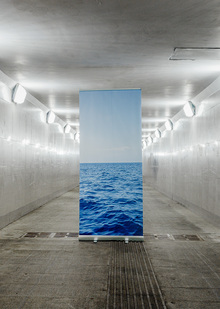
Тема, с которой я работаю в цифровой фотографии это тонкие пересечения и метафоры живого и неживого, видимого и невидимого, света и тени. Находясь в стороне от прямого, документального рассказа, я замечаю будничные детали в их ясности и простоте.
Фотография для меня сосуществует на стыке поэзии и визуального образа, где через малое количество слов возможно передать то многое, что остаётся всегда за кадром, в поле невысказанности.
Серия цифровых фотографий называется «Мираж». Создание иного городского пространства визуального языка, которое способно выстраивать цепочку связи между наблюдаемым и наблюдателем, в которого я превращаюсь, фотографируя пространство вокруг себя.
Серия исследует фигуру типичного жителя мегаполиса. Герои являются синими воротничками, но внутренне остаются первобытными исследователями, ищущими своё место в урбанистических сетях. Они оказываются в обыденных городских локациях: глухие профлисты, фасады в строительной сетке, заросшие пустыри между зданиями. Там они существуют как бы не на своём места, а контекст окружающего пространства становится абсурдным. Туристические мешки и стержни для палаток работают как рудименты желаемой жизни и естественной природы: инструменты похода, перенесённые в среду, для которой они не предназначены. А наслоения изображений, визуальные конструкции и кадрирование обнажают разрыв между телом и местом, между образом и содержанием.
We use cookies to improve the operation of the website and to enhance its usability. More detailed information on the use of cookies can be fo...
Show more
Press space bar to start a drag.
When dragging you can use the arrow keys to move the item around and escape to cancel.
Some screen readers may require you to be in focus mode or to use your pass through key
Press space bar to start a drag.
When dragging you can use the arrow keys to move the item around and escape to cancel.
Some screen readers may require you to be in focus mode or to use your pass through key
Press space bar to start a drag.
When dragging you can use the arrow keys to move the item around and escape to cancel.
Some screen readers may require you to be in focus mode or to use your pass through key
Press space bar to start a drag.
When dragging you can use the arrow keys to move the item around and escape to cancel.
Some screen readers may require you to be in focus mode or to use your pass through key
Press space bar to start a drag.
When dragging you can use the arrow keys to move the item around and escape to cancel.
Some screen readers may require you to be in focus mode or to use your pass through key
Press space bar to start a drag.
When dragging you can use the arrow keys to move the item around and escape to cancel.
Some screen readers may require you to be in focus mode or to use your pass through key
Press space bar to start a drag.
When dragging you can use the arrow keys to move the item around and escape to cancel.
Some screen readers may require you to be in focus mode or to use your pass through key