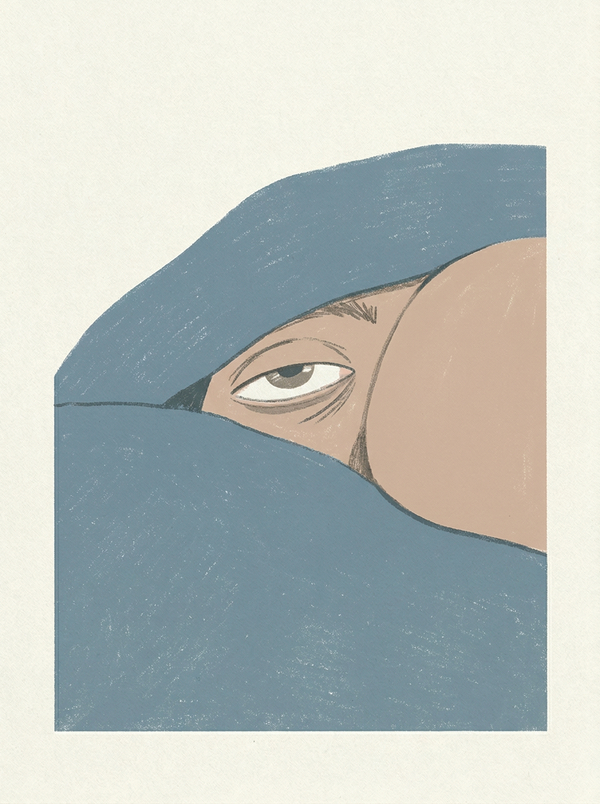
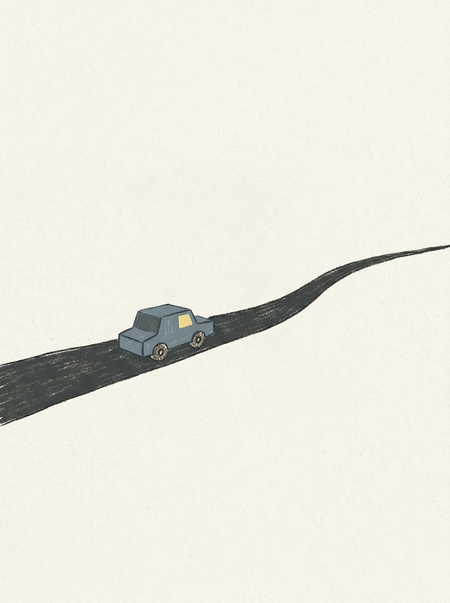
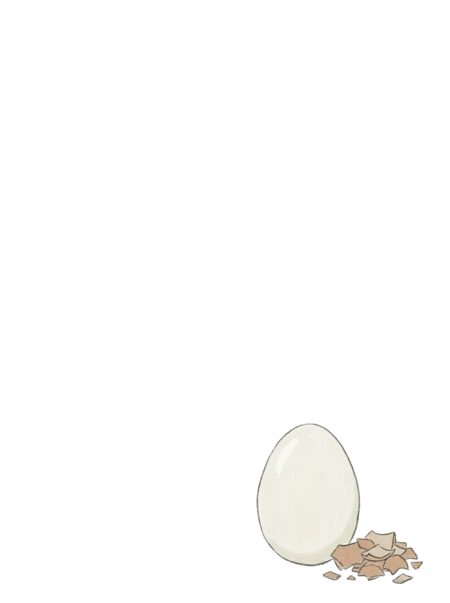
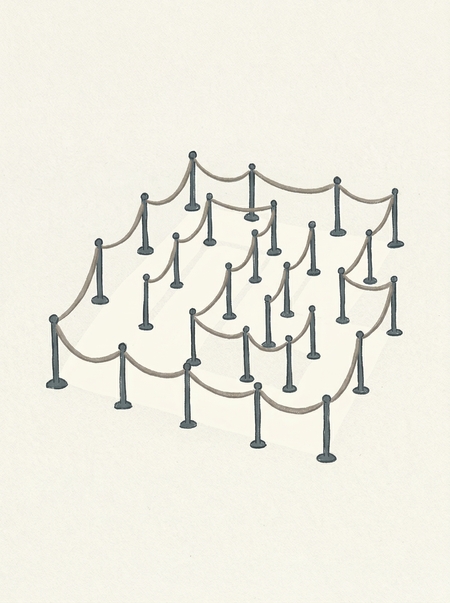
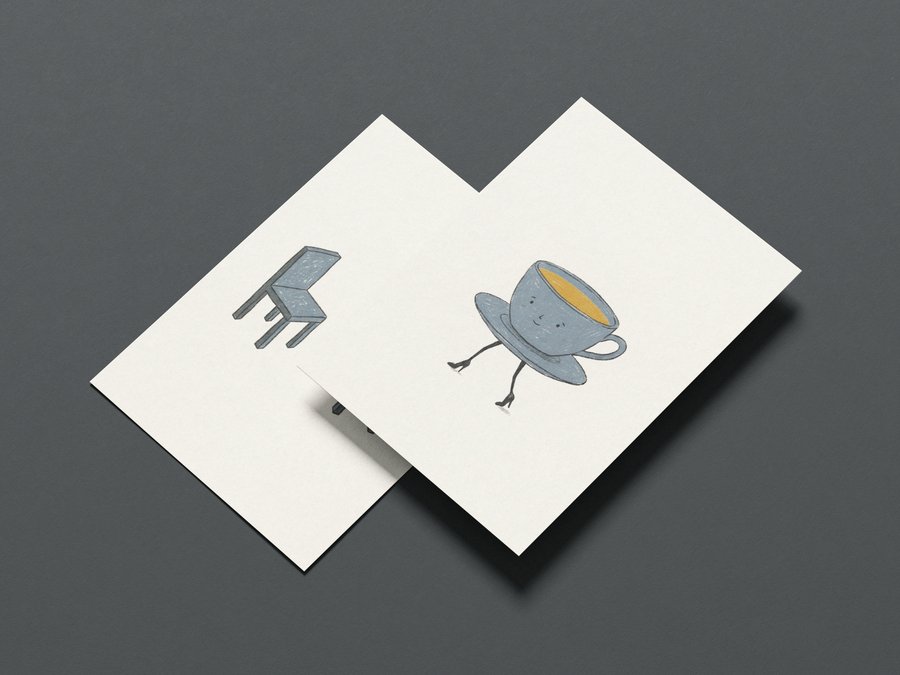
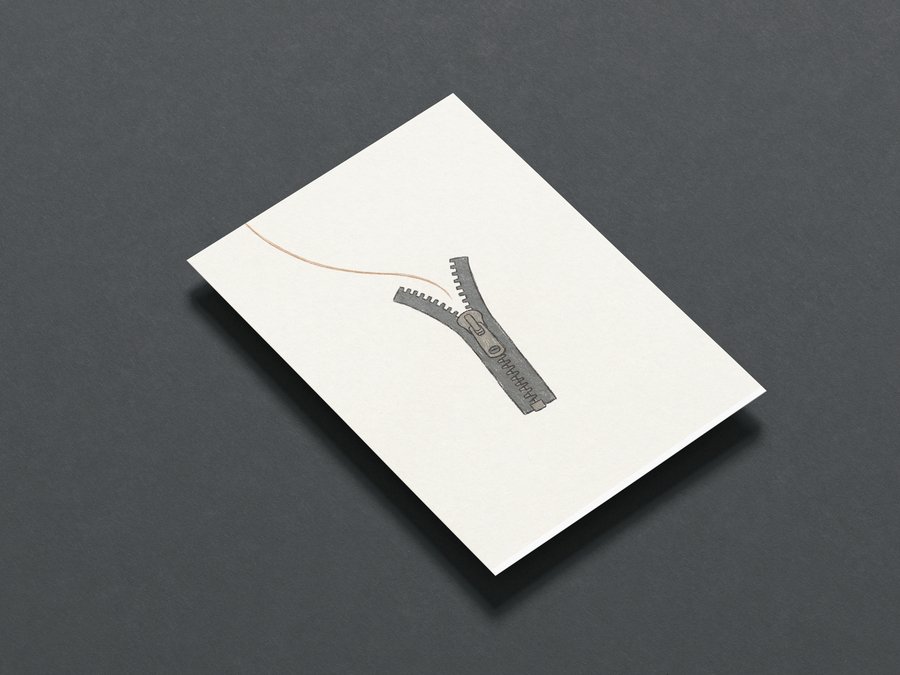
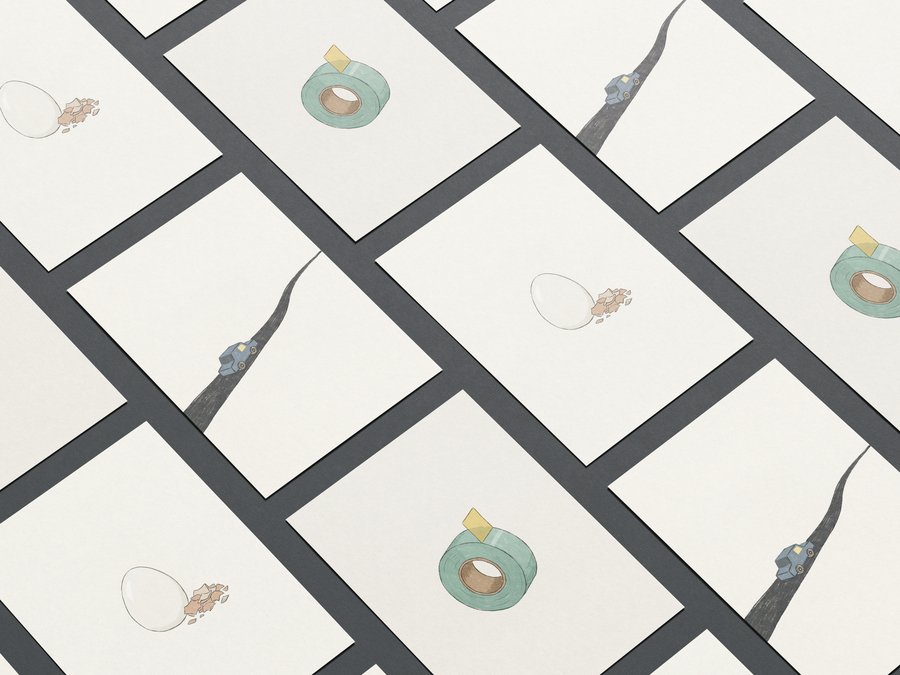
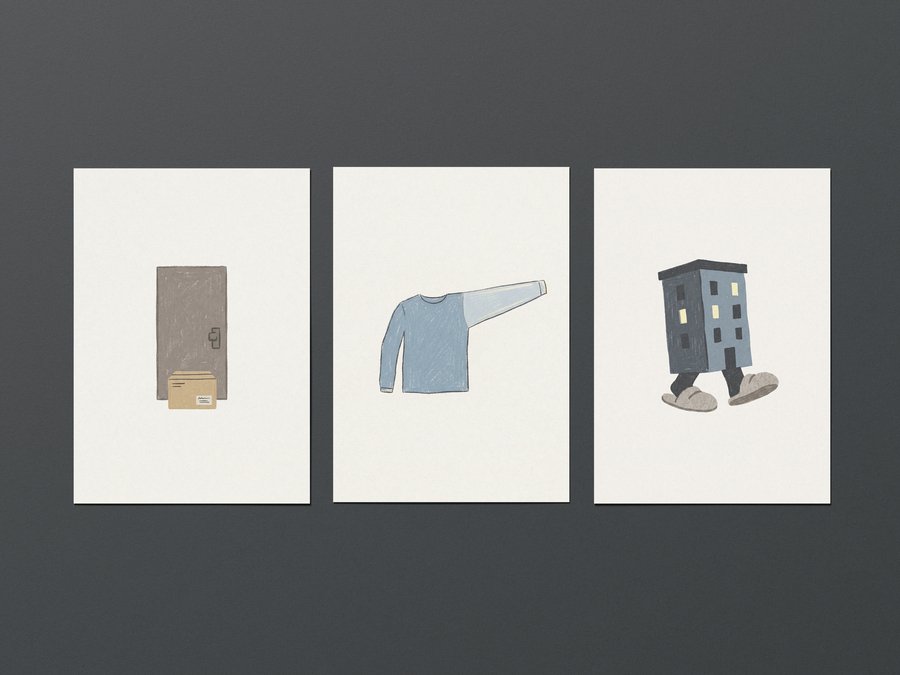
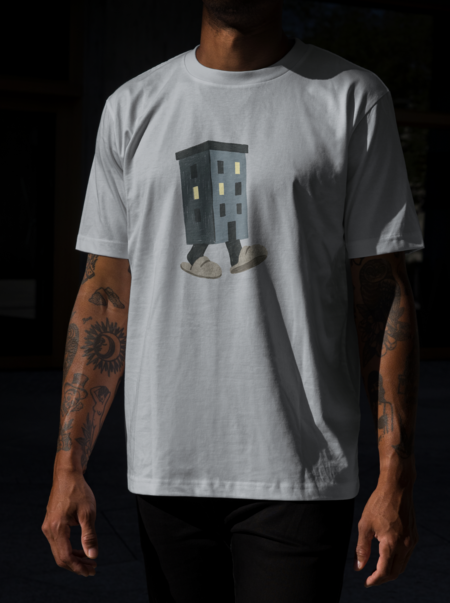
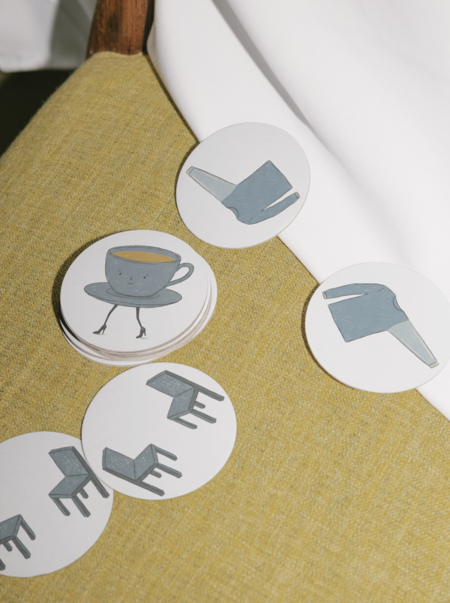
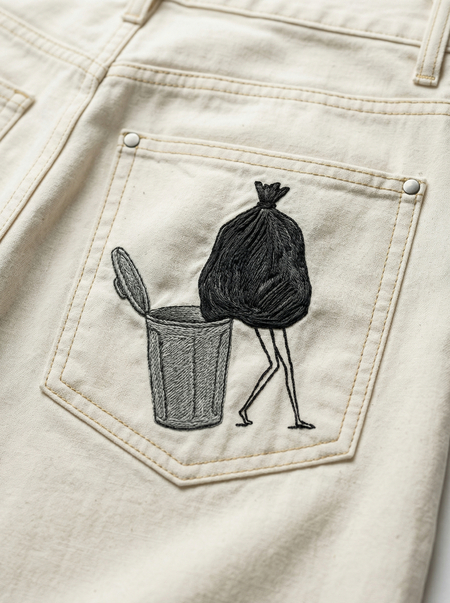
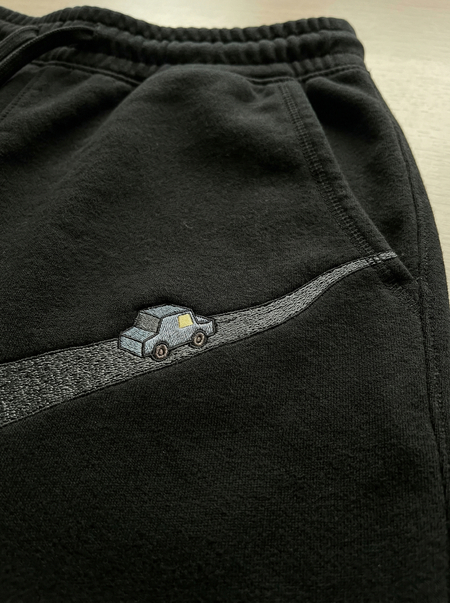
«Ничего страшного» — серия открыток о редких моментах цифрового и бытового облегчения, когда не происходит ничего плохого: не приходит лишнее сообщение, не зависает загрузка, не выскакивает капча, не заканчивается память.
Отсутствие проблемы = повод для праздника
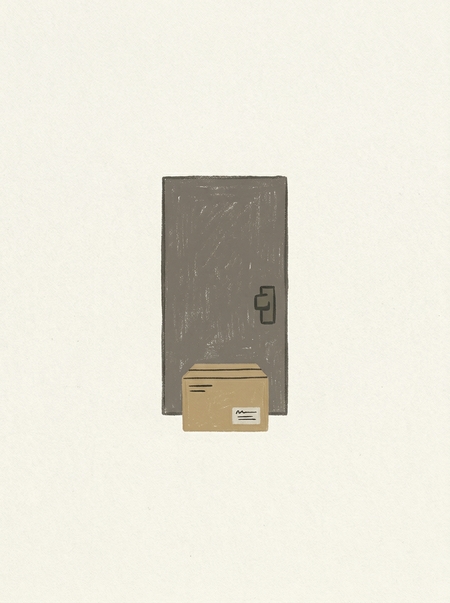
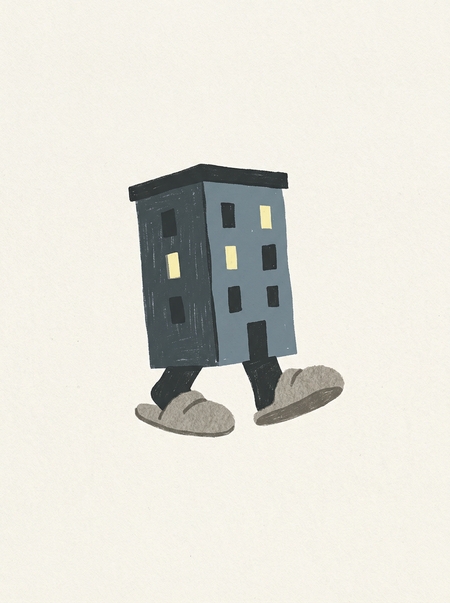
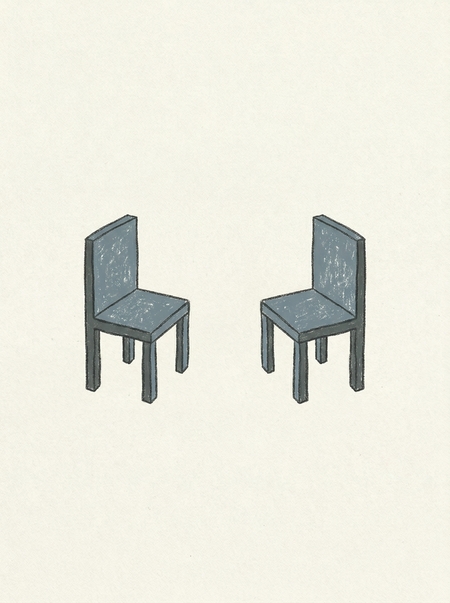
С днем доставки «оставить у двери» без звонка! / С днем тихих соседей!
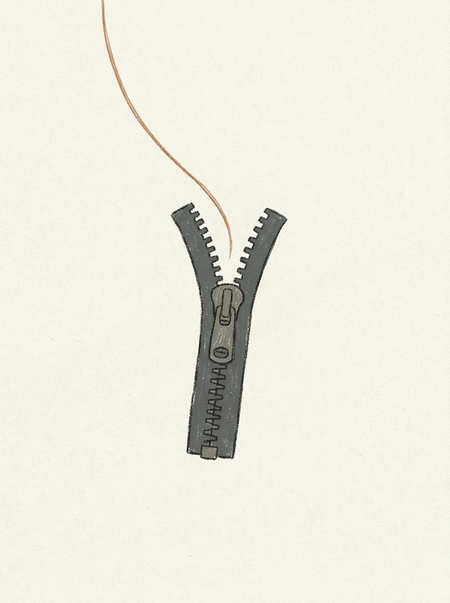
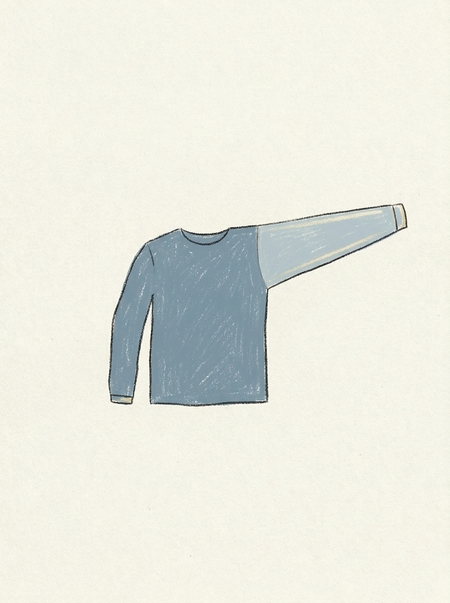
С днем волос, не попавших в молнию! / С днем идеально вывернутого рукава!
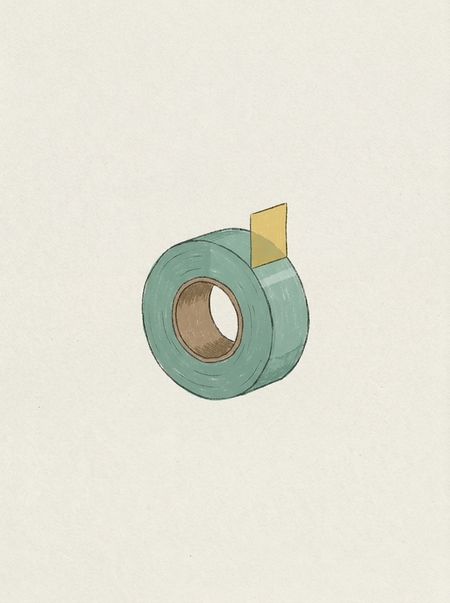
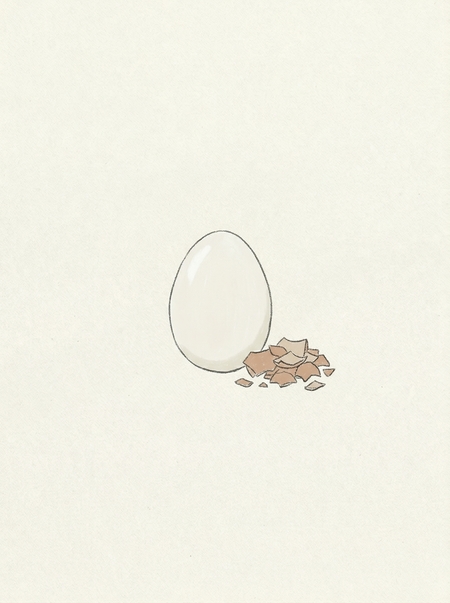
С днем, когда нашел край у скотча сразу! / С днем идеально очищенного яйца!
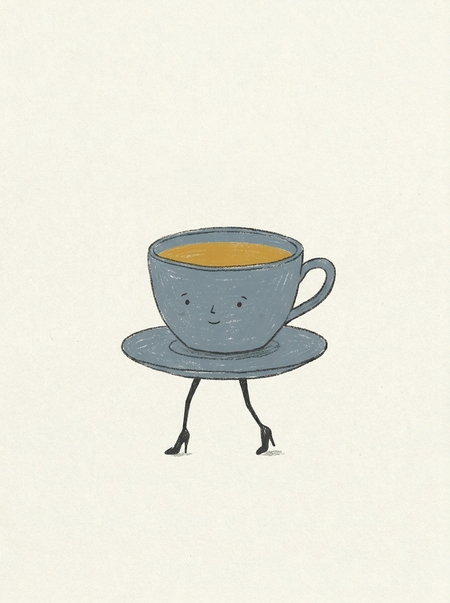
С днем без отмен! / С днем непролитой кружки!
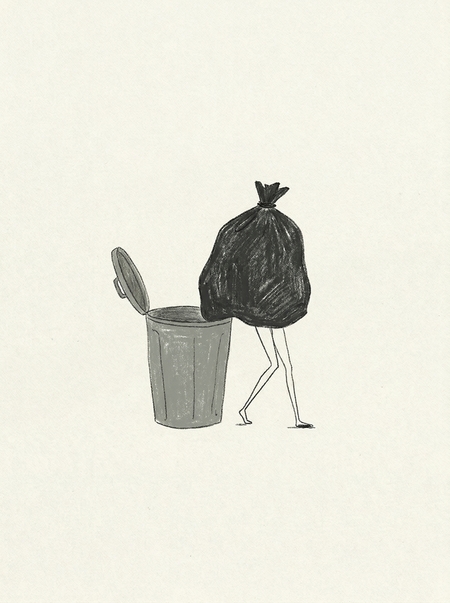
С днем без включенной фронталки! / С днём нерассыпавшегося мусора!
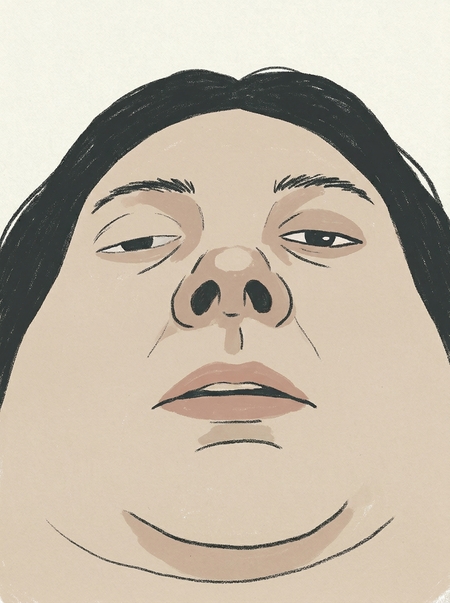
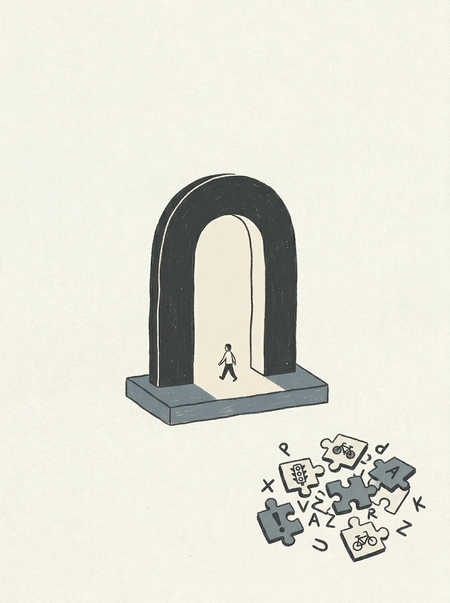
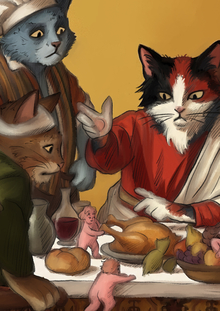
Алёна Балакир создала серию открыток, посвящённую редким моментам, когда ничего плохого не происходит в цифровой и бытовой жизни. Проект подчёркивает, что отсутствие проблем может быть поводом для праздника и радости.
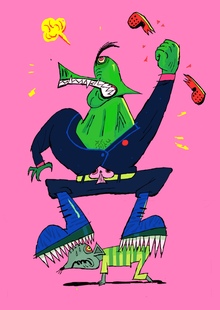
Алиса Шнайдер создала колоду карт, которая погружает в четыре разные тюрьмы, где заключённые попадают по характеру. Каждая масть в колоде отражает определённую черту личности и имеет свою иерархию персонажей внутри тюрьмы.
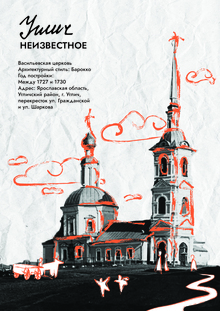
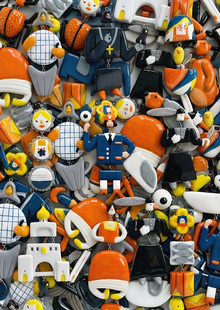
Мария Бородина создала серию модульных брелоков и открыток, посвящённых городам Золотого кольца России. Каждый брелок представляет город через три аспекта — профессию, промысел и местную фауну, а также можно комбинировать части между собой.
We use cookies to improve the operation of the website and to enhance its usability. More detailed information on the use of cookies can be fo...
Show more
Press space bar to start a drag.
When dragging you can use the arrow keys to move the item around and escape to cancel.
Some screen readers may require you to be in focus mode or to use your pass through key
Press space bar to start a drag.
When dragging you can use the arrow keys to move the item around and escape to cancel.
Some screen readers may require you to be in focus mode or to use your pass through key
Press space bar to start a drag.
When dragging you can use the arrow keys to move the item around and escape to cancel.
Some screen readers may require you to be in focus mode or to use your pass through key
Press space bar to start a drag.
When dragging you can use the arrow keys to move the item around and escape to cancel.
Some screen readers may require you to be in focus mode or to use your pass through key
Press space bar to start a drag.
When dragging you can use the arrow keys to move the item around and escape to cancel.
Some screen readers may require you to be in focus mode or to use your pass through key
Press space bar to start a drag.
When dragging you can use the arrow keys to move the item around and escape to cancel.
Some screen readers may require you to be in focus mode or to use your pass through key
Press space bar to start a drag.
When dragging you can use the arrow keys to move the item around and escape to cancel.
Some screen readers may require you to be in focus mode or to use your pass through key
Press space bar to start a drag.
When dragging you can use the arrow keys to move the item around and escape to cancel.
Some screen readers may require you to be in focus mode or to use your pass through key
Press space bar to start a drag.
When dragging you can use the arrow keys to move the item around and escape to cancel.
Some screen readers may require you to be in focus mode or to use your pass through key