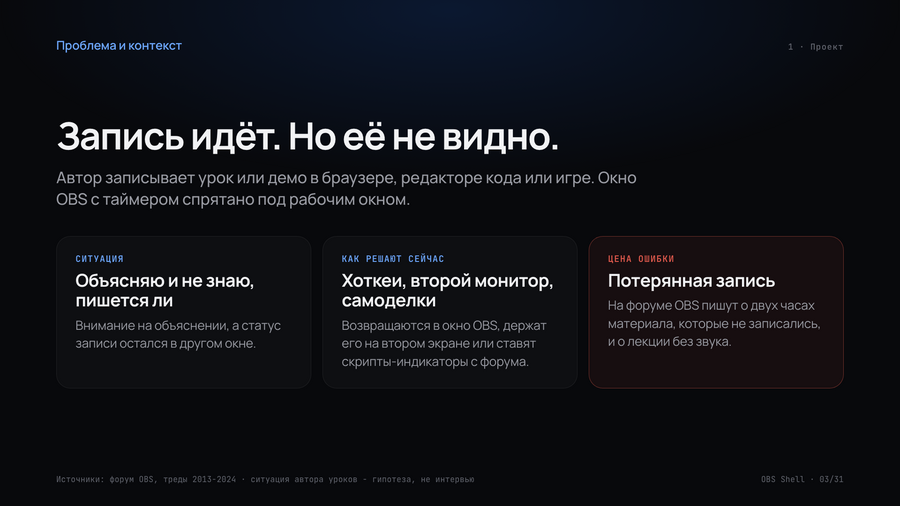
1. Project and Problem Statement
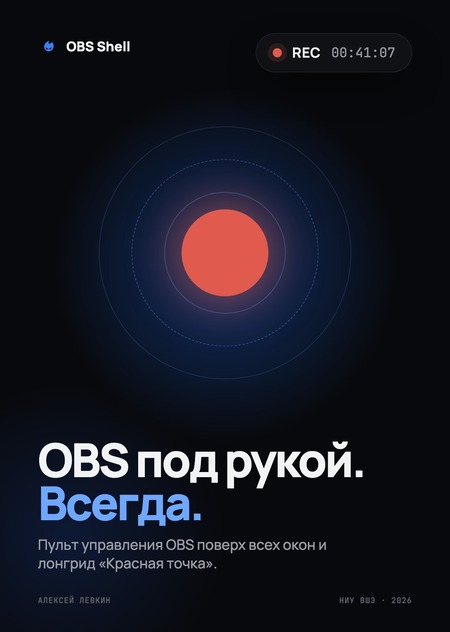
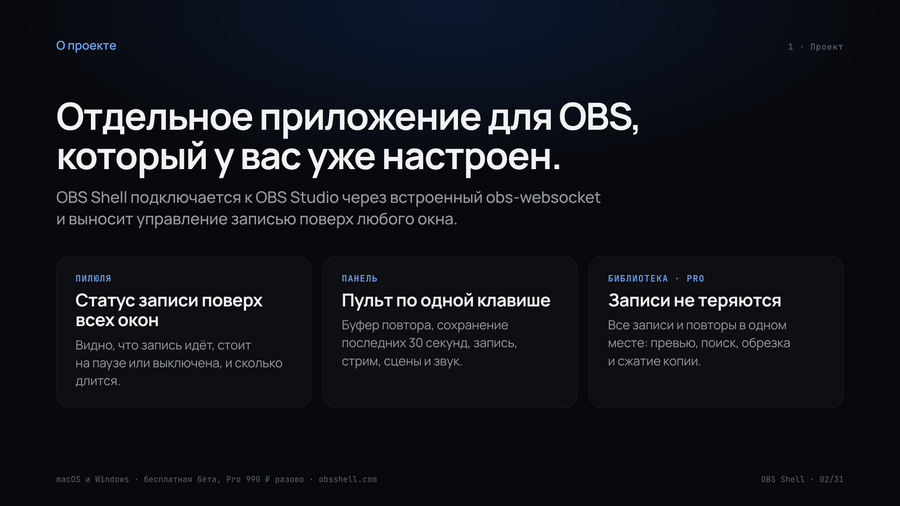
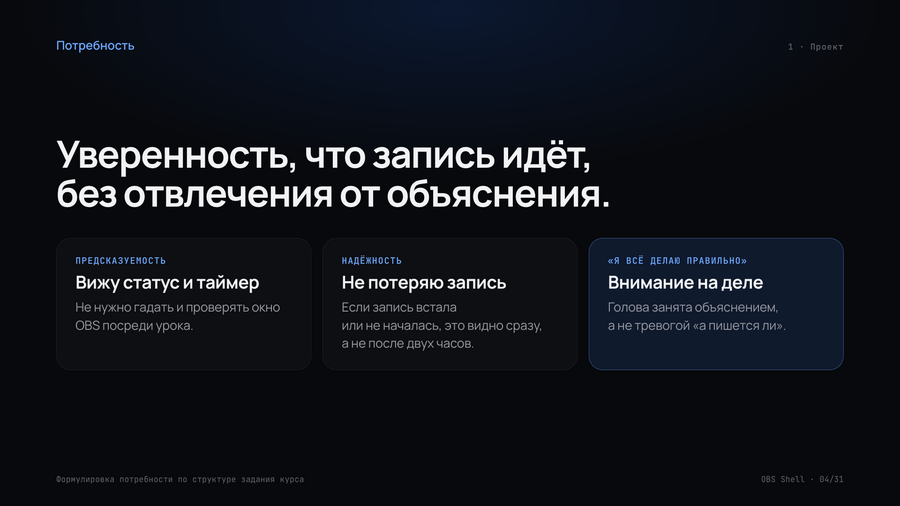
OBS Shell — a separate application for OBS Studio. It connects to your already configured OBS instance and displays recording controls overlaid on any window: you can see that recording is in progress and how long it has been running.
2. Target Audience
Four segments based on the purpose of the entry: explanation, demo, moment, and live stream. We will start with the lesson authors and the Mac developers. The personas are currently hypotheses; we will verify them through interviews in Module 2.
3. Competitive Analysis
Many indicators of enrollment exist, but we couldn’t find a complete scenario (status, control panel, and clips for their OBS). From this, we devised a strategy: to show the entire user journey.
4 · Product Advantages
We are a screen controller and clip library for OBS for those who frequently record their screen but don’t want to change their OBS setup.
5 · Content
Five categories, four formats, and a tone suitable for a colleague who also writes screenplays. Content plan for Module 2: eight weeks, one topic per week, with the first publication being a long-form article.
6 · Longread «Red Dot»
Multimedia article on the history of the «recording in progress» indicator: from the «On Air» lamp above the BBC studio to the OBS Shell pill. One red dot traverses all ten screens, changing shape with the narrative. Longread: https://obsshell.com/red-dot/ Screencast of the desktop version: https://youtu.be/d4lojzhp6BA