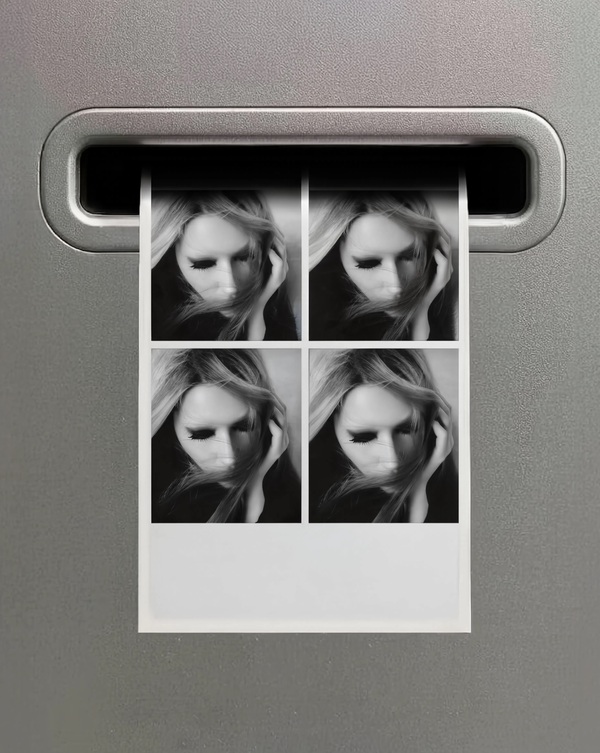
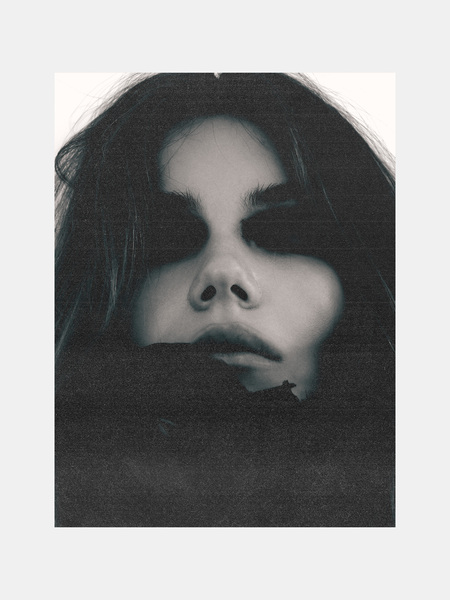
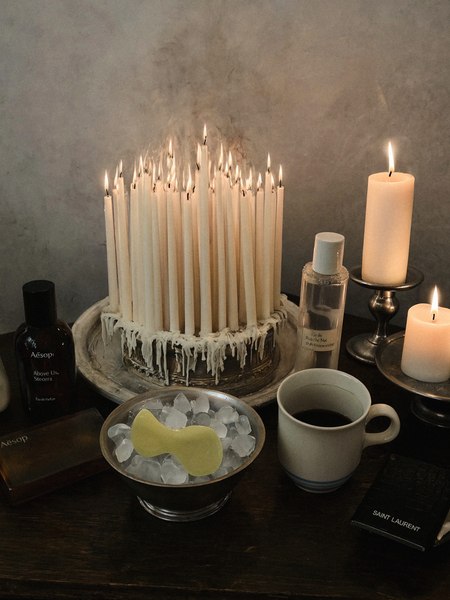
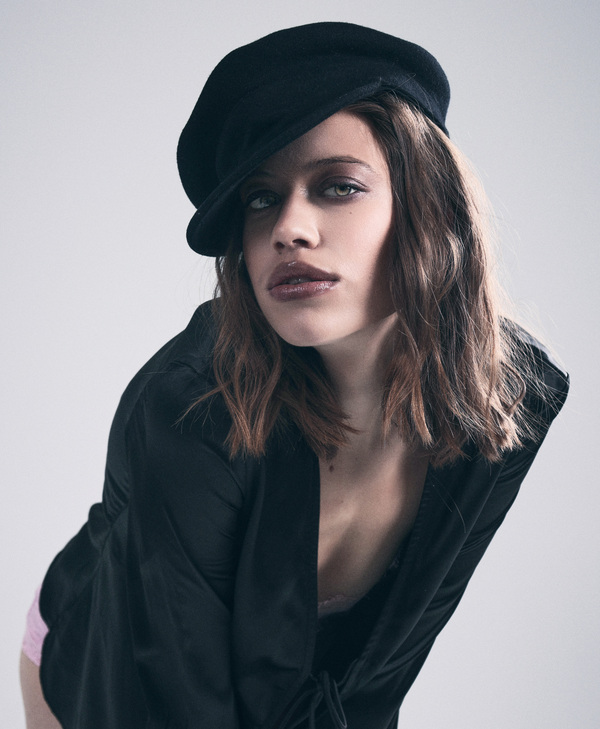
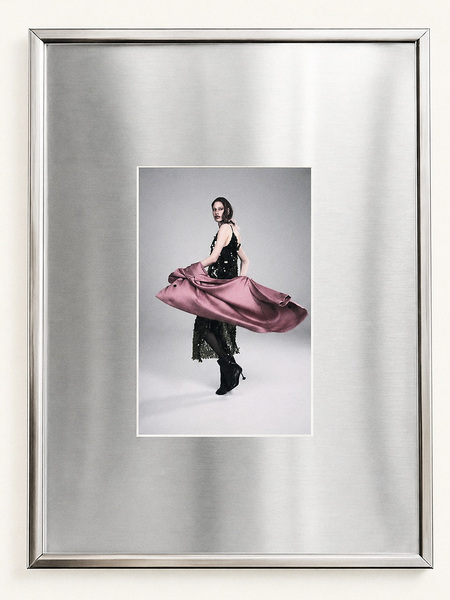
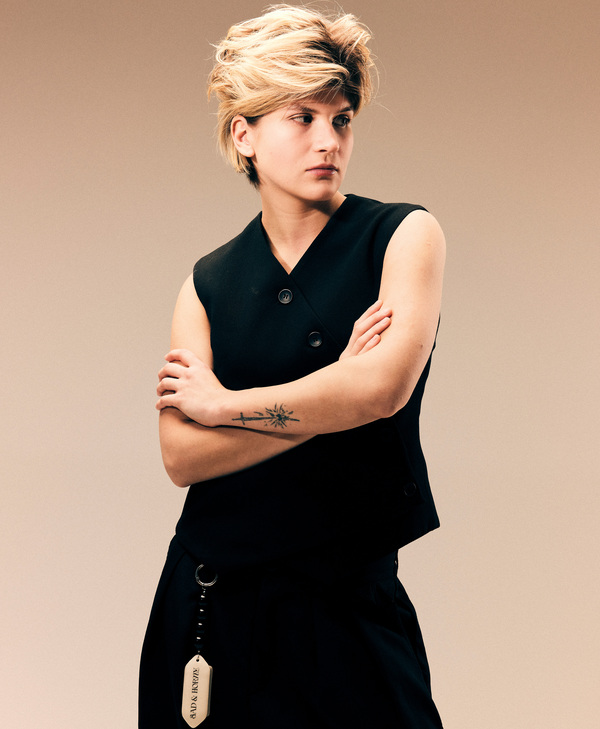
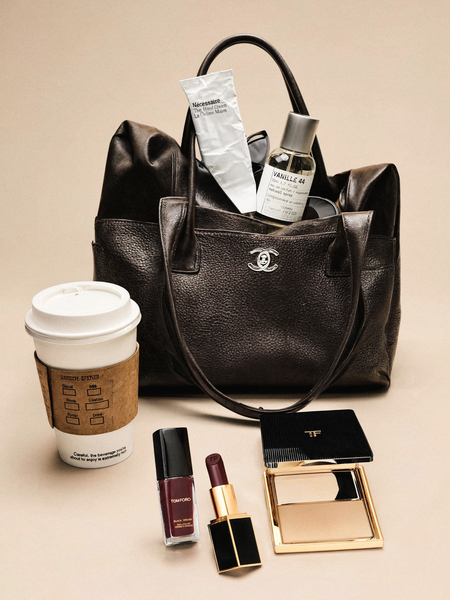
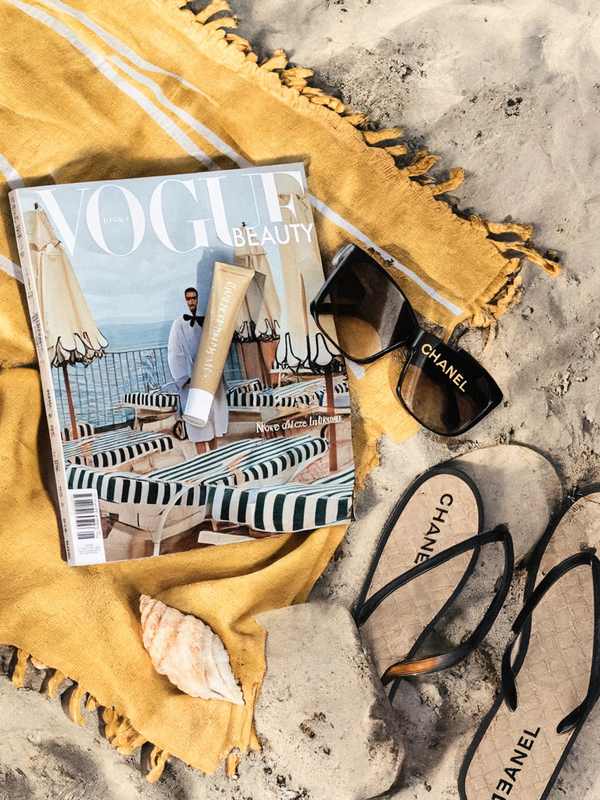
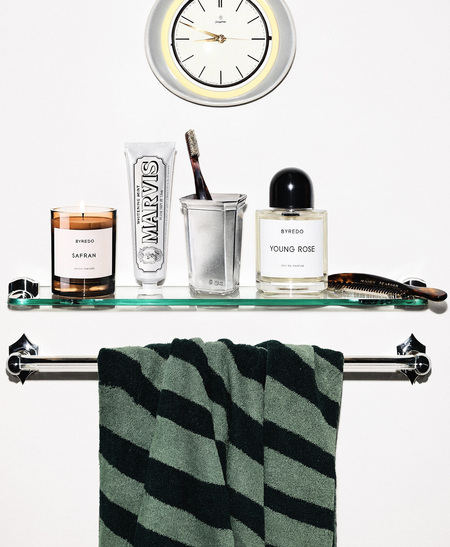
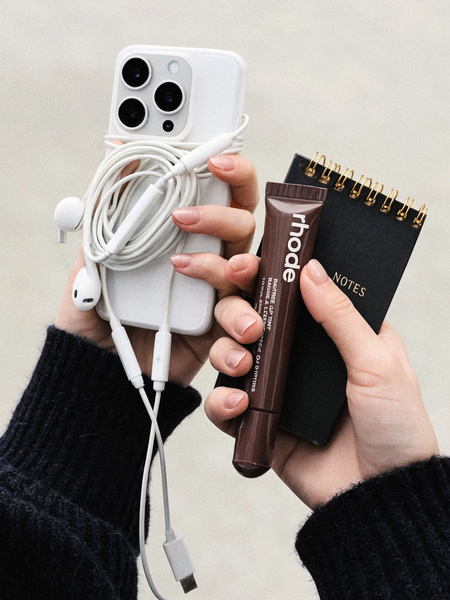
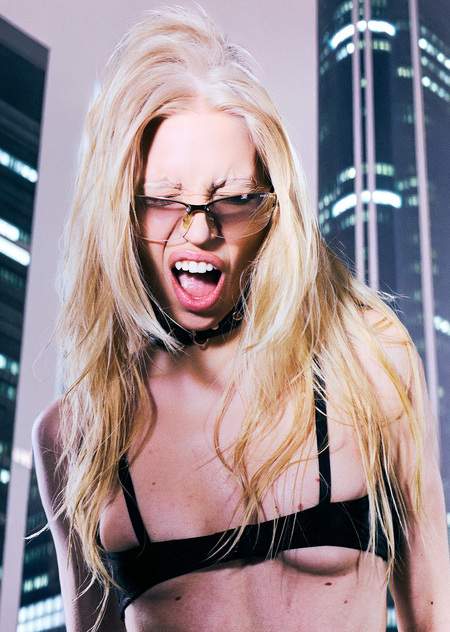
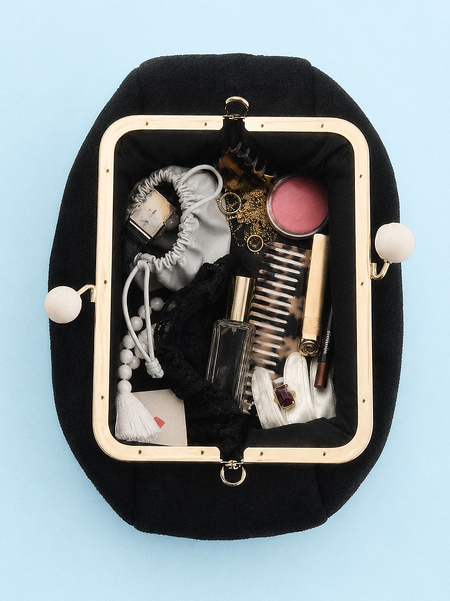
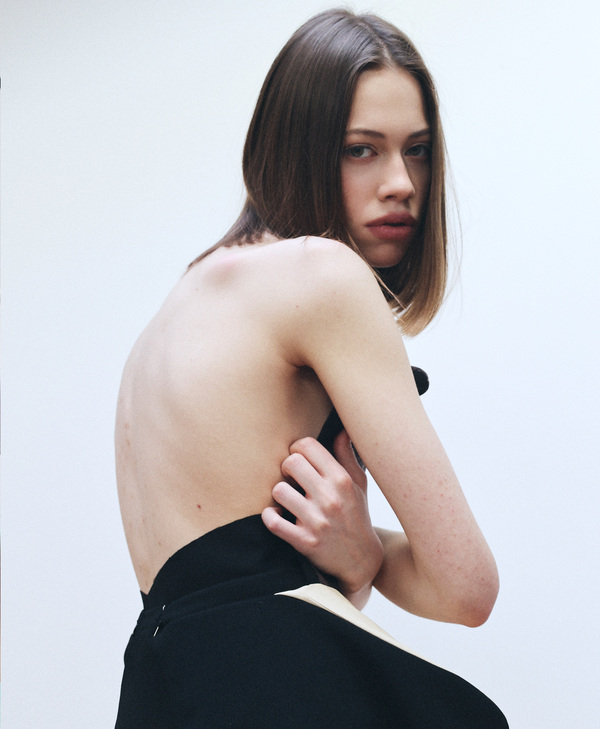
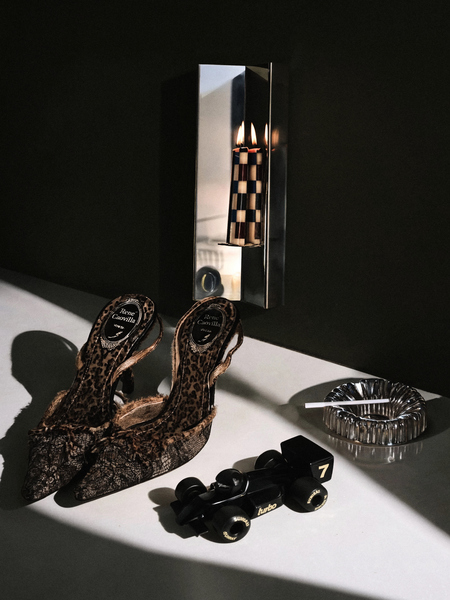
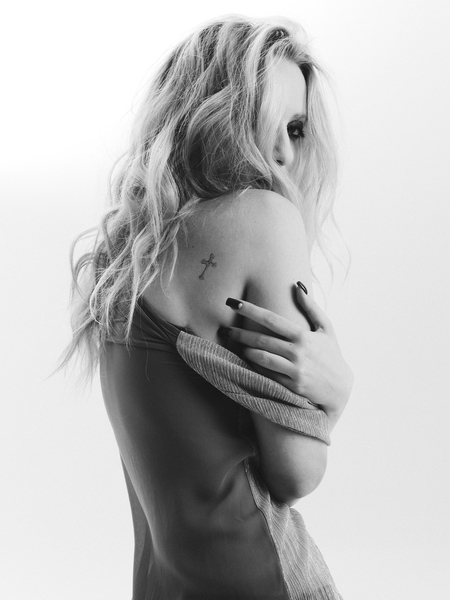
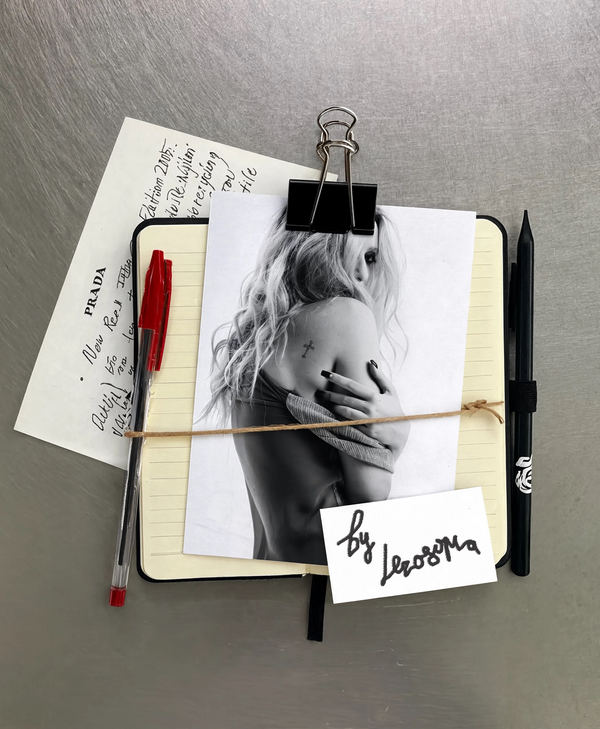
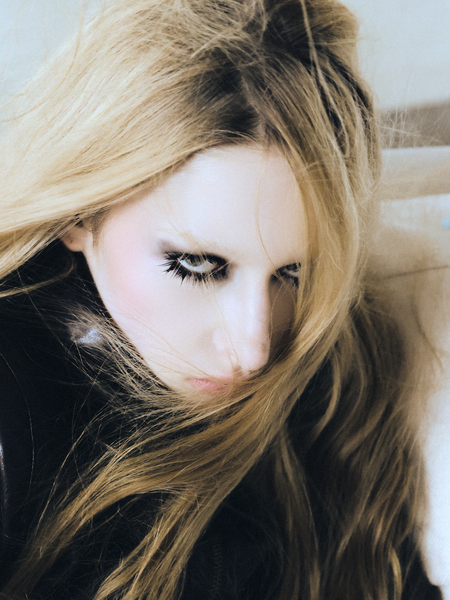
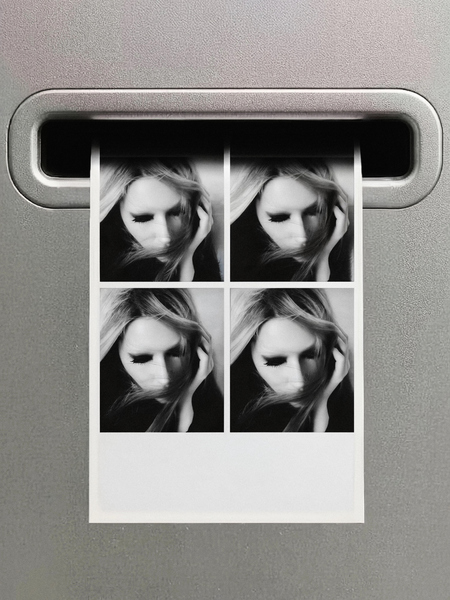
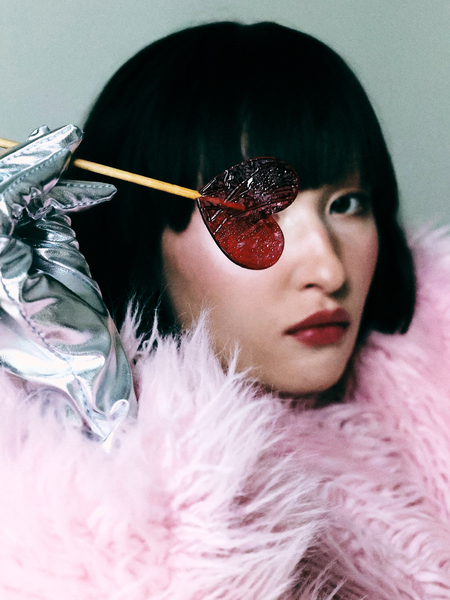
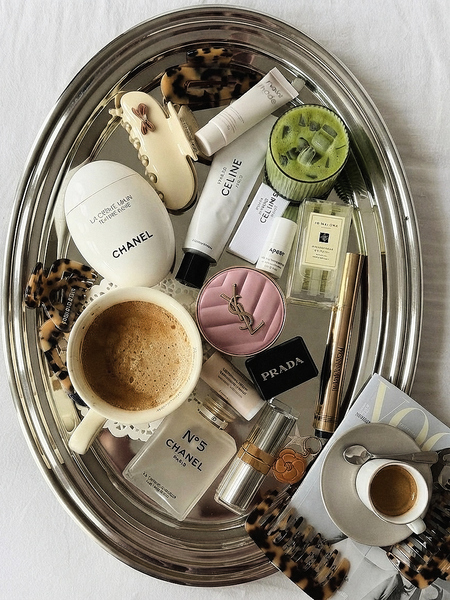
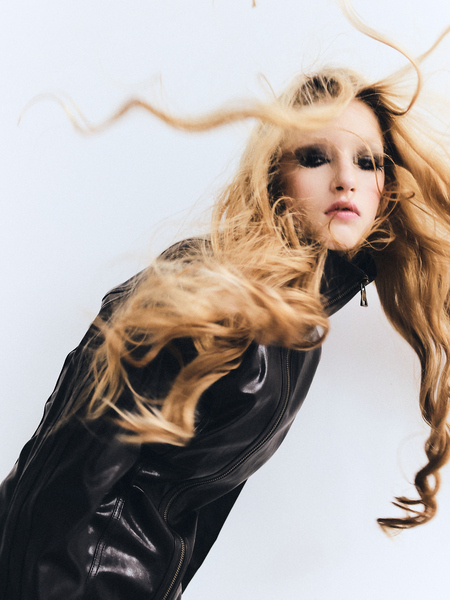
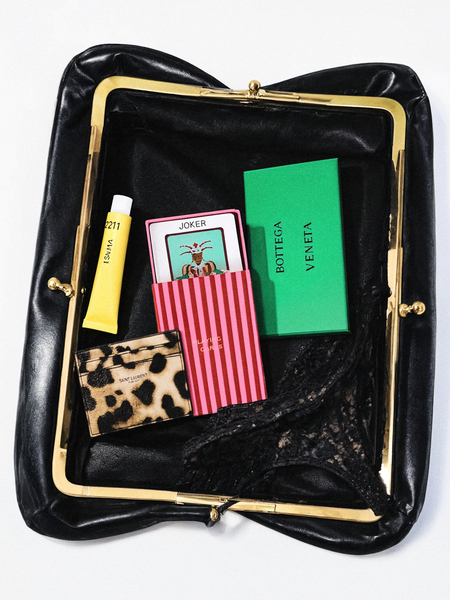
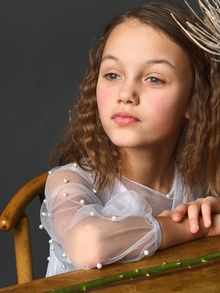
Проект строится на контрасте «живого» и «сгенерированного». В левой части экспозиции — мои оригинальные фэшн-портреты и средние планы девушек: живая кожа, поставленный мною свет, застывший момент съёмки. В правой — предметные генерации (фактуры, аксессуары, детали интерьера и статичные объекты), которых физически не было на площадке, но которые могли бы подойти под предметную концепцию съемки.
Автор создала концепцию логотипа для линейки Nova бренда Huawei, сочетающую эстетику и технологичность. Проект включает в себя описание минималистичных форм и космического сияния, отражающих идею вдохновения и инноваций.
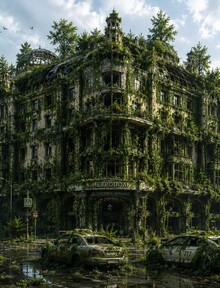
Злата Манина создала проект «Алгоритм возврата», в котором фотографии российских городов обрабатываются нейросетью, чтобы выявить скрытые структуры повторения. Проект использует эффект «зловещей долины», когда искажённые изображения становятся почти узнаваемыми, но тревожно неправильными.
We use cookies to improve the operation of the website and to enhance its usability. More detailed information on the use of cookies can be fo...
Show more
Press space bar to start a drag.
When dragging you can use the arrow keys to move the item around and escape to cancel.
Some screen readers may require you to be in focus mode or to use your pass through key
Press space bar to start a drag.
When dragging you can use the arrow keys to move the item around and escape to cancel.
Some screen readers may require you to be in focus mode or to use your pass through key
Press space bar to start a drag.
When dragging you can use the arrow keys to move the item around and escape to cancel.
Some screen readers may require you to be in focus mode or to use your pass through key
Press space bar to start a drag.
When dragging you can use the arrow keys to move the item around and escape to cancel.
Some screen readers may require you to be in focus mode or to use your pass through key
Press space bar to start a drag.
When dragging you can use the arrow keys to move the item around and escape to cancel.
Some screen readers may require you to be in focus mode or to use your pass through key
Press space bar to start a drag.
When dragging you can use the arrow keys to move the item around and escape to cancel.
Some screen readers may require you to be in focus mode or to use your pass through key
Press space bar to start a drag.
When dragging you can use the arrow keys to move the item around and escape to cancel.
Some screen readers may require you to be in focus mode or to use your pass through key
Press space bar to start a drag.
When dragging you can use the arrow keys to move the item around and escape to cancel.
Some screen readers may require you to be in focus mode or to use your pass through key
Press space bar to start a drag.
When dragging you can use the arrow keys to move the item around and escape to cancel.
Some screen readers may require you to be in focus mode or to use your pass through key
Press space bar to start a drag.
When dragging you can use the arrow keys to move the item around and escape to cancel.
Some screen readers may require you to be in focus mode or to use your pass through key
Press space bar to start a drag.
When dragging you can use the arrow keys to move the item around and escape to cancel.
Some screen readers may require you to be in focus mode or to use your pass through key
Press space bar to start a drag.
When dragging you can use the arrow keys to move the item around and escape to cancel.
Some screen readers may require you to be in focus mode or to use your pass through key