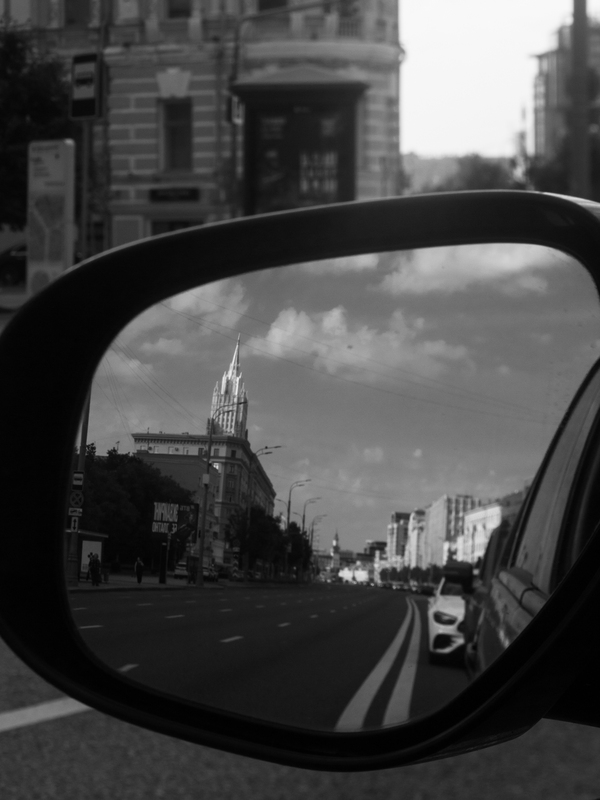
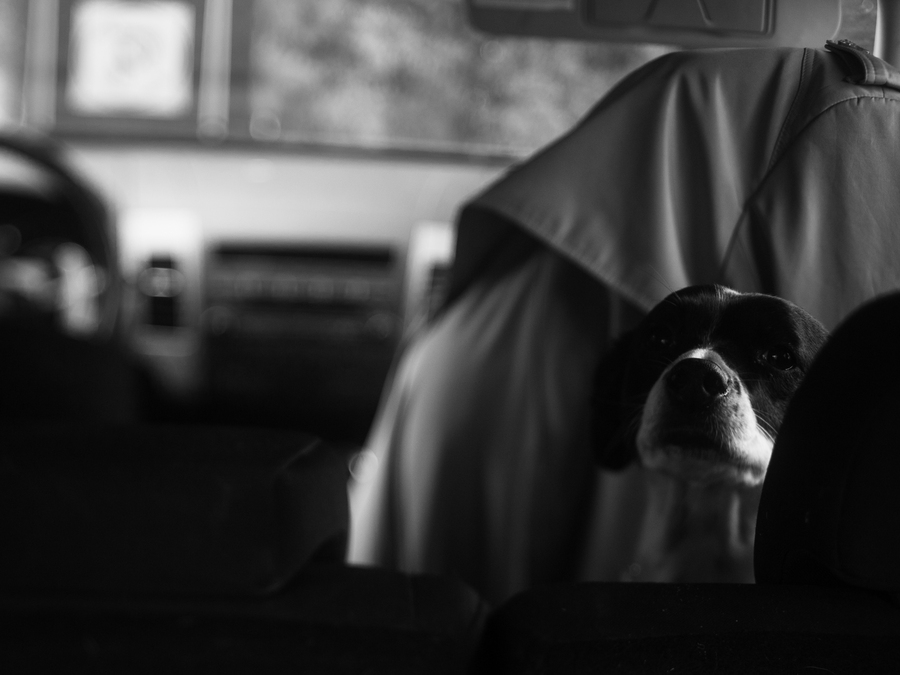
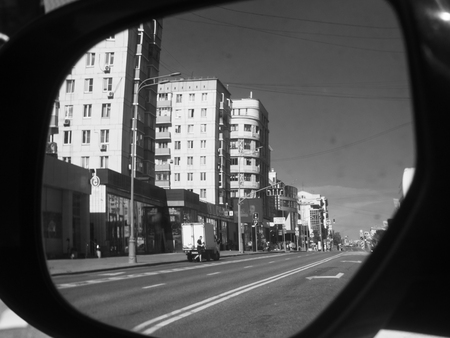
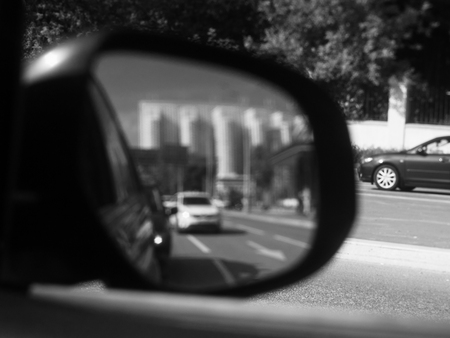
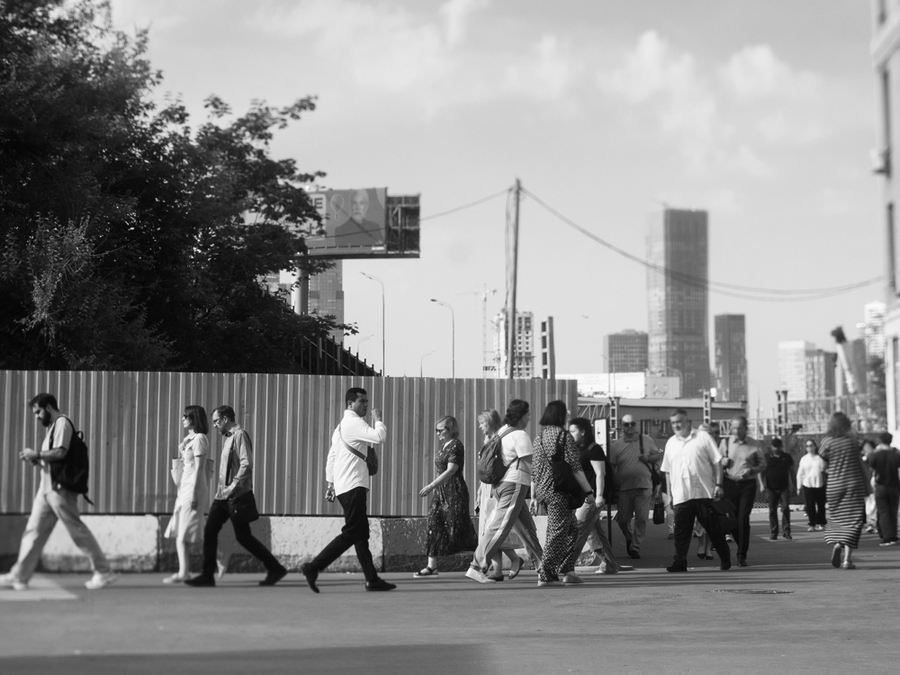
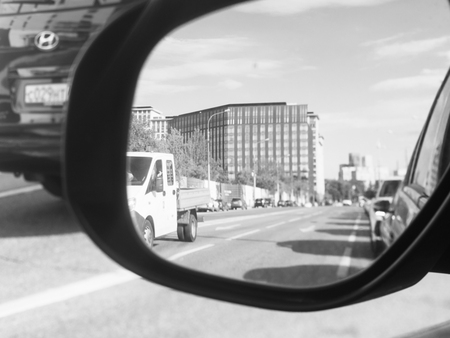
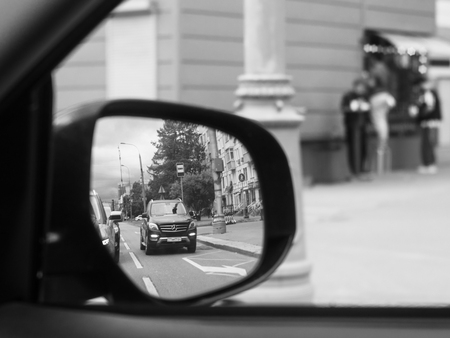
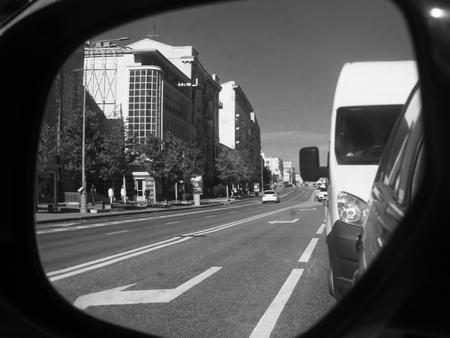
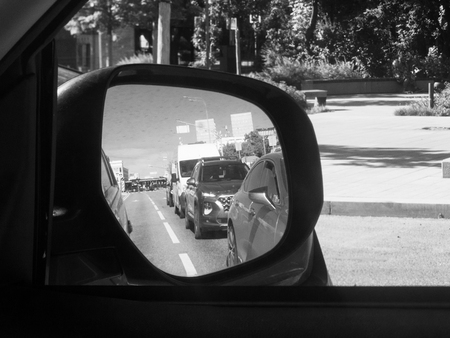
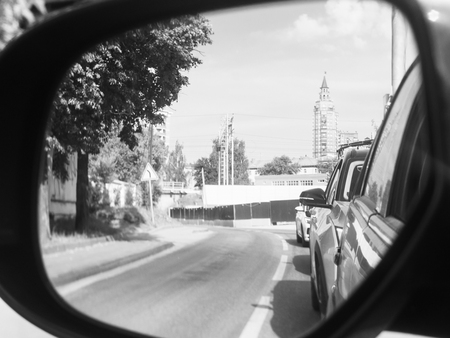
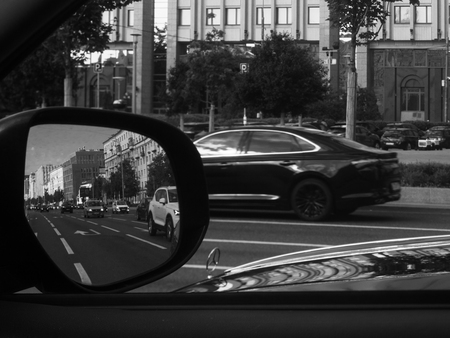
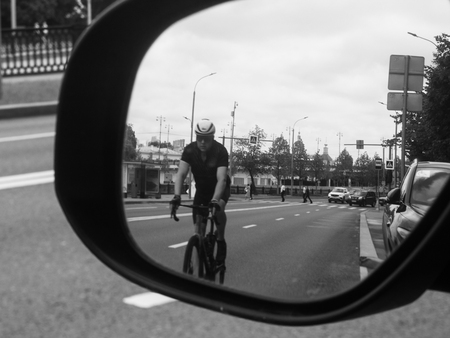
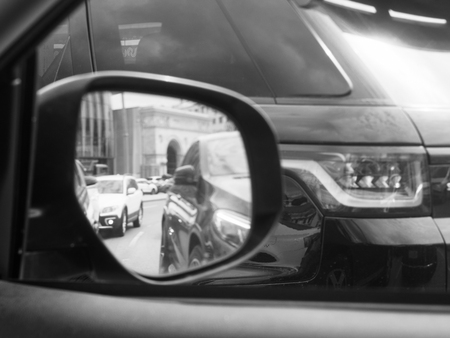
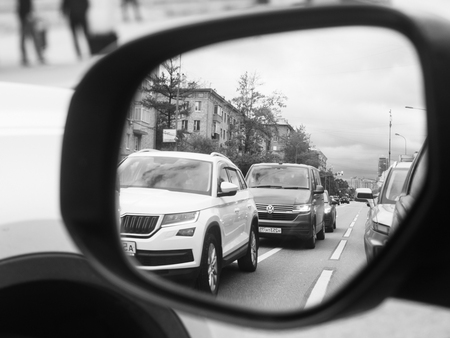
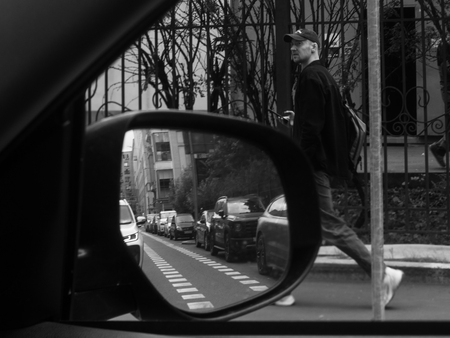
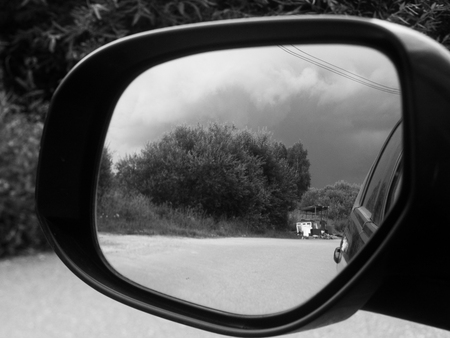
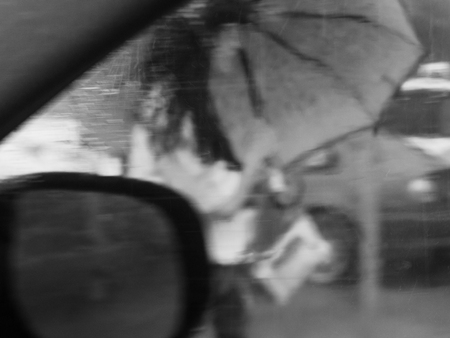
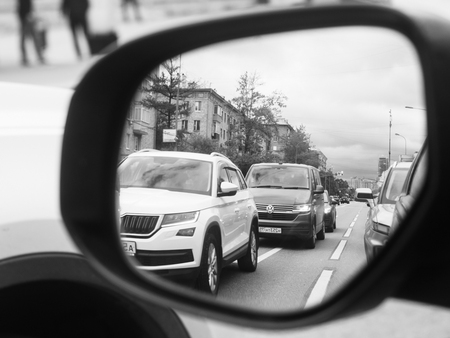
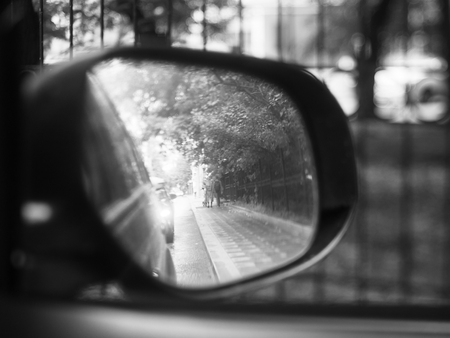
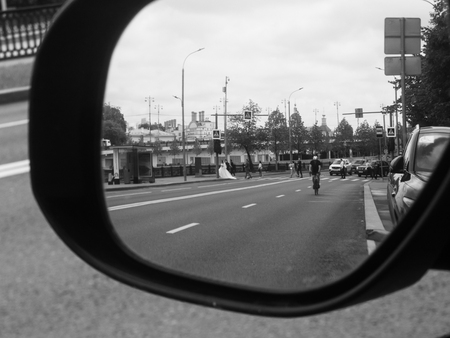
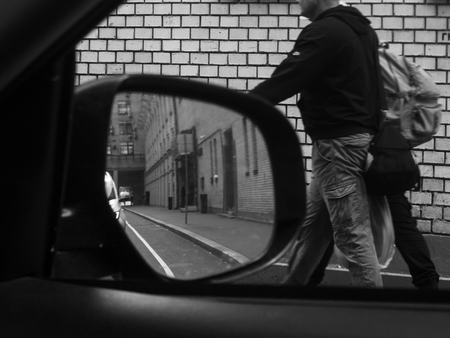
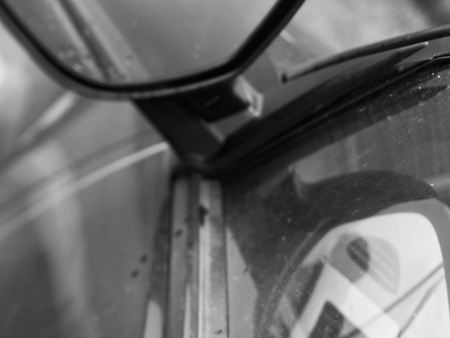
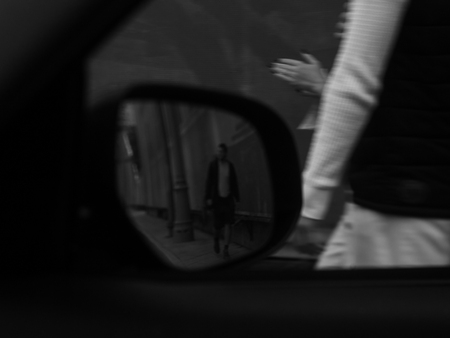
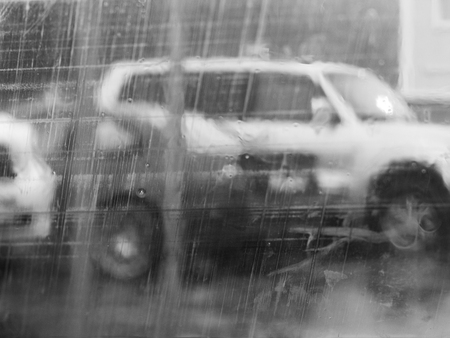
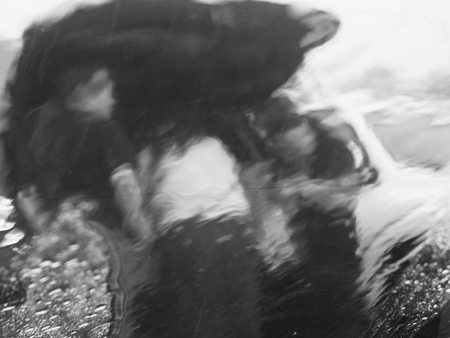
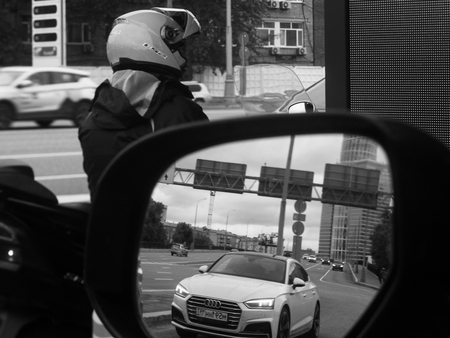
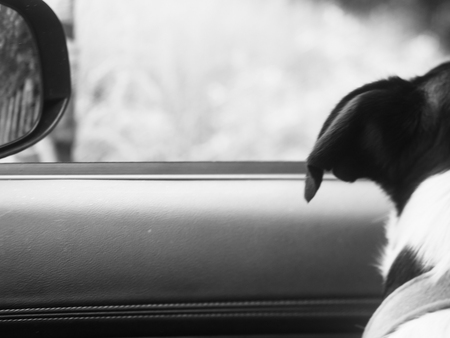
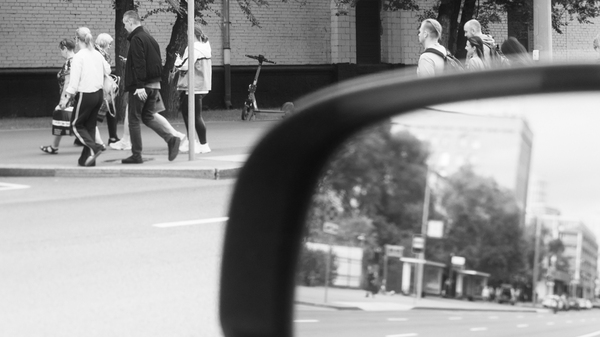
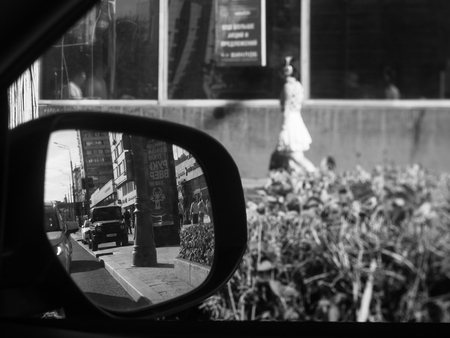
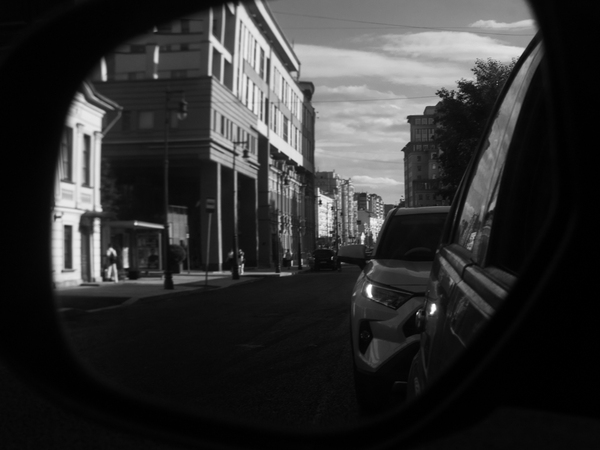
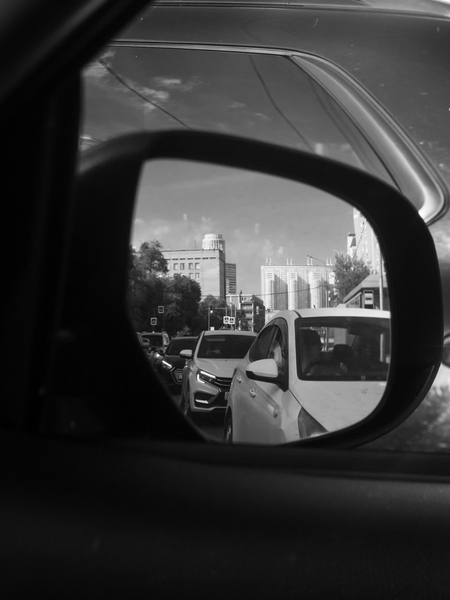
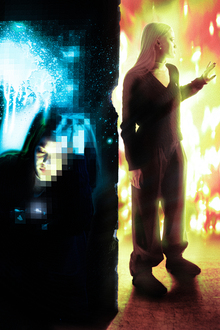
The city in the car’s mirror is a city that goes unseen. The driver doesn’t choose it; the passengers don’t gaze into it; they don’t form a relationship with it. It drifts alongside, like a backdrop to the traffic—a visual noise, a flow of indistinguishable facades, traffic lights, intersections, stops, and other cars. From inside the vehicle, it appears total, yet optional—a set that shifts as you move from one obligatory point to another: from home to work, from work to home. Through the entire metropolis, through traffic jams, through the same routes. The city outside the window transforms into a blur, a rapid succession, a mass of color devoid of detail. The reflection in the mirror merges with what is outside—optical noise becomes the norm of vision.
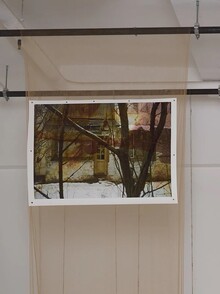
Одна из самых важных задач фотографии — сохранить любую информацию о текущем этапе жизни для будущих поколений. С течением времени методы получения и печати снимков меняются так же как и вся окружающая человека жизнь. Чтобы лучше понять прошлое, иногда бывает полезно воссоздать старинные технологии и посмотреть на то немногое, что нам досталось в наследство от уходящей эпохи, глазами старой оптики. Попытка смоделировать искусственно старый архив памяти — это своеобразный способ размораживания не только исторических технологий съемки и аналогового способа печати фото, но и самого видения времени и чувства пространства всем предыдущим поколением.
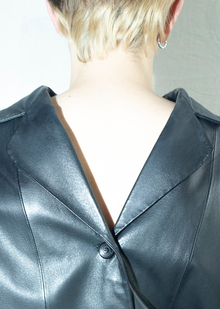
«My name is» — название обещает знакомство, но лица модели в кадрах нет, остаются только одежда, руки и комната. Можно ли сделать портрет, в котором человека нельзя рассмотреть лицо?
We use cookies to improve the operation of the website and to enhance its usability. More detailed information on the use of cookies can be fo...
Show more
Press space bar to start a drag.
When dragging you can use the arrow keys to move the item around and escape to cancel.
Some screen readers may require you to be in focus mode or to use your pass through key
Press space bar to start a drag.
When dragging you can use the arrow keys to move the item around and escape to cancel.
Some screen readers may require you to be in focus mode or to use your pass through key
Press space bar to start a drag.
When dragging you can use the arrow keys to move the item around and escape to cancel.
Some screen readers may require you to be in focus mode or to use your pass through key
Press space bar to start a drag.
When dragging you can use the arrow keys to move the item around and escape to cancel.
Some screen readers may require you to be in focus mode or to use your pass through key
Press space bar to start a drag.
When dragging you can use the arrow keys to move the item around and escape to cancel.
Some screen readers may require you to be in focus mode or to use your pass through key
Press space bar to start a drag.
When dragging you can use the arrow keys to move the item around and escape to cancel.
Some screen readers may require you to be in focus mode or to use your pass through key
Press space bar to start a drag.
When dragging you can use the arrow keys to move the item around and escape to cancel.
Some screen readers may require you to be in focus mode or to use your pass through key
Press space bar to start a drag.
When dragging you can use the arrow keys to move the item around and escape to cancel.
Some screen readers may require you to be in focus mode or to use your pass through key
Press space bar to start a drag.
When dragging you can use the arrow keys to move the item around and escape to cancel.
Some screen readers may require you to be in focus mode or to use your pass through key
Press space bar to start a drag.
When dragging you can use the arrow keys to move the item around and escape to cancel.
Some screen readers may require you to be in focus mode or to use your pass through key
Press space bar to start a drag.
When dragging you can use the arrow keys to move the item around and escape to cancel.
Some screen readers may require you to be in focus mode or to use your pass through key
Press space bar to start a drag.
When dragging you can use the arrow keys to move the item around and escape to cancel.
Some screen readers may require you to be in focus mode or to use your pass through key
Press space bar to start a drag.
When dragging you can use the arrow keys to move the item around and escape to cancel.
Some screen readers may require you to be in focus mode or to use your pass through key
Press space bar to start a drag.
When dragging you can use the arrow keys to move the item around and escape to cancel.
Some screen readers may require you to be in focus mode or to use your pass through key