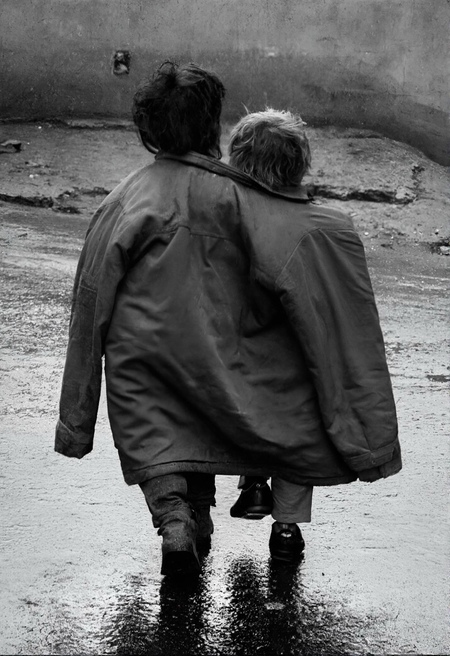
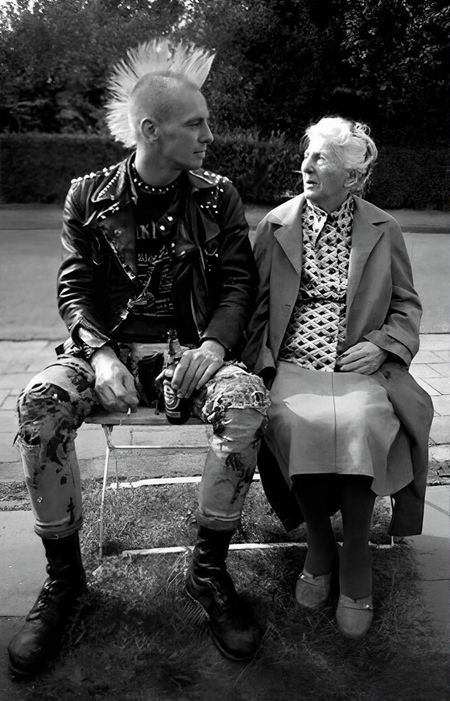
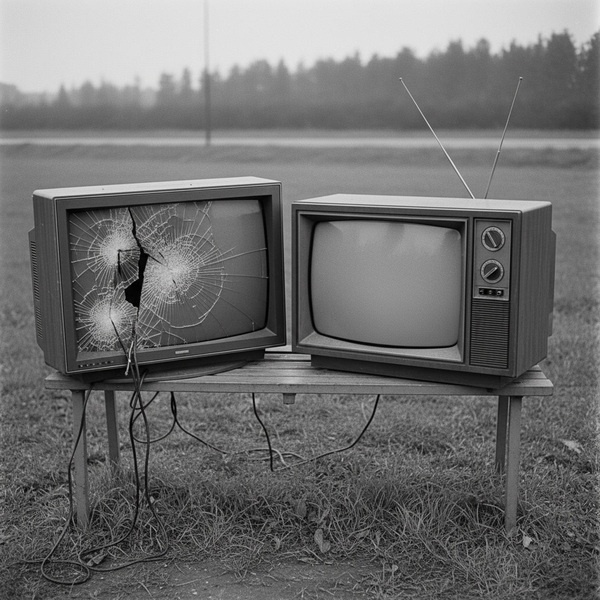
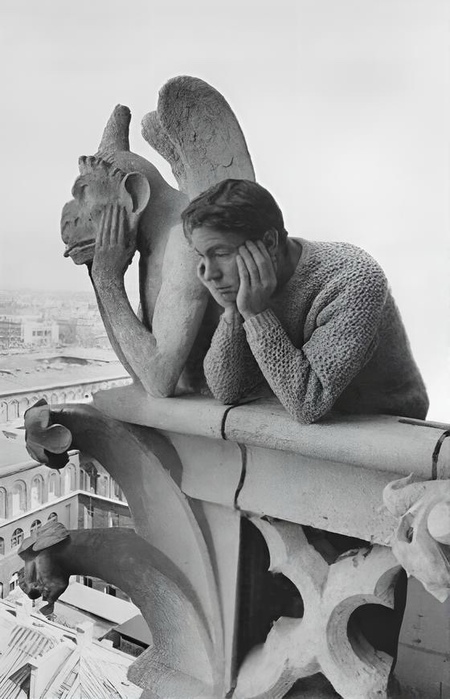
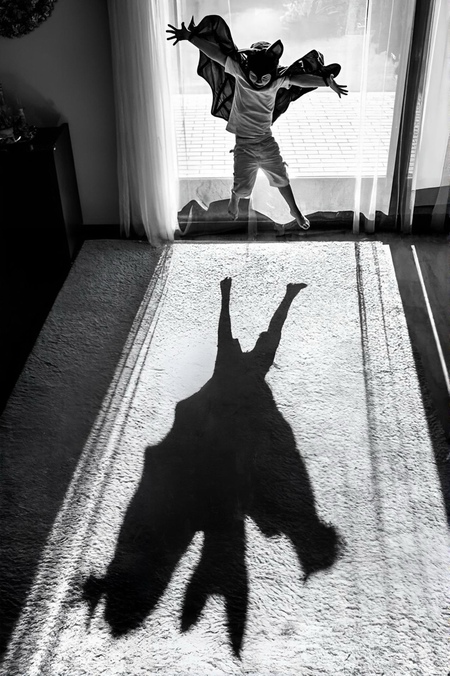
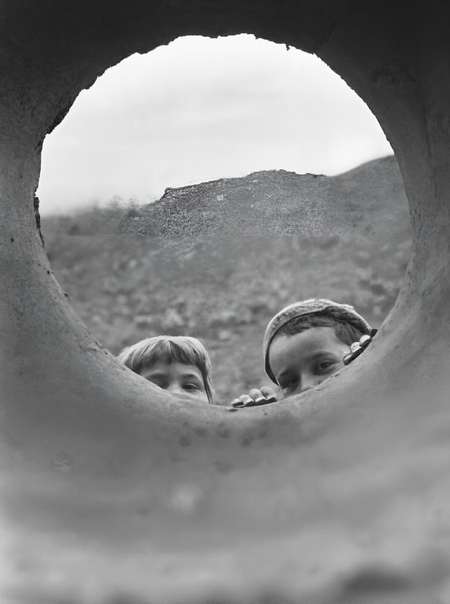
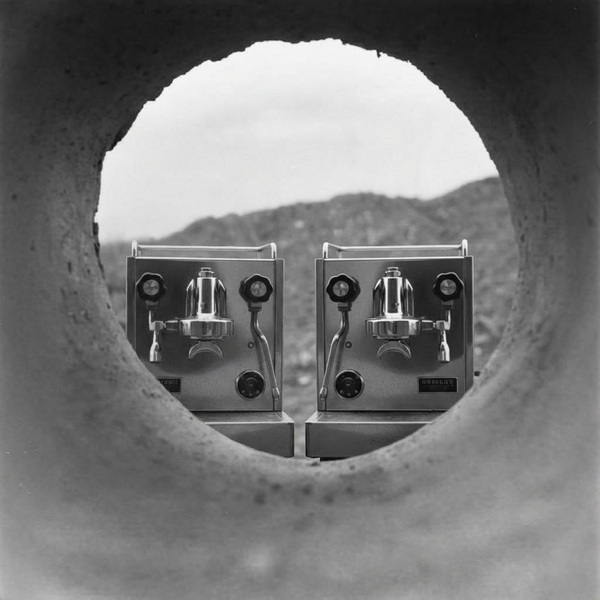
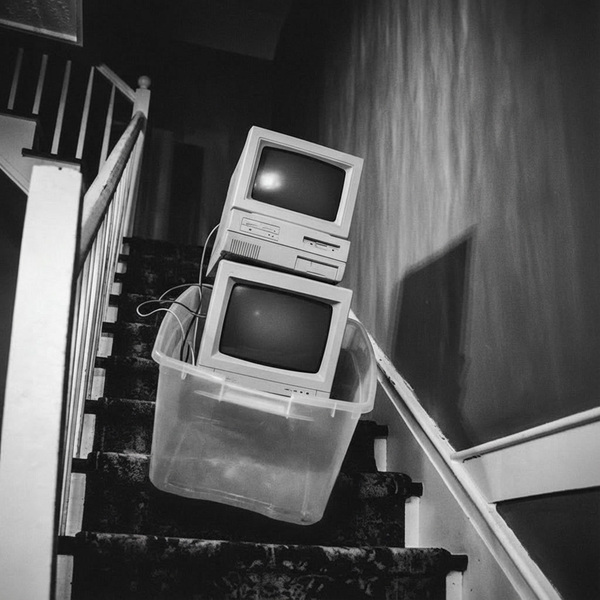
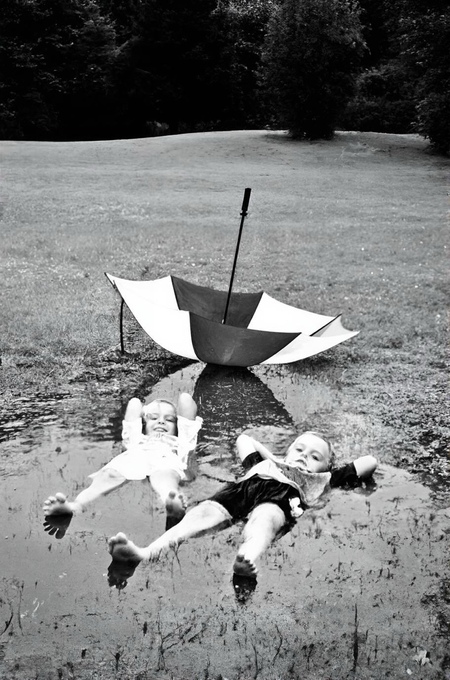
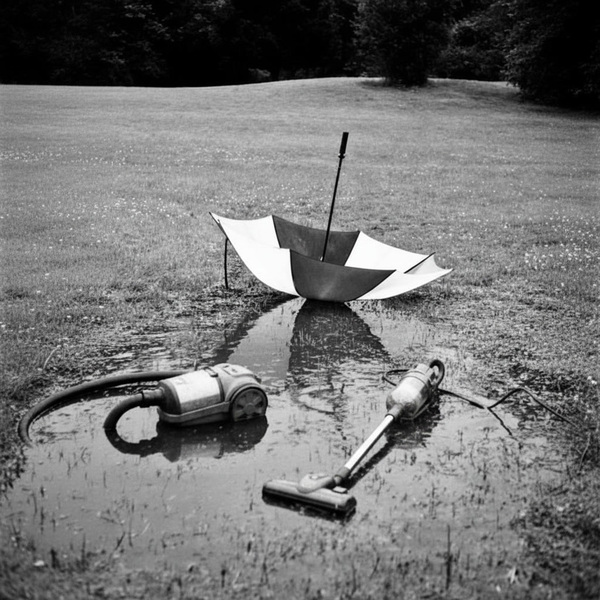
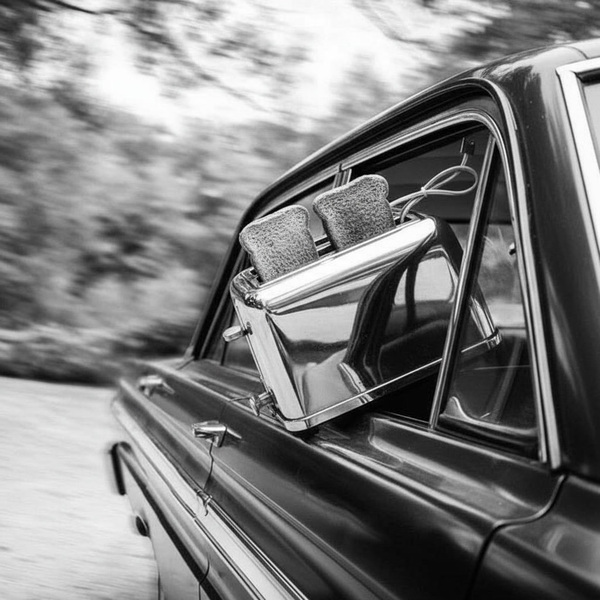
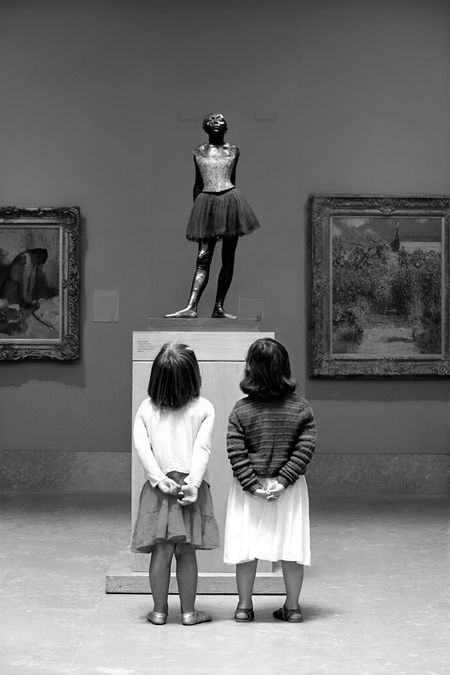
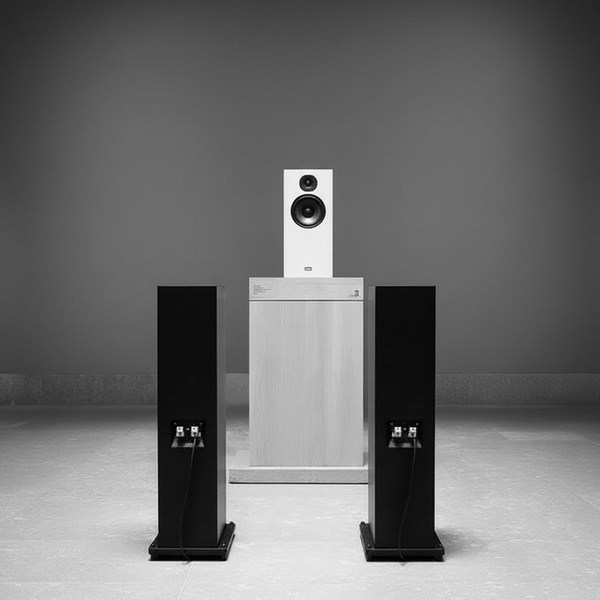
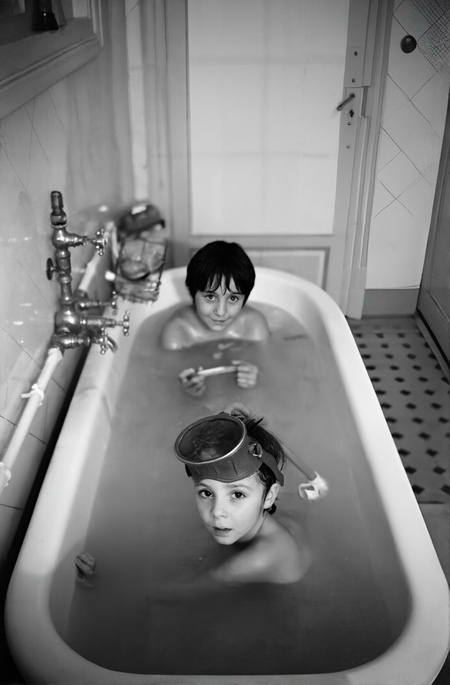
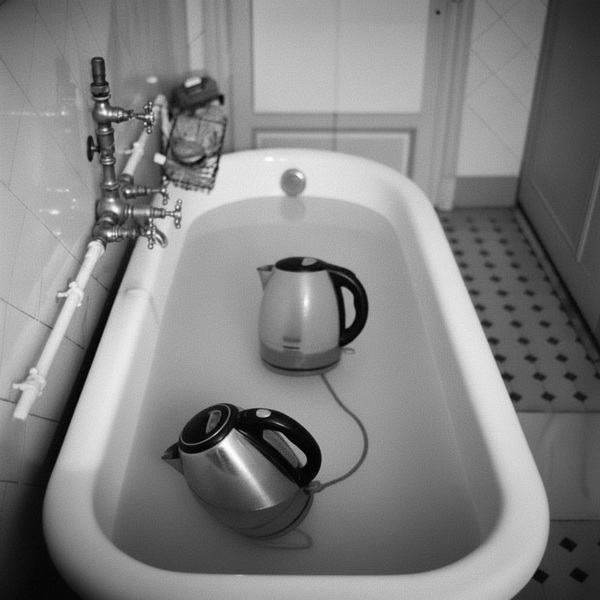
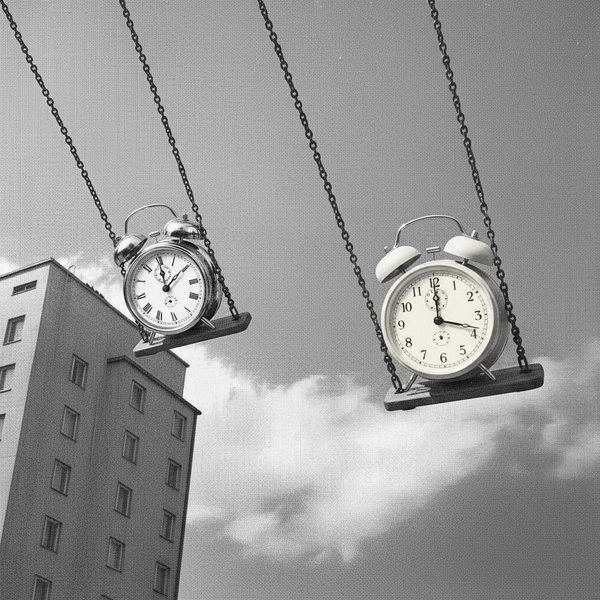
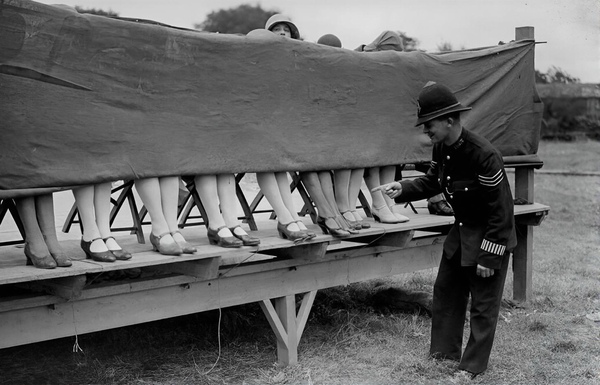
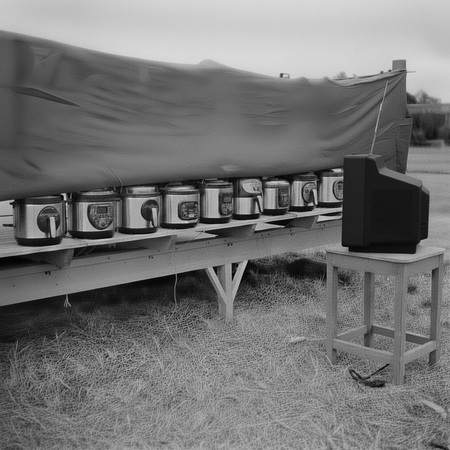
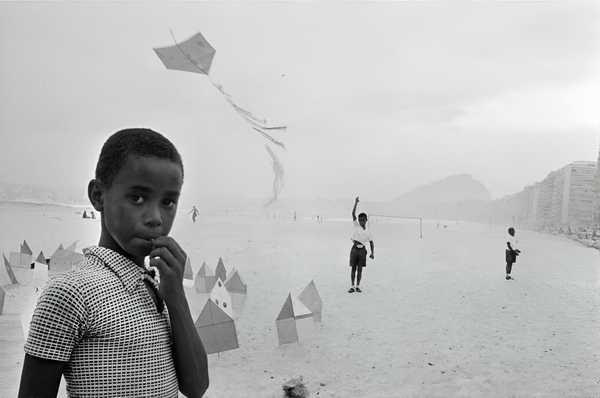
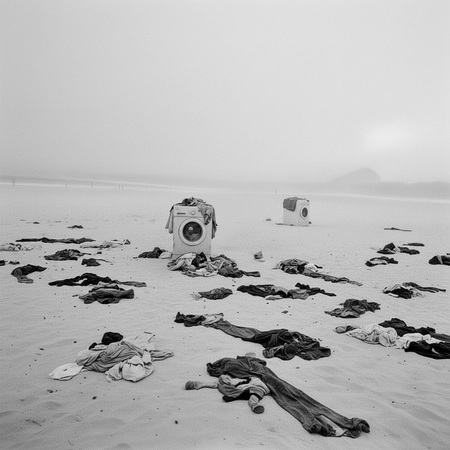
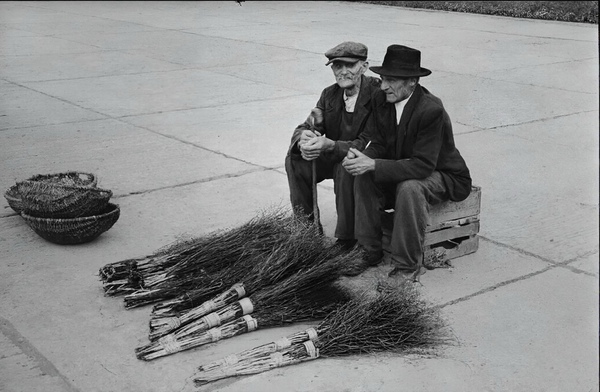
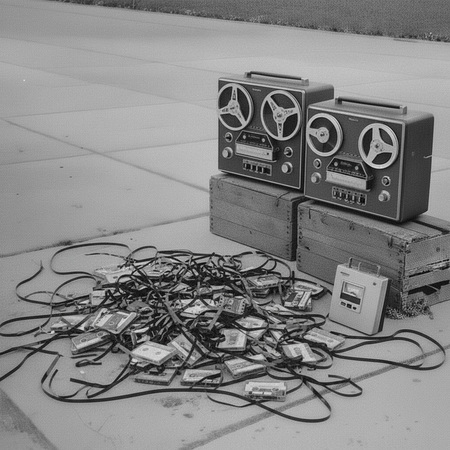
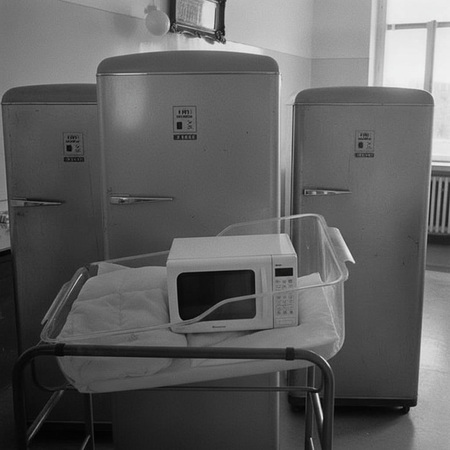
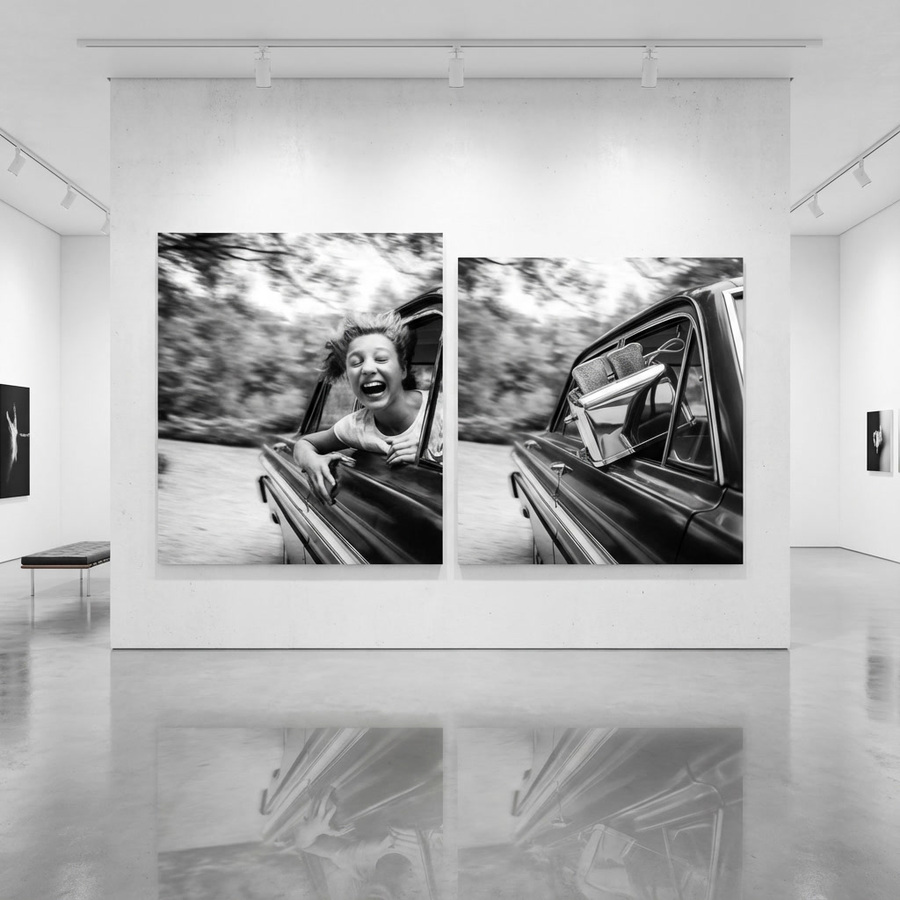
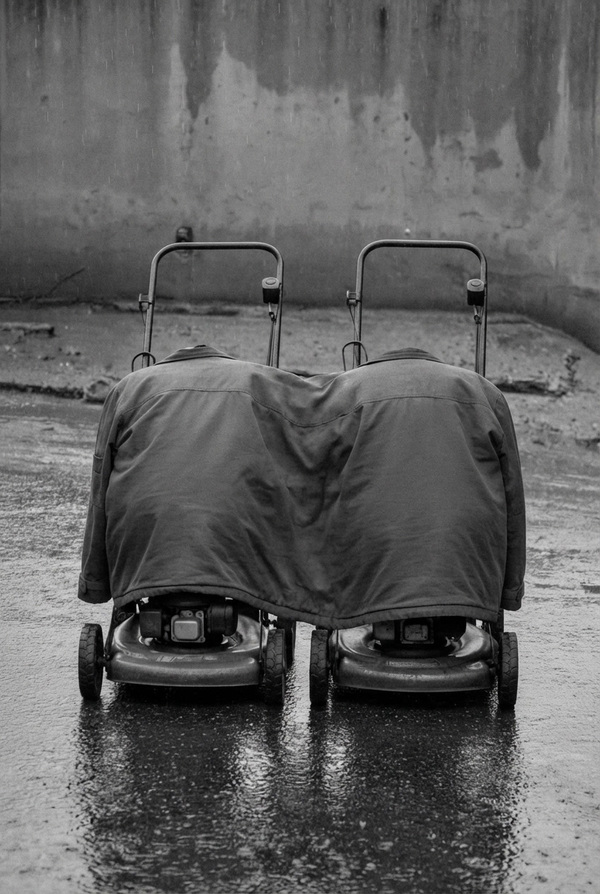
Рыцари быта — это история о вещах, которые сохраняют память о человеке и продолжают жить своей тихой жизнью, становясь символами невидимой связи между людьми и миром предметов.
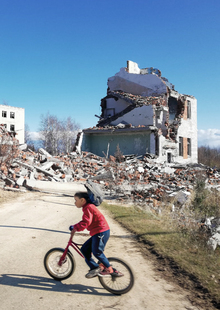
Ксения Сенаторова создала проект, в котором соединила фотографии разрушенного военного городка с нейросетевым воображением, чтобы показать фантомную жизнь прошлого. Проект использует нейросеть Recraft Ai для генерации изображений, добавляющих иллюзорные сцены повседневной жизни в современные снимки забвения.
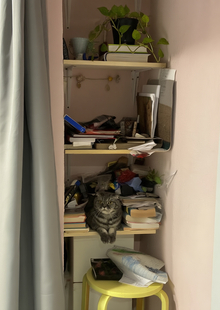
Анастасия Елышева создала проект «Безупречно неисправно», в котором сочетает фотографию и нейросети для визуализации обсессивно-компульсивного расстройства. Проект использует реальные снимки, к которым добавляются символические детали, отражающие внутренние состояния, такие как тревога и застревание в мысли.
Ксения Лемудкина создала проект в формате текста, исследующий лиминальные пространства и их эмоциональное воздействие на человека. Проект включает анализ переходных мест, вызывающих неопределённость и сюрреализм, с использованием нейросетей для генерации визуального материала.
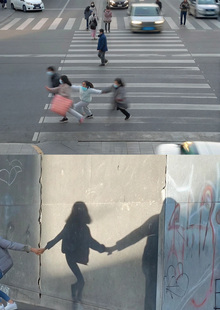
Полина Лысак создала проект BigCityPlayground, в котором городская повседневность превращается в пространство детской игры. В проекте используется нейросеть для трансформации обыденных городских ландшафтов в игровые поля.
We use cookies to improve the operation of the website and to enhance its usability. More detailed information on the use of cookies can be fo...
Show more
Press space bar to start a drag.
When dragging you can use the arrow keys to move the item around and escape to cancel.
Some screen readers may require you to be in focus mode or to use your pass through key
Press space bar to start a drag.
When dragging you can use the arrow keys to move the item around and escape to cancel.
Some screen readers may require you to be in focus mode or to use your pass through key
Press space bar to start a drag.
When dragging you can use the arrow keys to move the item around and escape to cancel.
Some screen readers may require you to be in focus mode or to use your pass through key
Press space bar to start a drag.
When dragging you can use the arrow keys to move the item around and escape to cancel.
Some screen readers may require you to be in focus mode or to use your pass through key
Press space bar to start a drag.
When dragging you can use the arrow keys to move the item around and escape to cancel.
Some screen readers may require you to be in focus mode or to use your pass through key
Press space bar to start a drag.
When dragging you can use the arrow keys to move the item around and escape to cancel.
Some screen readers may require you to be in focus mode or to use your pass through key
Press space bar to start a drag.
When dragging you can use the arrow keys to move the item around and escape to cancel.
Some screen readers may require you to be in focus mode or to use your pass through key
Press space bar to start a drag.
When dragging you can use the arrow keys to move the item around and escape to cancel.
Some screen readers may require you to be in focus mode or to use your pass through key
Press space bar to start a drag.
When dragging you can use the arrow keys to move the item around and escape to cancel.
Some screen readers may require you to be in focus mode or to use your pass through key
Press space bar to start a drag.
When dragging you can use the arrow keys to move the item around and escape to cancel.
Some screen readers may require you to be in focus mode or to use your pass through key
Press space bar to start a drag.
When dragging you can use the arrow keys to move the item around and escape to cancel.
Some screen readers may require you to be in focus mode or to use your pass through key
Press space bar to start a drag.
When dragging you can use the arrow keys to move the item around and escape to cancel.
Some screen readers may require you to be in focus mode or to use your pass through key
Press space bar to start a drag.
When dragging you can use the arrow keys to move the item around and escape to cancel.
Some screen readers may require you to be in focus mode or to use your pass through key
Press space bar to start a drag.
When dragging you can use the arrow keys to move the item around and escape to cancel.
Some screen readers may require you to be in focus mode or to use your pass through key
Press space bar to start a drag.
When dragging you can use the arrow keys to move the item around and escape to cancel.
Some screen readers may require you to be in focus mode or to use your pass through key