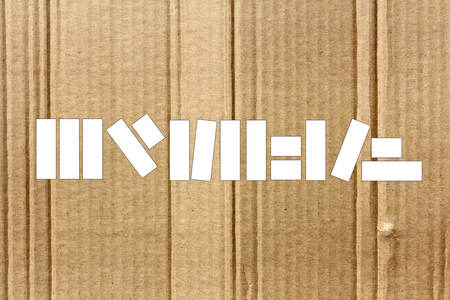
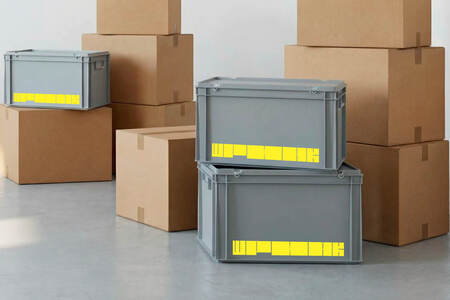
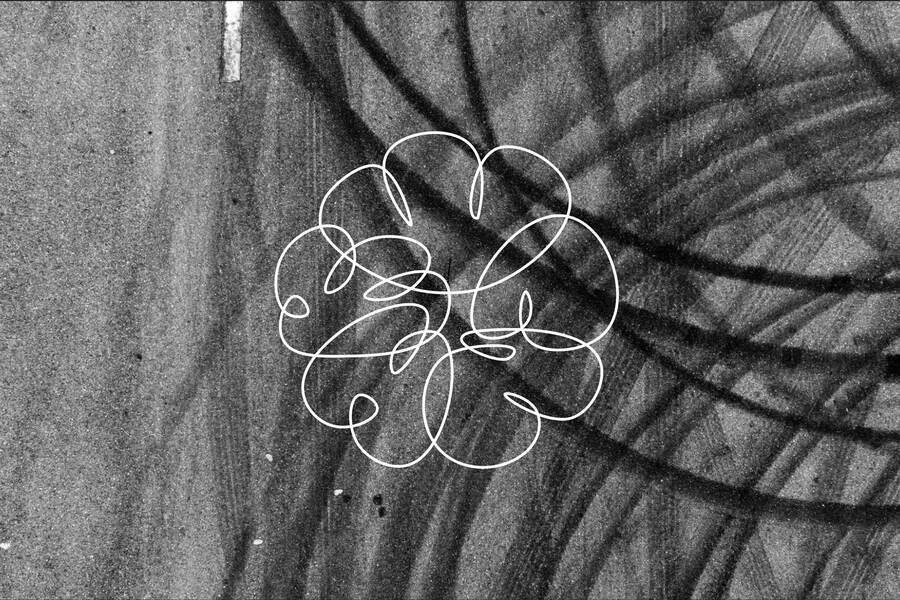
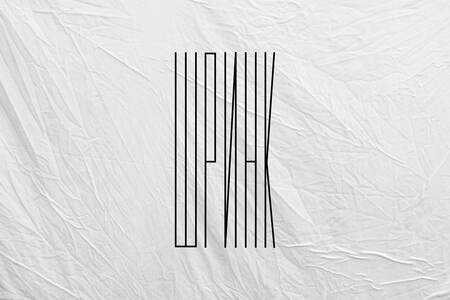
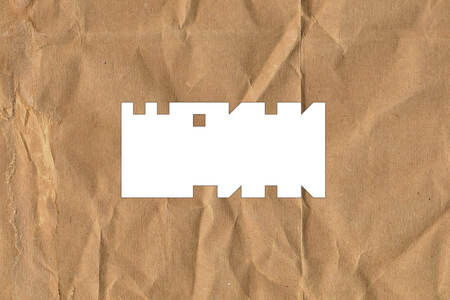
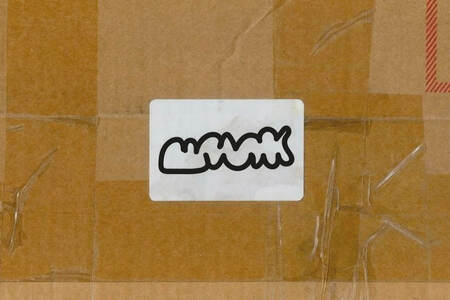
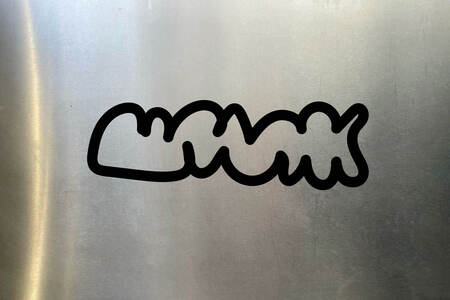
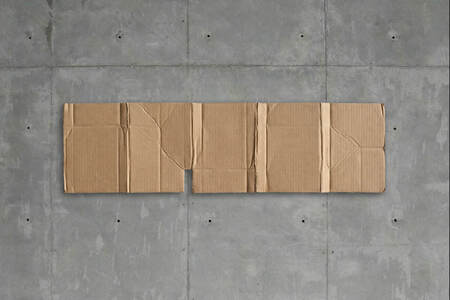
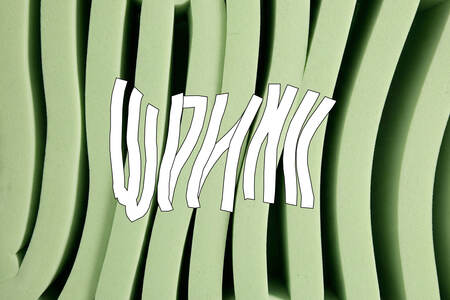
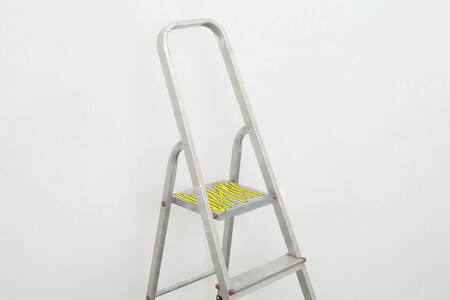
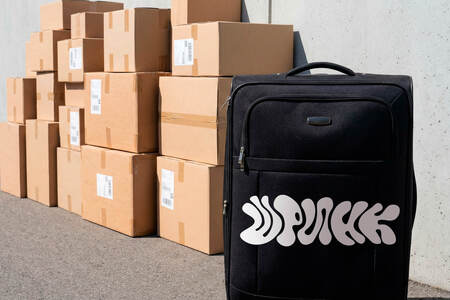
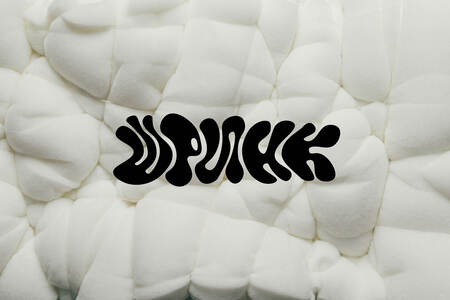
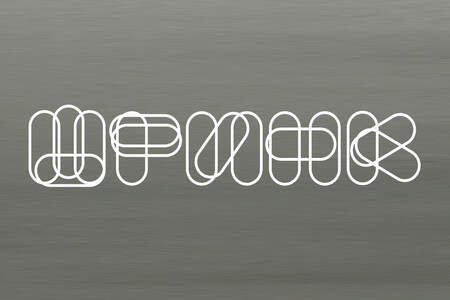
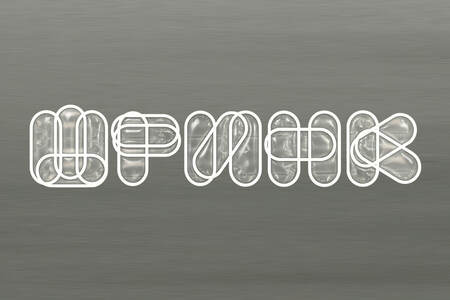
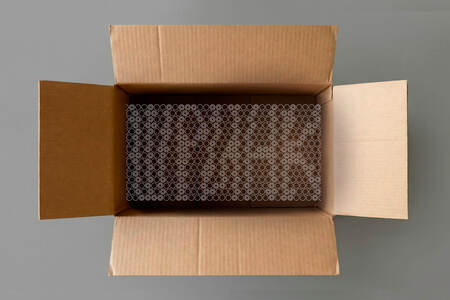
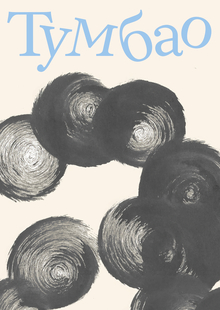
Александра Харабажиу создала проект «ШРИНК», объясняющий термин шринкфляции и связанные с ним процессы. Проект включает три поста в формате текста, описывающих понятие шринкфляции и деятельность организации ШРИНК.
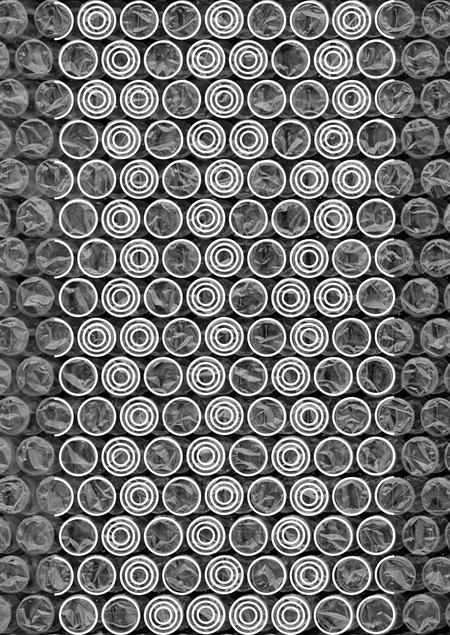
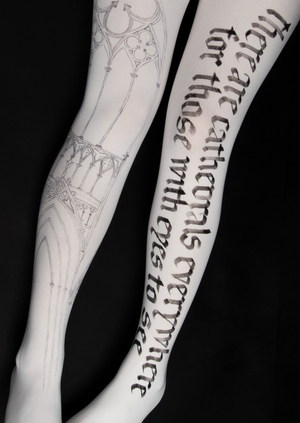
Автор Анастасия Шестакова создала текст, в котором фразы становятся частью тела и кожи через написание на одежде близких к телу предметах. Проект включает в себя одну пост-запись с описанием идеи и её эмоционального воздействия.
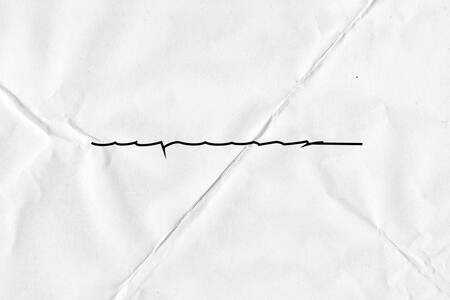
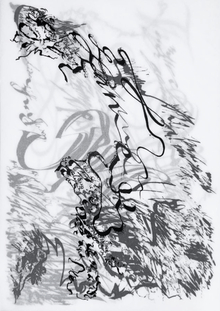
Алиса Морозова создала проект «Under the Layers», в котором исследует влияние интернет-эстетик на формирование личности и идентичности в цифровую эпоху. Проект представляет собой текст, написанный разными почерками и напечатанный на кальке, отражающий сменяющиеся эстетики и их слияние в одной личности.
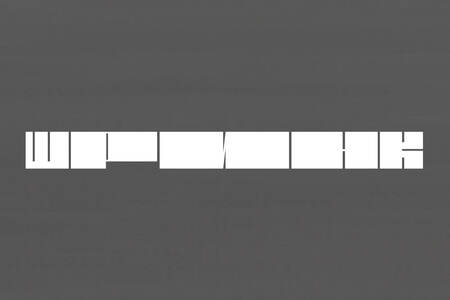
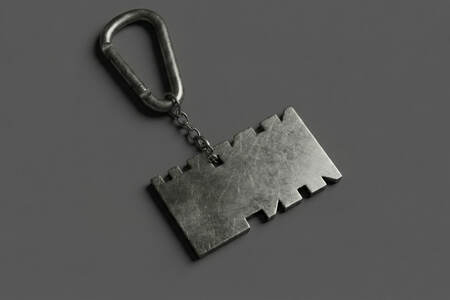
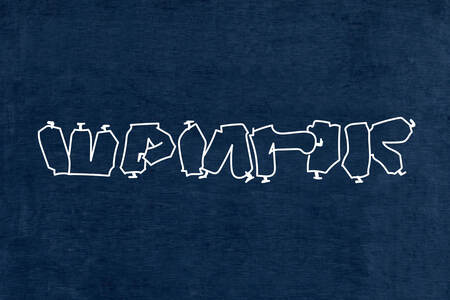
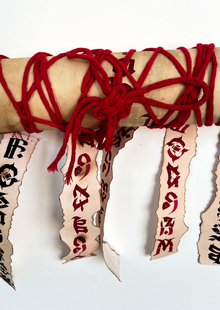
Автор создала мистический артефакт-свиток, вдохновлённый легендами Тейвата из игры Genshin Impact. Свиток написан на двух вымышленных языках и содержит имена могущественных существ, населявших этот мир.
We use cookies to improve the operation of the website and to enhance its usability. More detailed information on the use of cookies can be fo...
Show more
Press space bar to start a drag.
When dragging you can use the arrow keys to move the item around and escape to cancel.
Some screen readers may require you to be in focus mode or to use your pass through key
Press space bar to start a drag.
When dragging you can use the arrow keys to move the item around and escape to cancel.
Some screen readers may require you to be in focus mode or to use your pass through key
Press space bar to start a drag.
When dragging you can use the arrow keys to move the item around and escape to cancel.
Some screen readers may require you to be in focus mode or to use your pass through key
Press space bar to start a drag.
When dragging you can use the arrow keys to move the item around and escape to cancel.
Some screen readers may require you to be in focus mode or to use your pass through key
Press space bar to start a drag.
When dragging you can use the arrow keys to move the item around and escape to cancel.
Some screen readers may require you to be in focus mode or to use your pass through key
Press space bar to start a drag.
When dragging you can use the arrow keys to move the item around and escape to cancel.
Some screen readers may require you to be in focus mode or to use your pass through key
Press space bar to start a drag.
When dragging you can use the arrow keys to move the item around and escape to cancel.
Some screen readers may require you to be in focus mode or to use your pass through key
Press space bar to start a drag.
When dragging you can use the arrow keys to move the item around and escape to cancel.
Some screen readers may require you to be in focus mode or to use your pass through key
Press space bar to start a drag.
When dragging you can use the arrow keys to move the item around and escape to cancel.
Some screen readers may require you to be in focus mode or to use your pass through key
Press space bar to start a drag.
When dragging you can use the arrow keys to move the item around and escape to cancel.
Some screen readers may require you to be in focus mode or to use your pass through key
Press space bar to start a drag.
When dragging you can use the arrow keys to move the item around and escape to cancel.
Some screen readers may require you to be in focus mode or to use your pass through key
Press space bar to start a drag.
When dragging you can use the arrow keys to move the item around and escape to cancel.
Some screen readers may require you to be in focus mode or to use your pass through key
Press space bar to start a drag.
When dragging you can use the arrow keys to move the item around and escape to cancel.
Some screen readers may require you to be in focus mode or to use your pass through key