«Но никогда, о, сердце, никогда
С своим я не встречался ожиданьем.»
(К. Бальмонт)
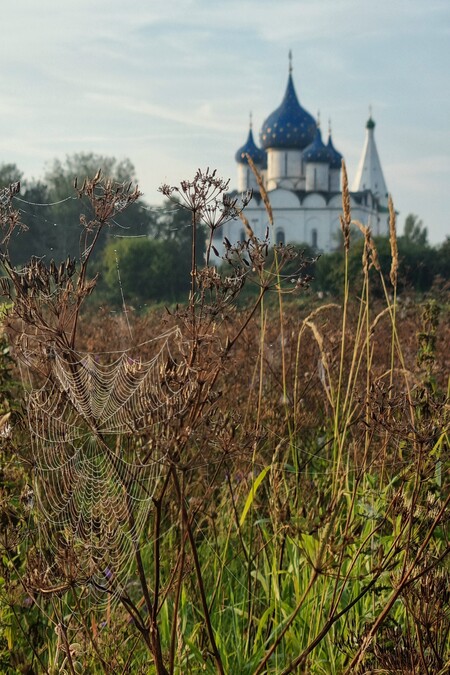
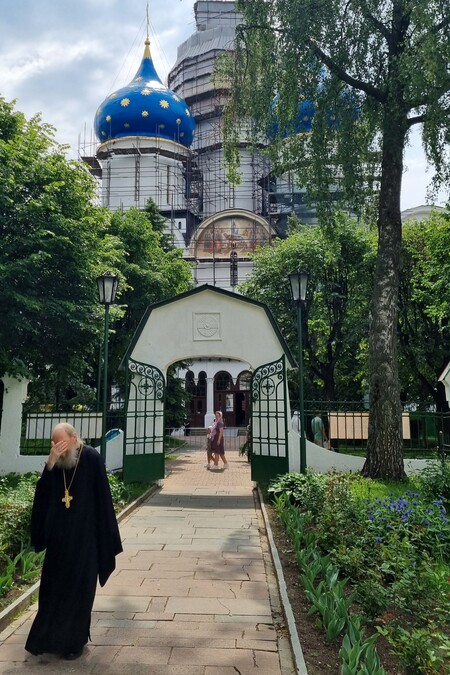
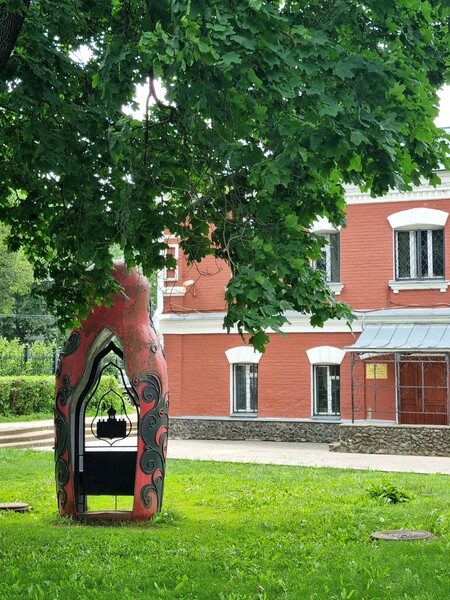
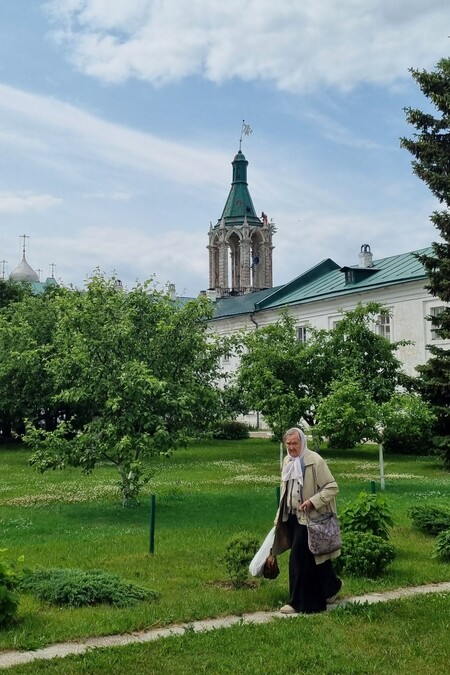
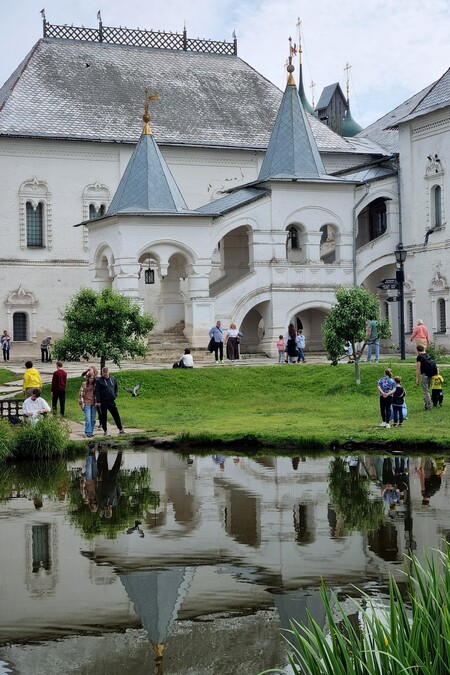
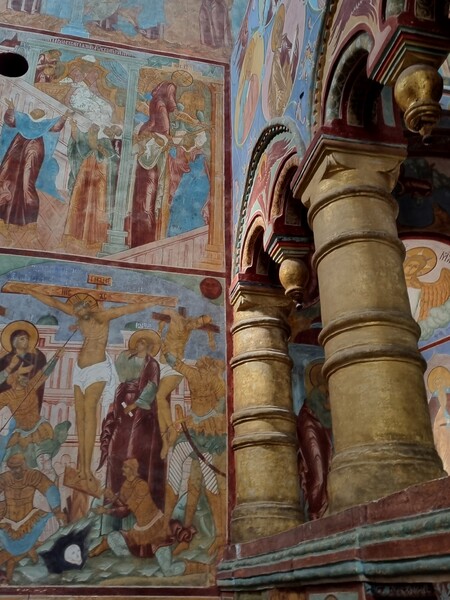
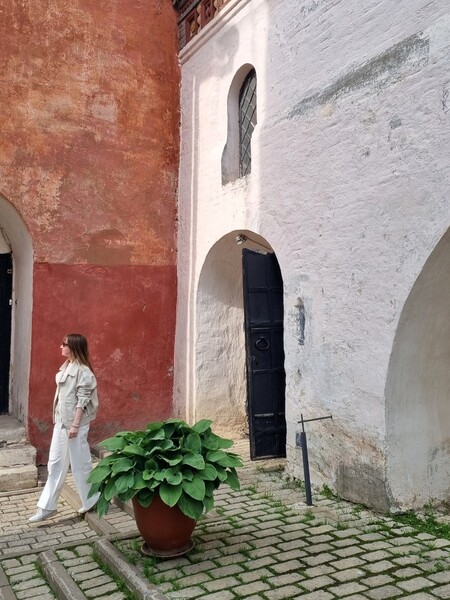
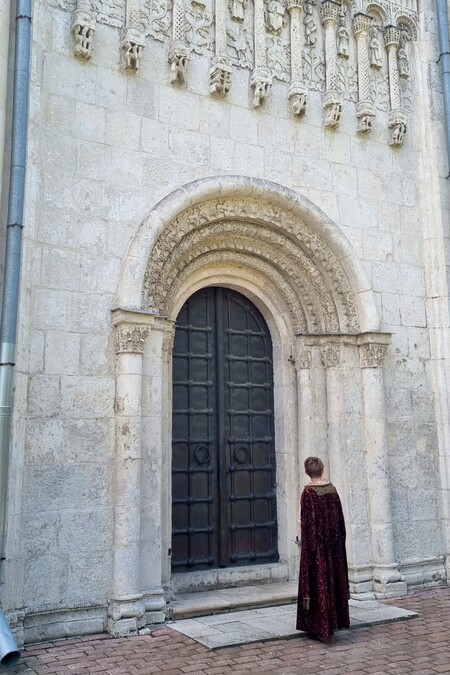
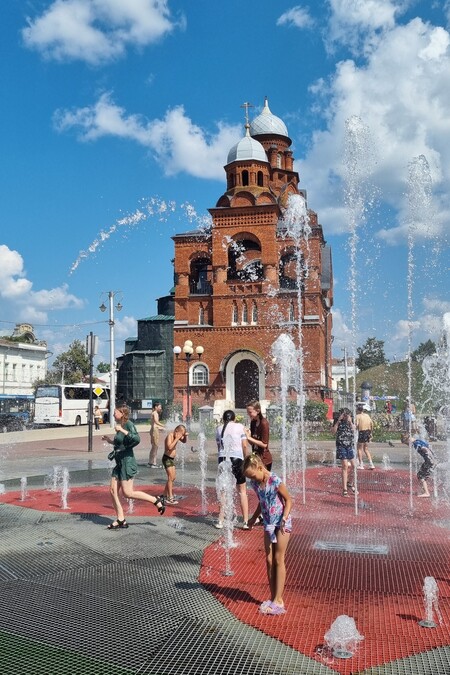
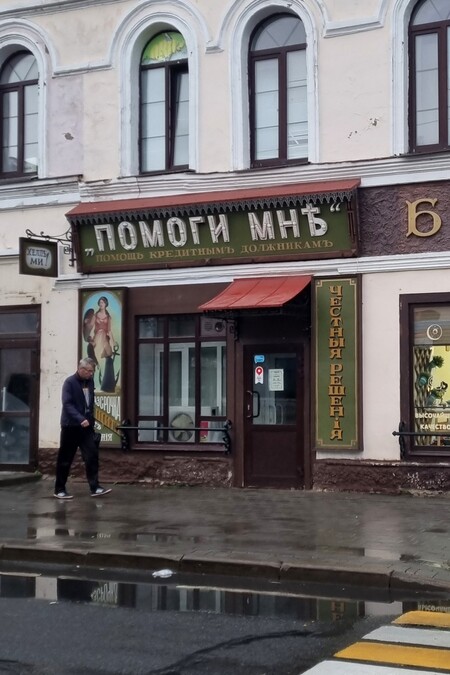
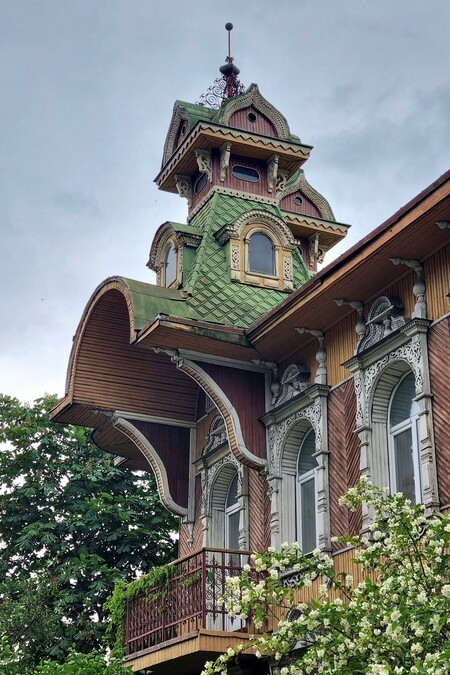
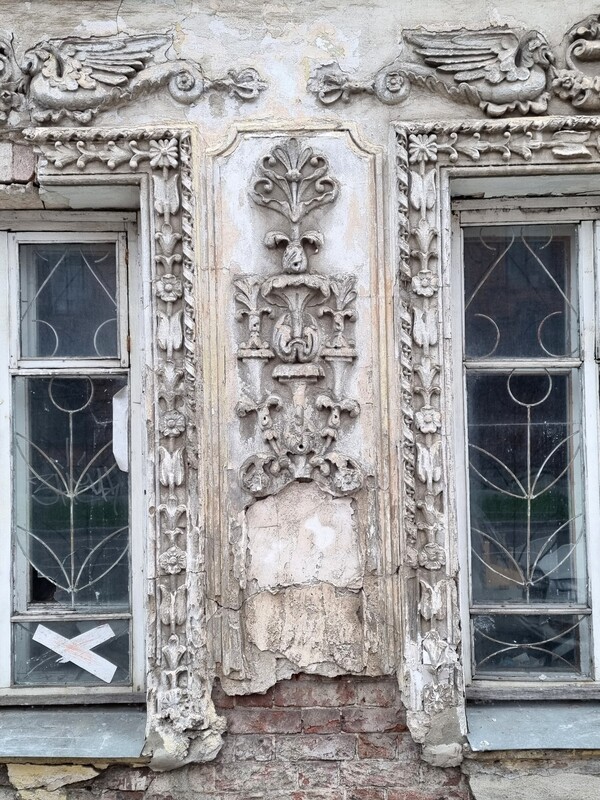
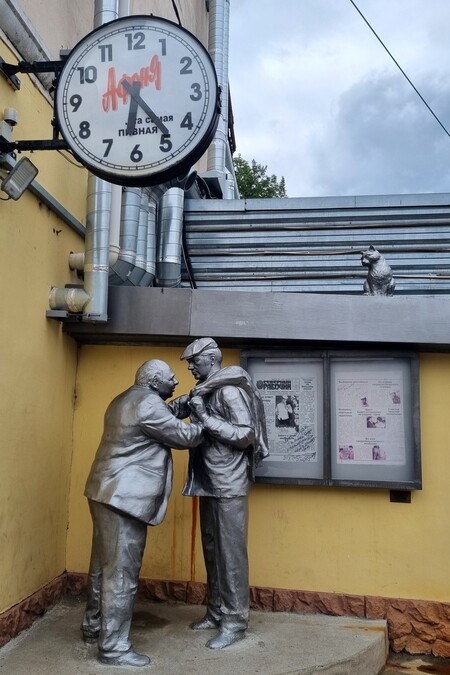
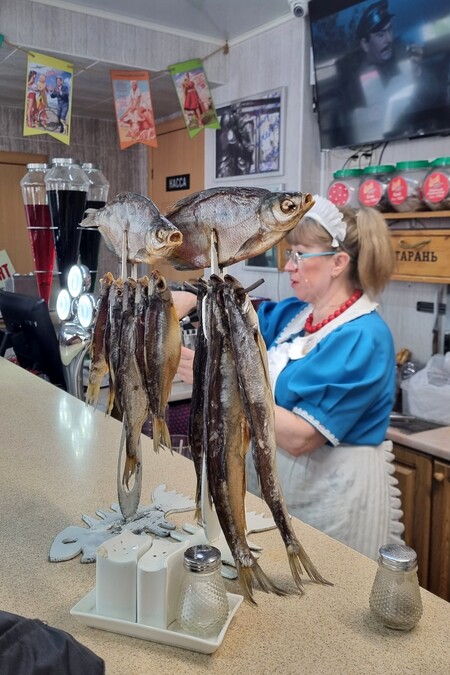
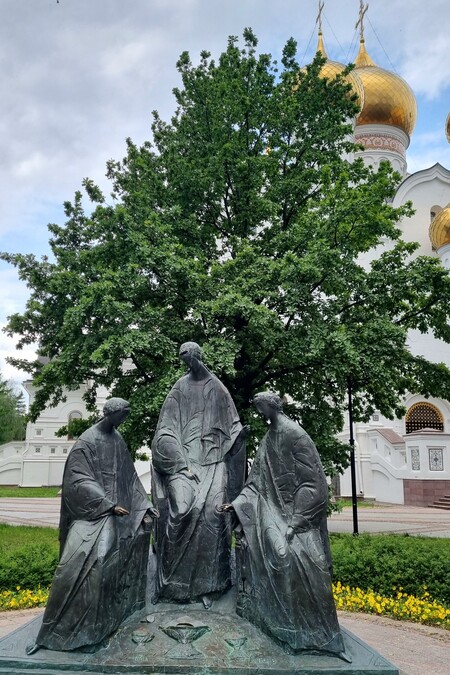
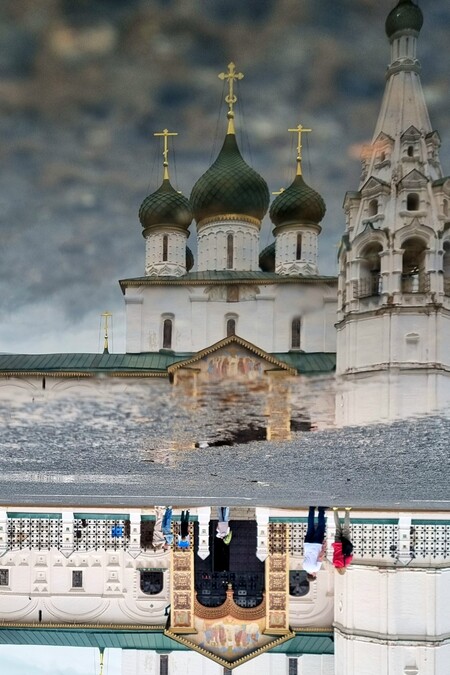
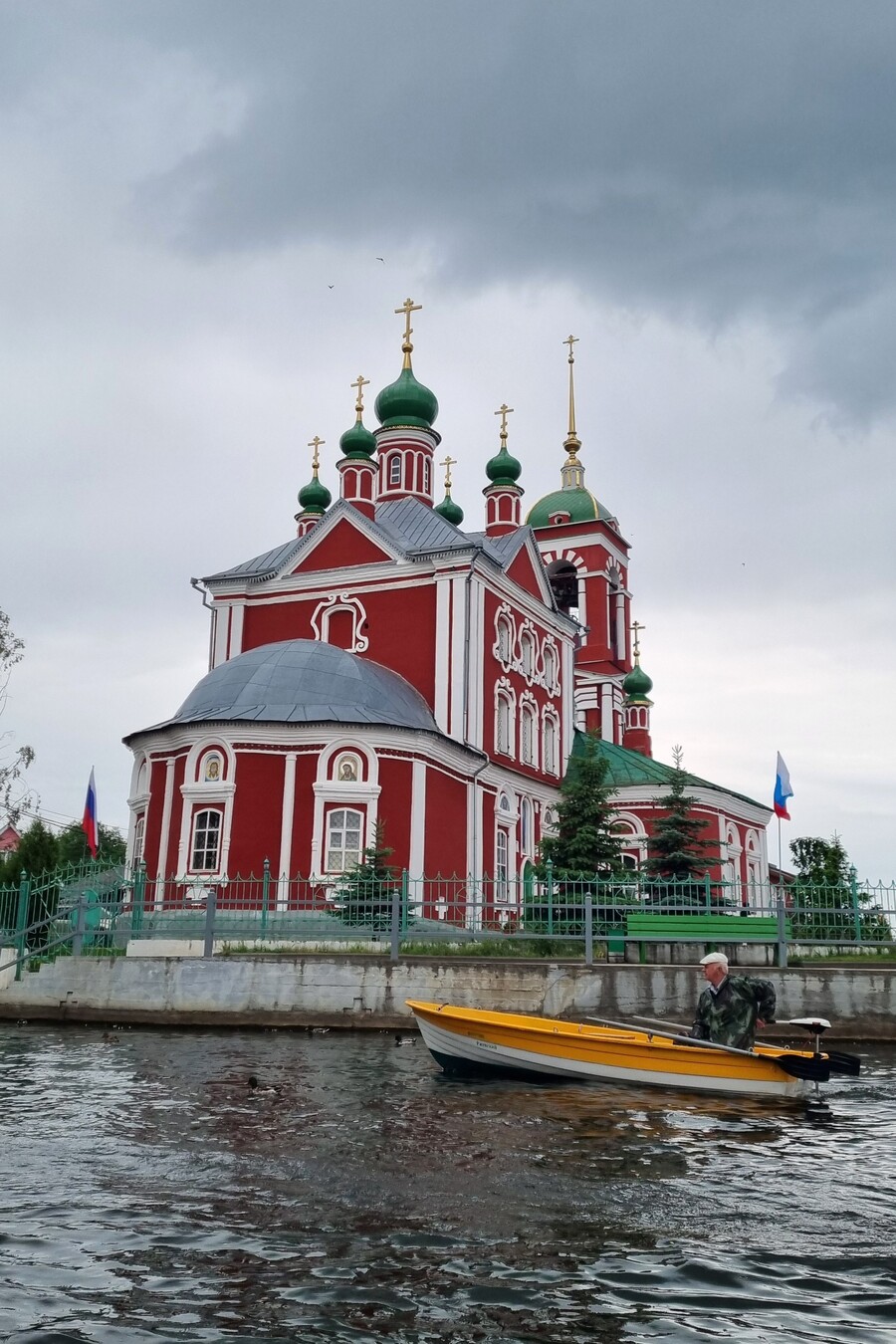
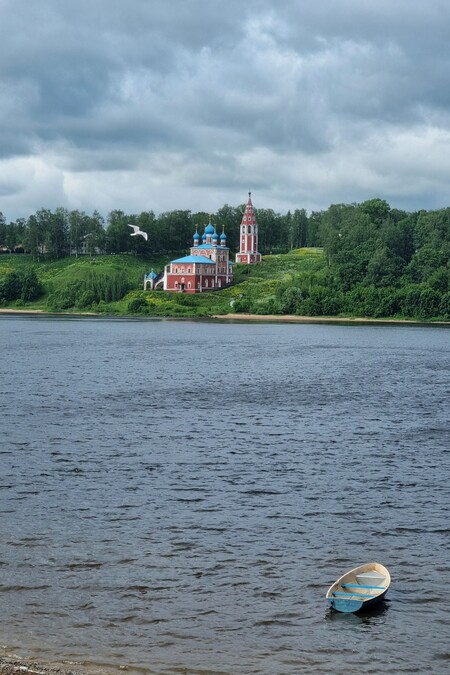
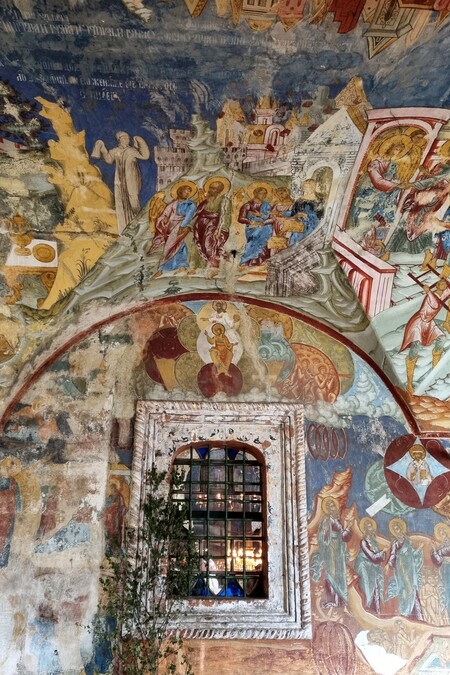
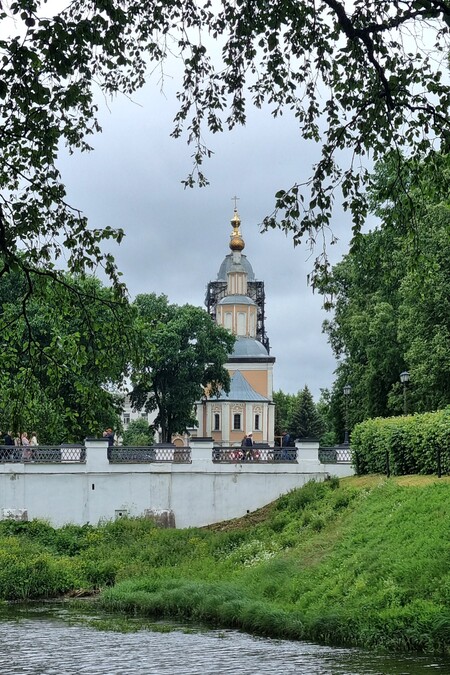
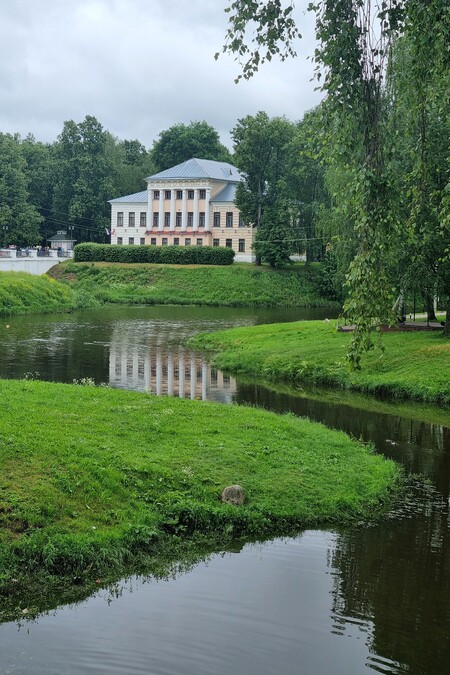
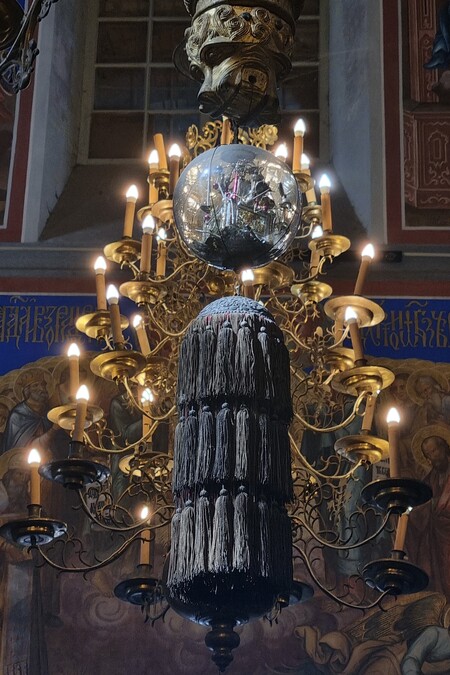
Представленная фотосерия — это не про достопримечательности или туризм, хотя и про это, но по большей части про первое впечатление о рутинном видении окружающего людьми-постояльцами, жителями Золотого кольца. Что окружает жителя, когда он утром выходит из дома на прогулку или по делам? Что видит житель, когда смотрит на свой город не глазами туриста? Можно ли заметить что-то «цепляющее» в обыденном?
Глафира Чаликова создала серию открыток, посвящённую путешествию богатыря Данилы Бориславича по городам Золотого кольца России. Каждая открытка раскрывает уникальные символы, легенды и культурные традиции конкретного города через оригинальную подпись-присказку.
Группа художников кружка «Наш вернисаж» Центра Московского долголетия «Можайский» Москвы представляет на конкурс в номинации «Нарисованная открытка» работу «Радуга Золотого кольца России». Радуга, как символ изменений, светлого будущего, как мост между прошлым и настоящим, как настроение оптимизма и добра — объединила в наших работах любимые города Золотого кольца. И пусть предложенная нашей группой — Елена Абузина, Елена Кутищева, Екатерина Киселёва, Ольга Звездочкина, Наталья Григорьева — серия открыток наполнит Вас, уважаемое жюри, и каждого, переливами радуги воспоминаний, благодарностью, верой и любовью! *** Автор О. Звездочкина Золотое кольцо России - Дорогие для нас слова! В них история наша и сила, Наша память и наша судьба!
We use cookies to improve the operation of the website and to enhance its usability. More detailed information on the use of cookies can be fo...
Show more
Press space bar to start a drag.
When dragging you can use the arrow keys to move the item around and escape to cancel.
Some screen readers may require you to be in focus mode or to use your pass through key
Press space bar to start a drag.
When dragging you can use the arrow keys to move the item around and escape to cancel.
Some screen readers may require you to be in focus mode or to use your pass through key
Press space bar to start a drag.
When dragging you can use the arrow keys to move the item around and escape to cancel.
Some screen readers may require you to be in focus mode or to use your pass through key
Press space bar to start a drag.
When dragging you can use the arrow keys to move the item around and escape to cancel.
Some screen readers may require you to be in focus mode or to use your pass through key
Press space bar to start a drag.
When dragging you can use the arrow keys to move the item around and escape to cancel.
Some screen readers may require you to be in focus mode or to use your pass through key
Press space bar to start a drag.
When dragging you can use the arrow keys to move the item around and escape to cancel.
Some screen readers may require you to be in focus mode or to use your pass through key
Press space bar to start a drag.
When dragging you can use the arrow keys to move the item around and escape to cancel.
Some screen readers may require you to be in focus mode or to use your pass through key
Press space bar to start a drag.
When dragging you can use the arrow keys to move the item around and escape to cancel.
Some screen readers may require you to be in focus mode or to use your pass through key
Press space bar to start a drag.
When dragging you can use the arrow keys to move the item around and escape to cancel.
Some screen readers may require you to be in focus mode or to use your pass through key
Press space bar to start a drag.
When dragging you can use the arrow keys to move the item around and escape to cancel.
Some screen readers may require you to be in focus mode or to use your pass through key
Press space bar to start a drag.
When dragging you can use the arrow keys to move the item around and escape to cancel.
Some screen readers may require you to be in focus mode or to use your pass through key
Press space bar to start a drag.
When dragging you can use the arrow keys to move the item around and escape to cancel.
Some screen readers may require you to be in focus mode or to use your pass through key
Press space bar to start a drag.
When dragging you can use the arrow keys to move the item around and escape to cancel.
Some screen readers may require you to be in focus mode or to use your pass through key
Press space bar to start a drag.
When dragging you can use the arrow keys to move the item around and escape to cancel.
Some screen readers may require you to be in focus mode or to use your pass through key
Press space bar to start a drag.
When dragging you can use the arrow keys to move the item around and escape to cancel.
Some screen readers may require you to be in focus mode or to use your pass through key
Press space bar to start a drag.
When dragging you can use the arrow keys to move the item around and escape to cancel.
Some screen readers may require you to be in focus mode or to use your pass through key
Press space bar to start a drag.
When dragging you can use the arrow keys to move the item around and escape to cancel.
Some screen readers may require you to be in focus mode or to use your pass through key