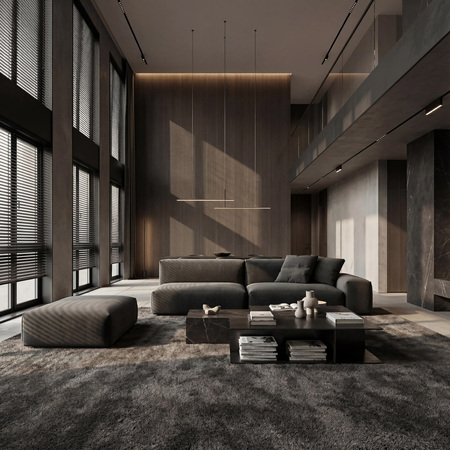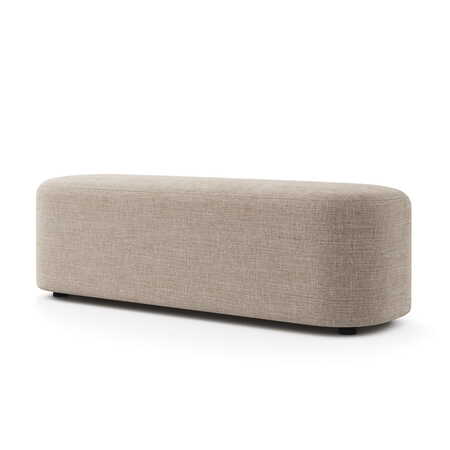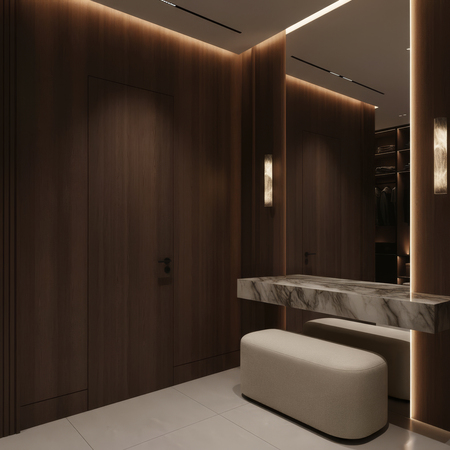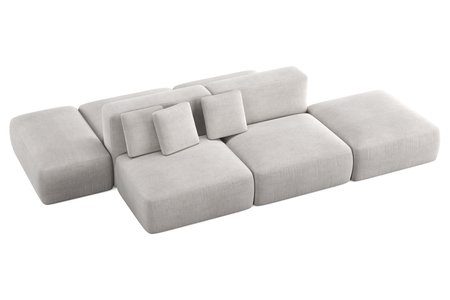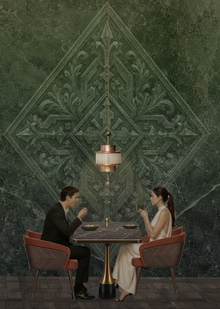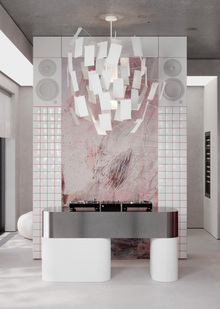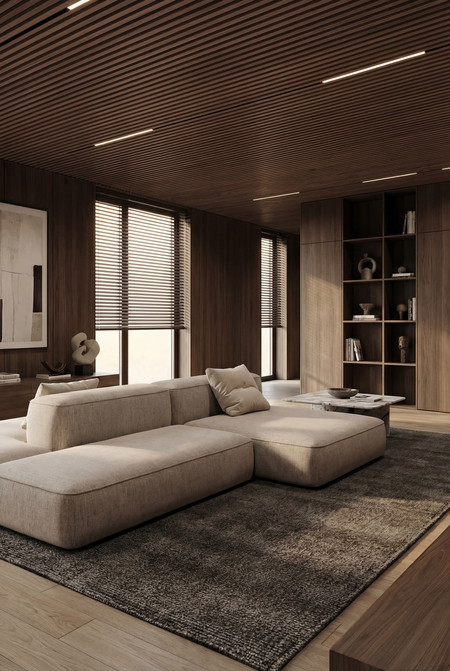
Примеры визуализаций с применением AI-технологий // 2025 г.
Возможности:
— обработка визуализаций в AI без изменения конструктива объекта
— создание уникального интерьера с объектом
— создание изображений в 2к или 4к качестве
— потоковое создание изображений
— создание изображений с разными сценариями освещения, разной погодой и временами года
*Все изображения сжаты
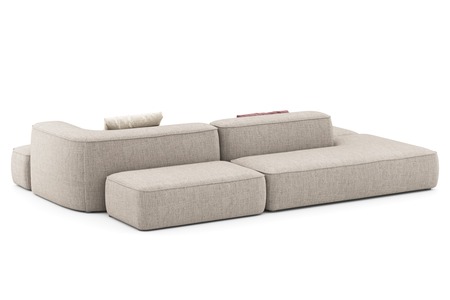
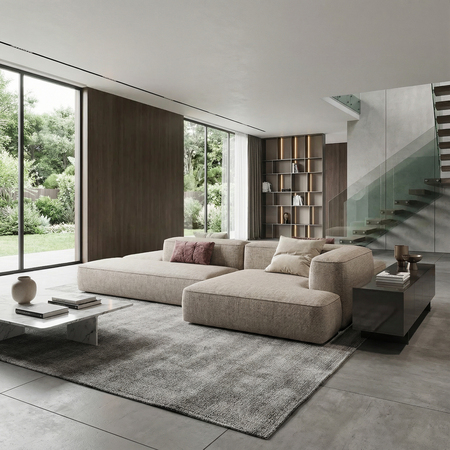
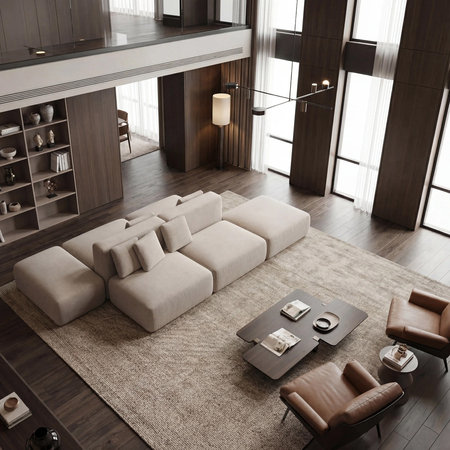
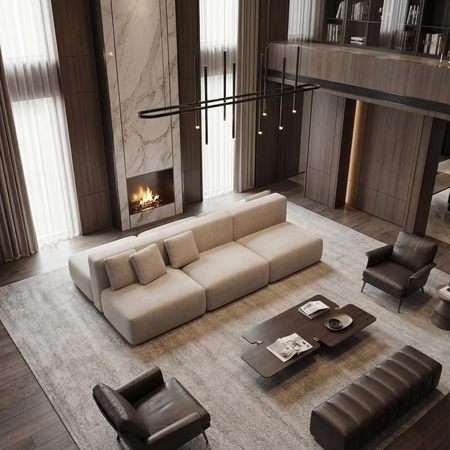
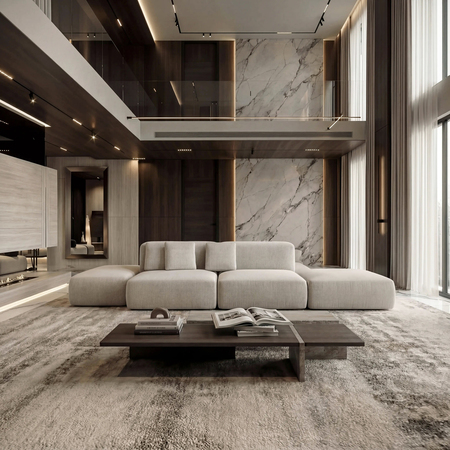
Диван Леман // Лавсит
Рендеры
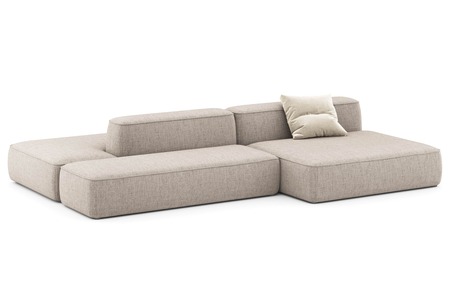
Визуализации в интерьере
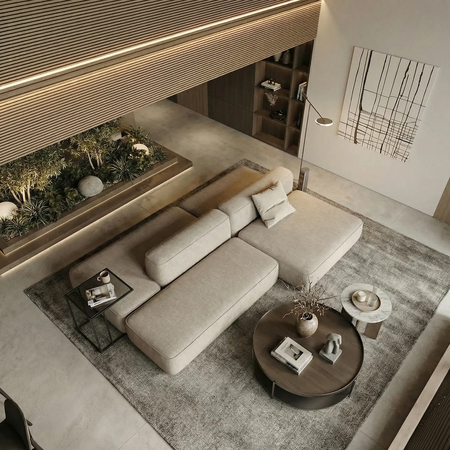
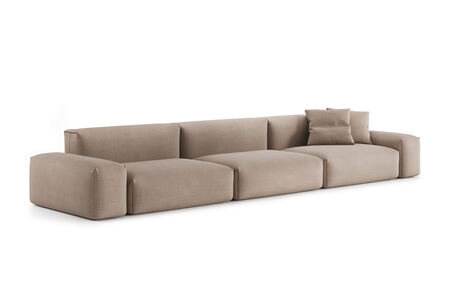
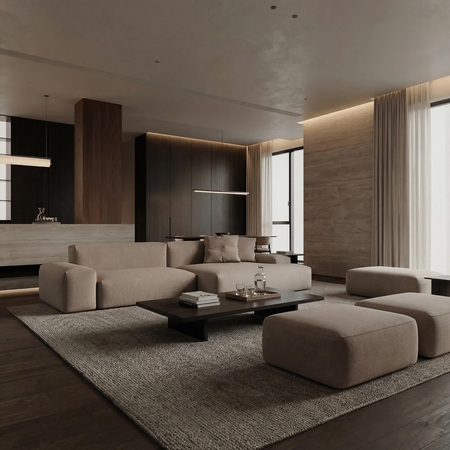
Диван Трэвис// Лавсит
Рендеры
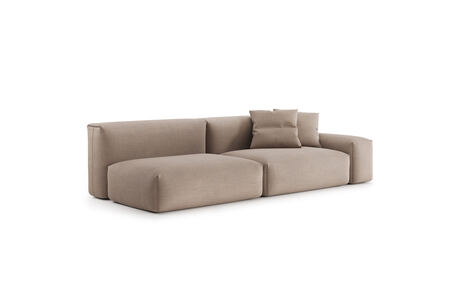
Визуализации
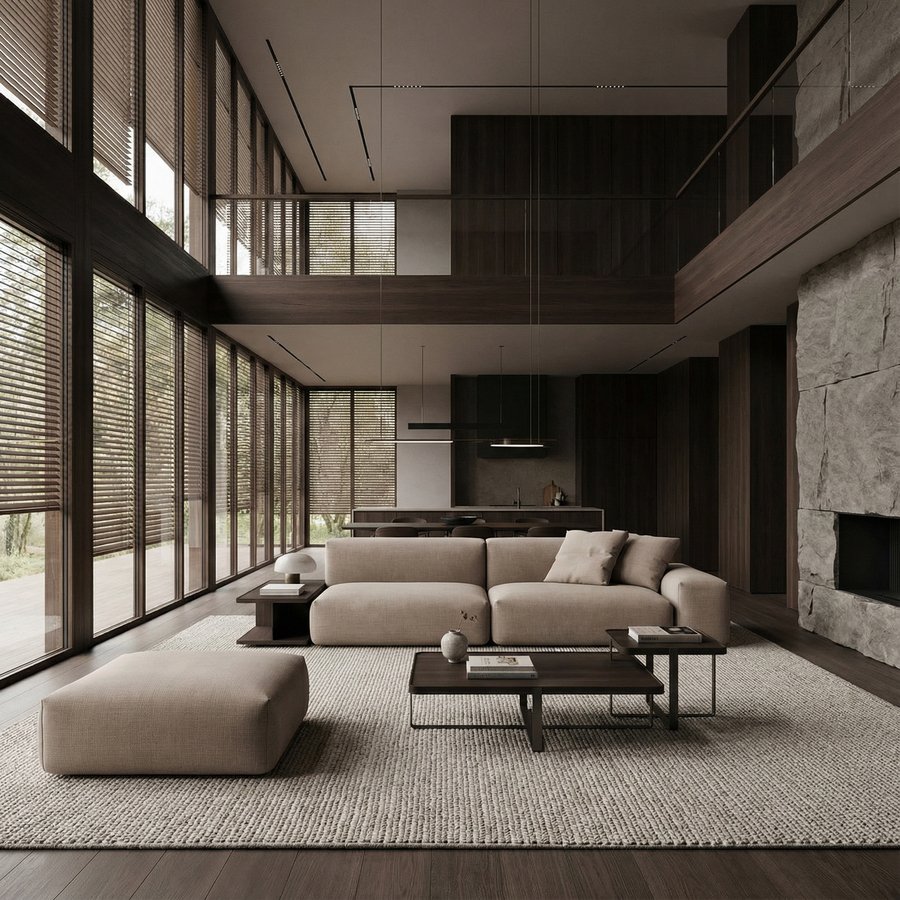
Исходный размер 2048x2048
Исходный размер 2000x2000
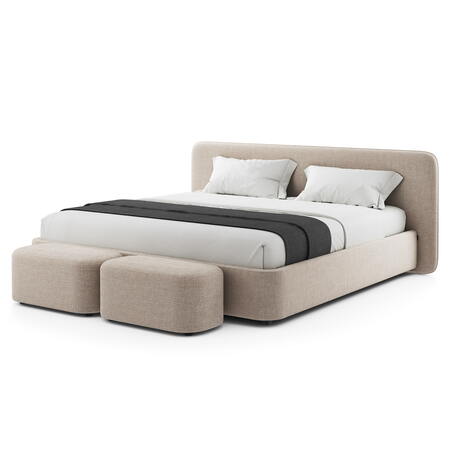
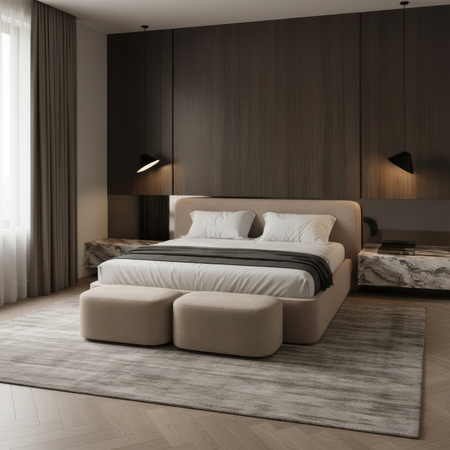
Банкетка Марс + Кровать Барри // Лавсит
Рендеры
Визуализации
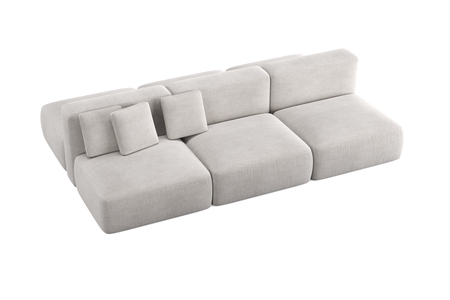
Двусторонний диван Кермит // Лавсит
Рендеры
Визуализации
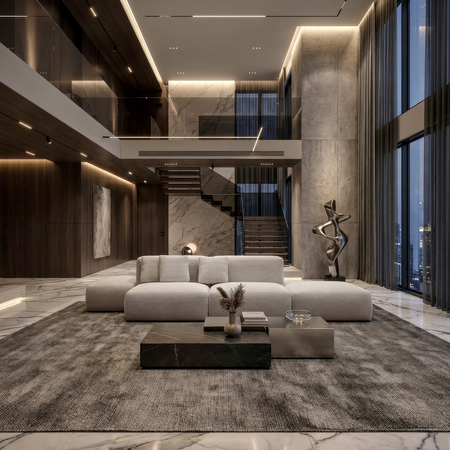
Исходный размер 3000x3000
*3D-моделирование и предварительные визуализации объектов на белом фоне выполнены сторонними подрядчиками.
КОНТАКТЫ
telegram: @karms_ann
e-mail: karamova-ann@mail.ru
Буду рада сотрудничеству!
Пишите и давайте вместе работать над проектами.
Мы используем файлы cookies для улучшения работы сайта и большего удобства его использования. Более подробную информац...
Показать больше
Press space bar to start a drag.
When dragging you can use the arrow keys to move the item around and escape to cancel.
Some screen readers may require you to be in focus mode or to use your pass through key
Press space bar to start a drag.
When dragging you can use the arrow keys to move the item around and escape to cancel.
Some screen readers may require you to be in focus mode or to use your pass through key
Press space bar to start a drag.
When dragging you can use the arrow keys to move the item around and escape to cancel.
Some screen readers may require you to be in focus mode or to use your pass through key
Press space bar to start a drag.
When dragging you can use the arrow keys to move the item around and escape to cancel.
Some screen readers may require you to be in focus mode or to use your pass through key
Press space bar to start a drag.
When dragging you can use the arrow keys to move the item around and escape to cancel.
Some screen readers may require you to be in focus mode or to use your pass through key
Press space bar to start a drag.
When dragging you can use the arrow keys to move the item around and escape to cancel.
Some screen readers may require you to be in focus mode or to use your pass through key
Press space bar to start a drag.
When dragging you can use the arrow keys to move the item around and escape to cancel.
Some screen readers may require you to be in focus mode or to use your pass through key
Press space bar to start a drag.
When dragging you can use the arrow keys to move the item around and escape to cancel.
Some screen readers may require you to be in focus mode or to use your pass through key
Press space bar to start a drag.
When dragging you can use the arrow keys to move the item around and escape to cancel.
Some screen readers may require you to be in focus mode or to use your pass through key